
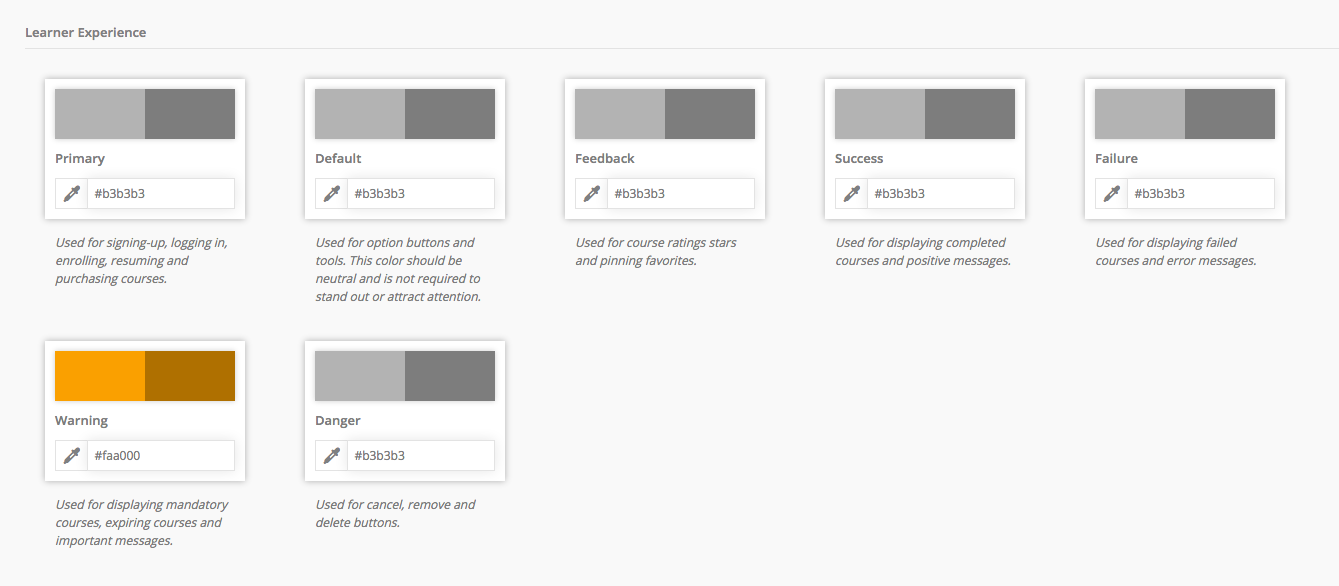
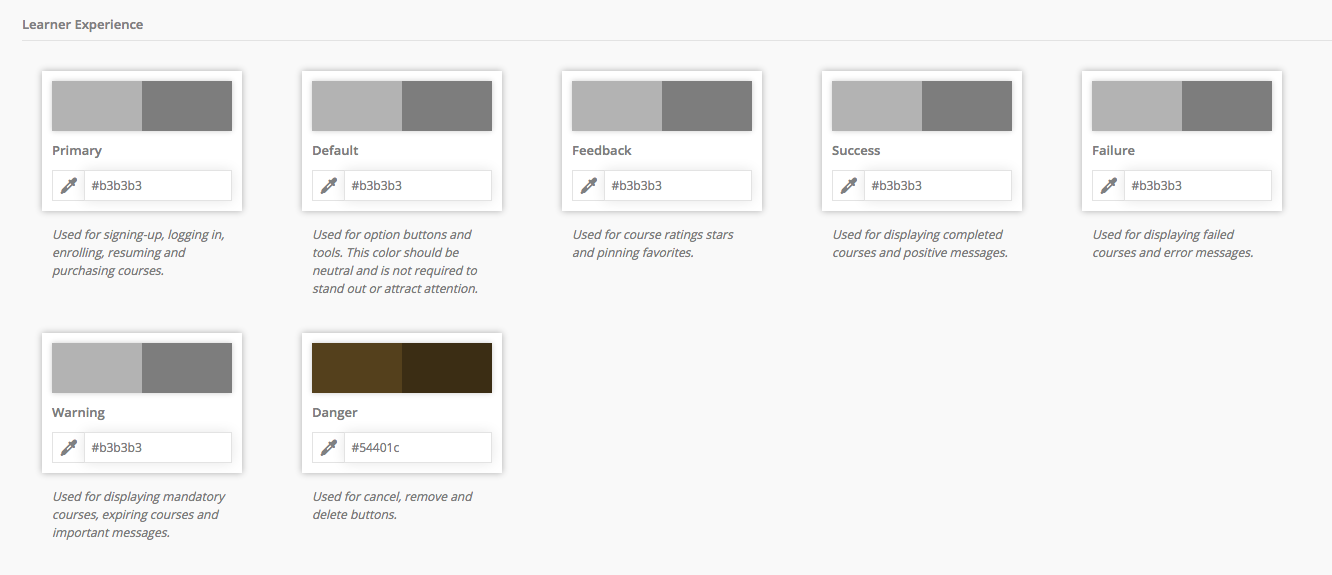
This article is part of the Color Variable Guide. The Learner Experience section of the Theme control panel contains color customization options for buttons, tools, ratings, and status messaging.
In This Article
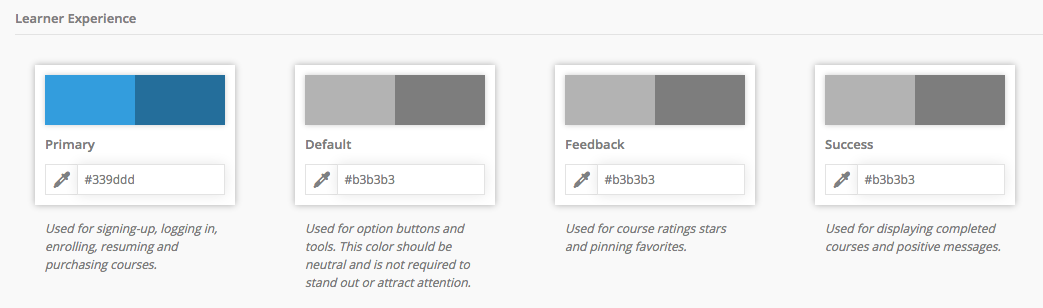
Primary
UI elements affected by this color variable are shown in blue
Dashboard
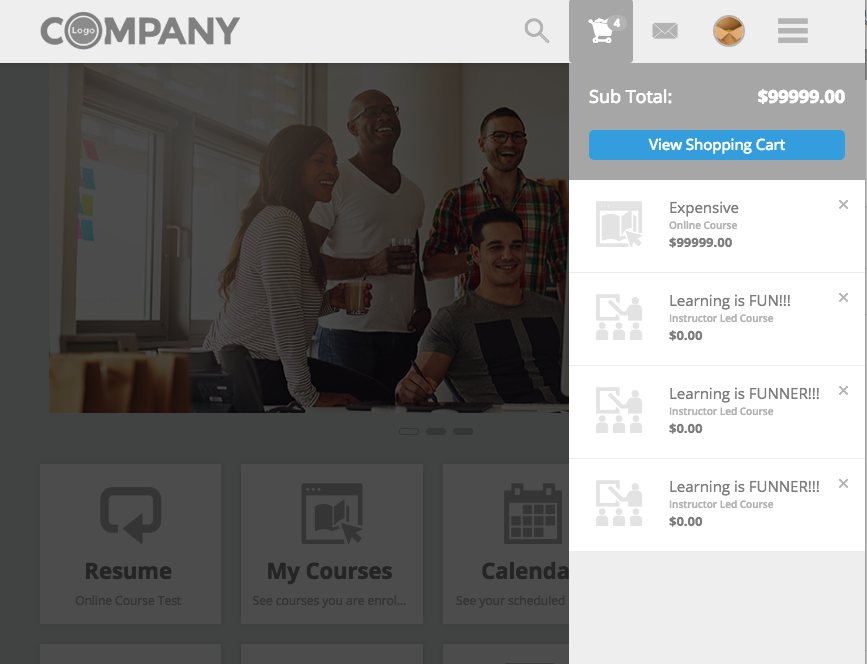
- Header top bar > Shopping Cart Menu > View Shopping Cart button
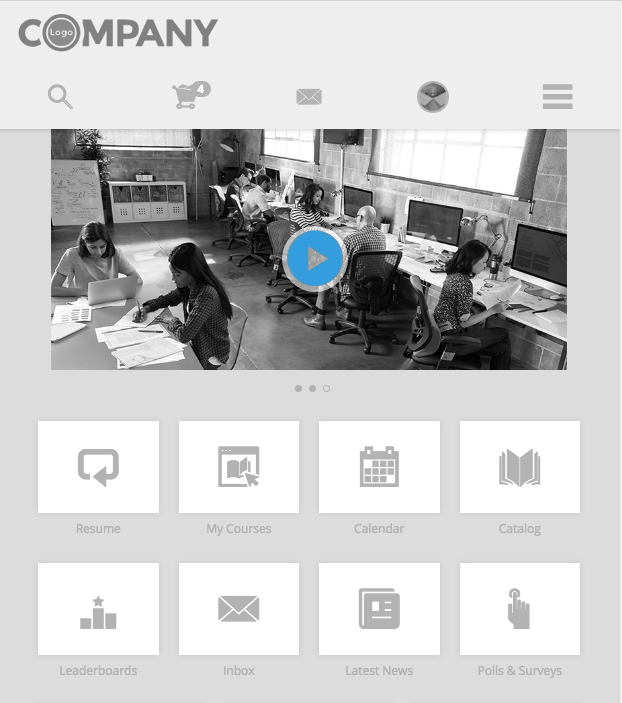
- Billboard > Video > Play Icon button
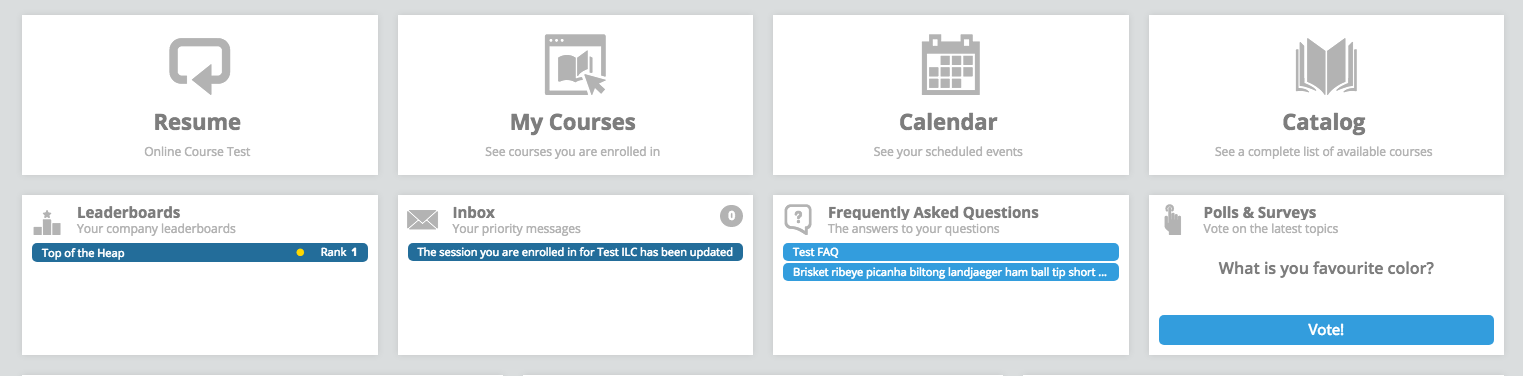
- Large Tiles > Leaderboards, Inbox, FAQs, Polls & Surveys > list items and buttons
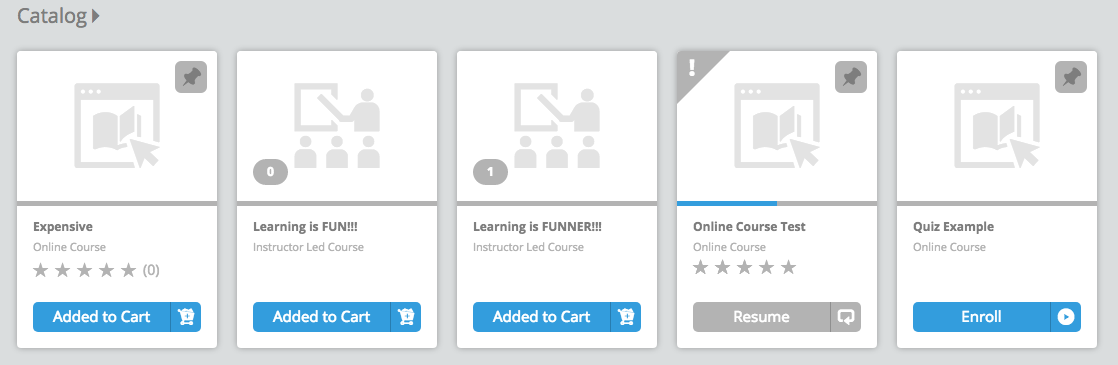
- Container Ribbon > Cards:
- Progress Bar
- Price button
- Added to Cart button
- Enroll button
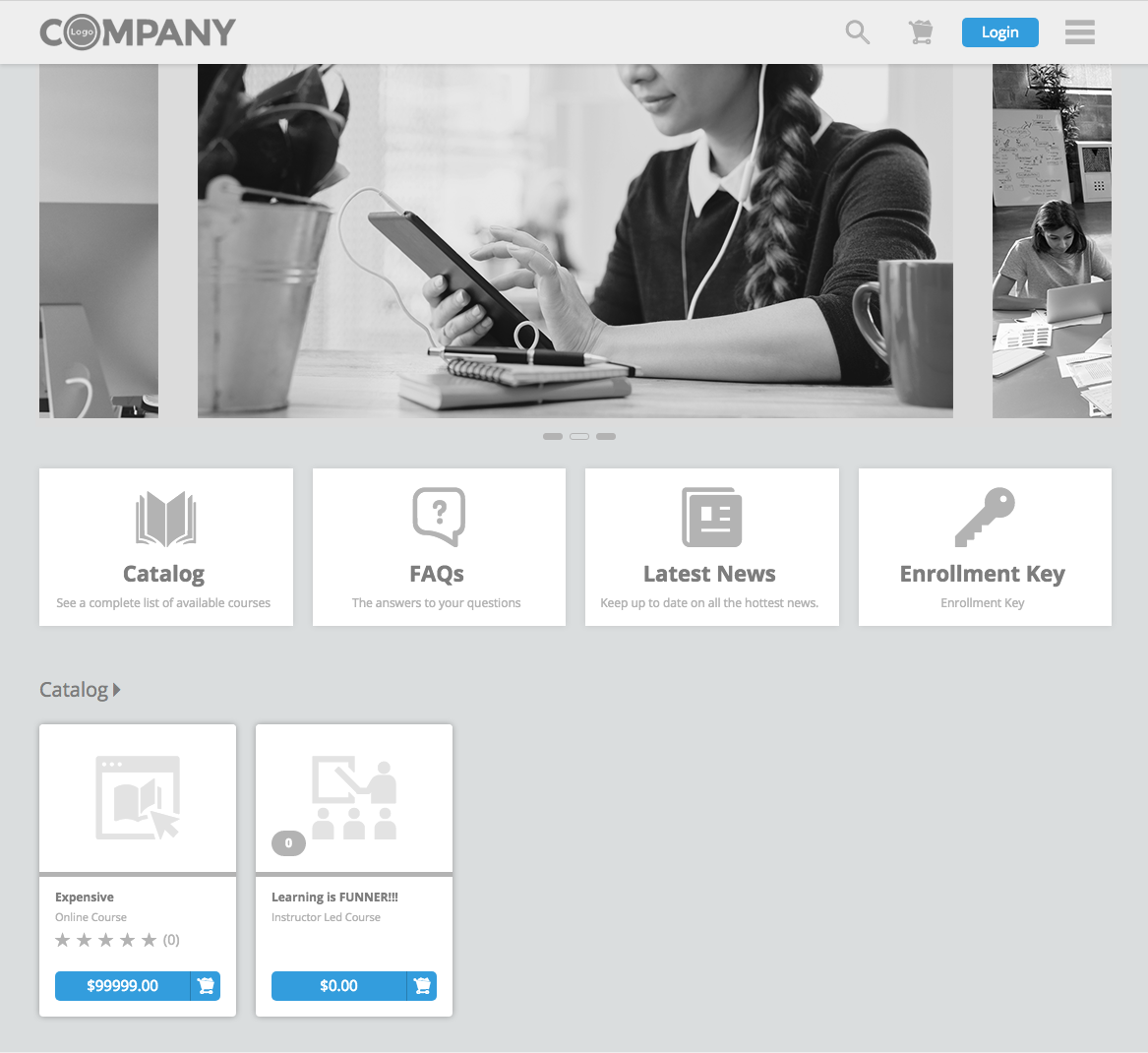
Public Dashboard
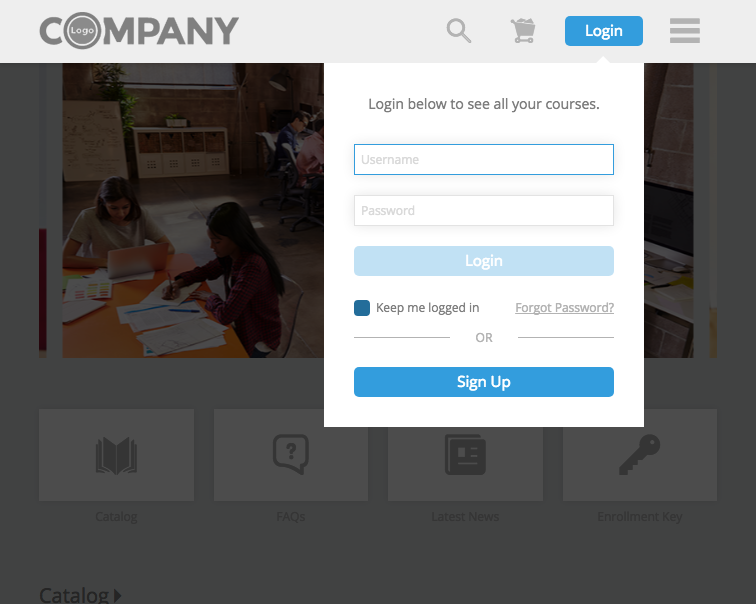
- Top Header:
- Login buttons
- Sign Up button
- Keep me logged in check mark
- Active Field
- Container Ribbon > Cards:
- Progress Bar
- Price button
- Added to Cart button
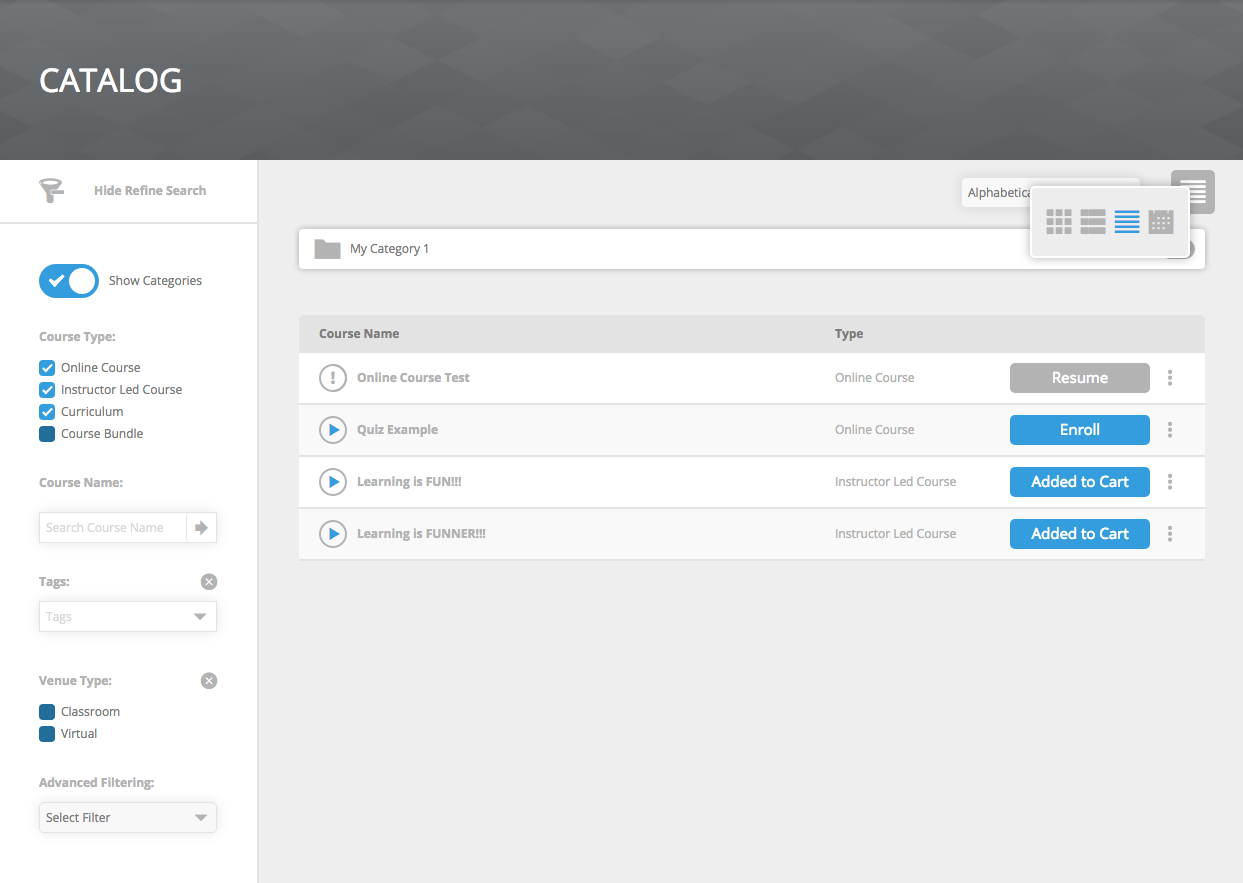
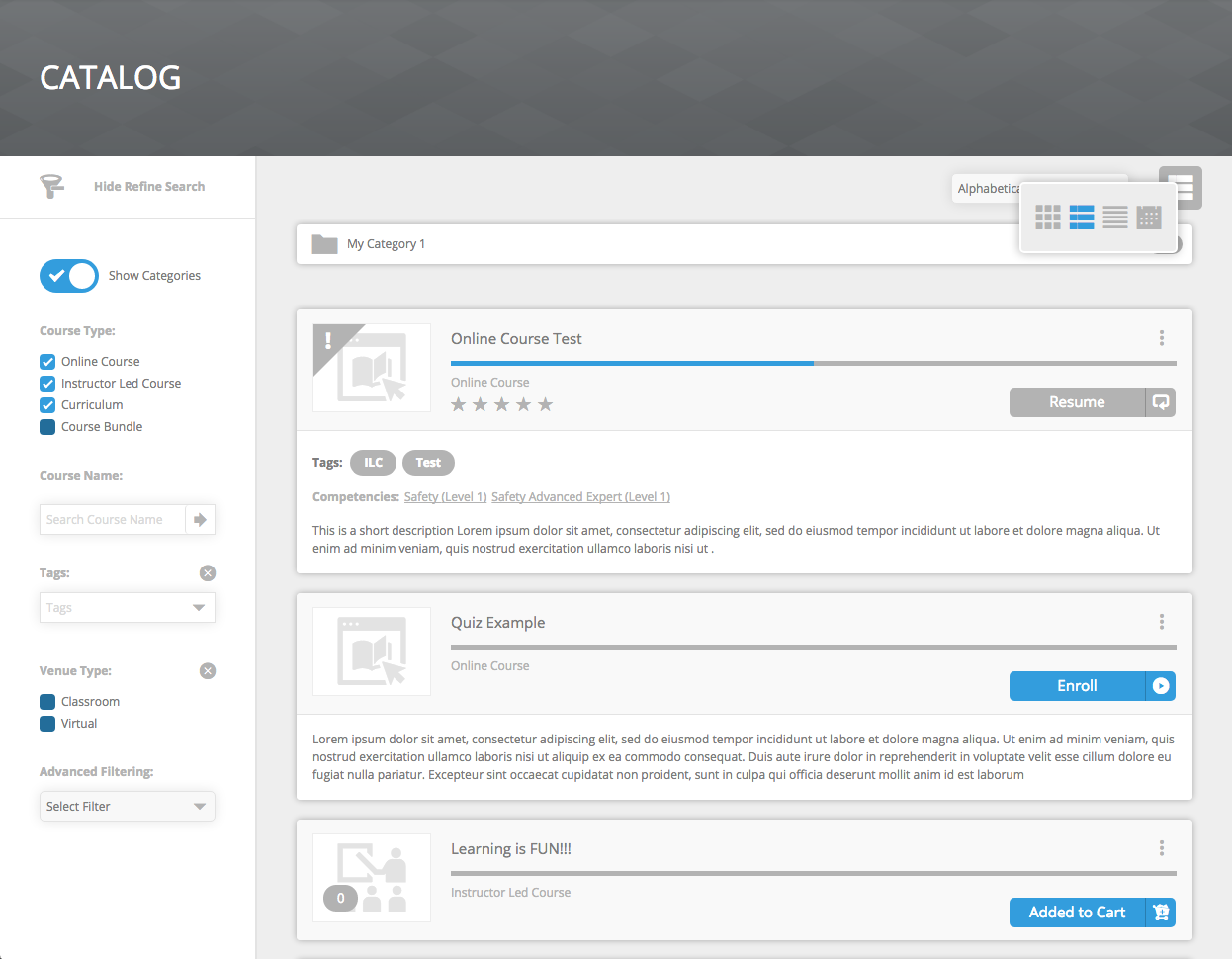
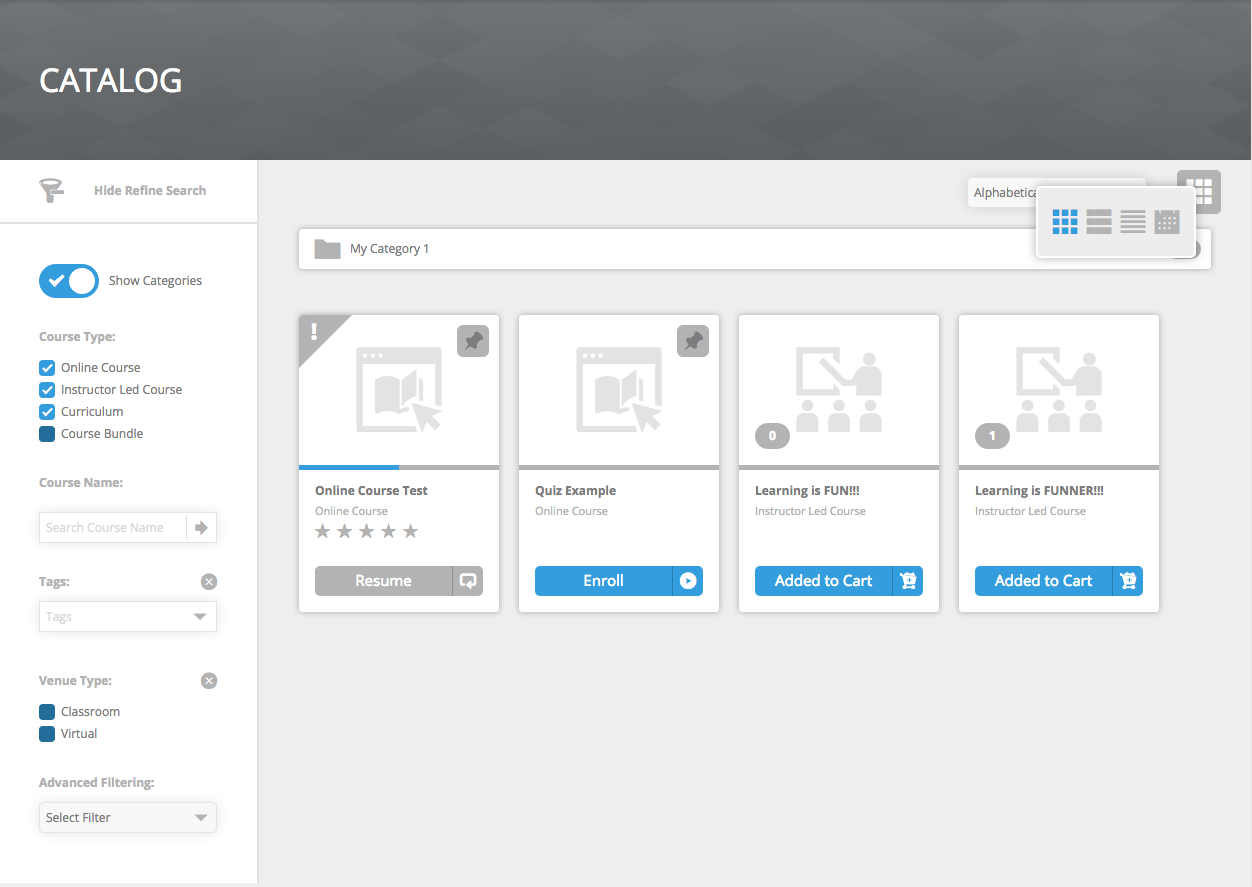
Catalog / My Courses / My Calendar
- View Selector > Current Selected View
- Refine Filter Sidebar:
- Show Categories toggle
- Filter check boxes
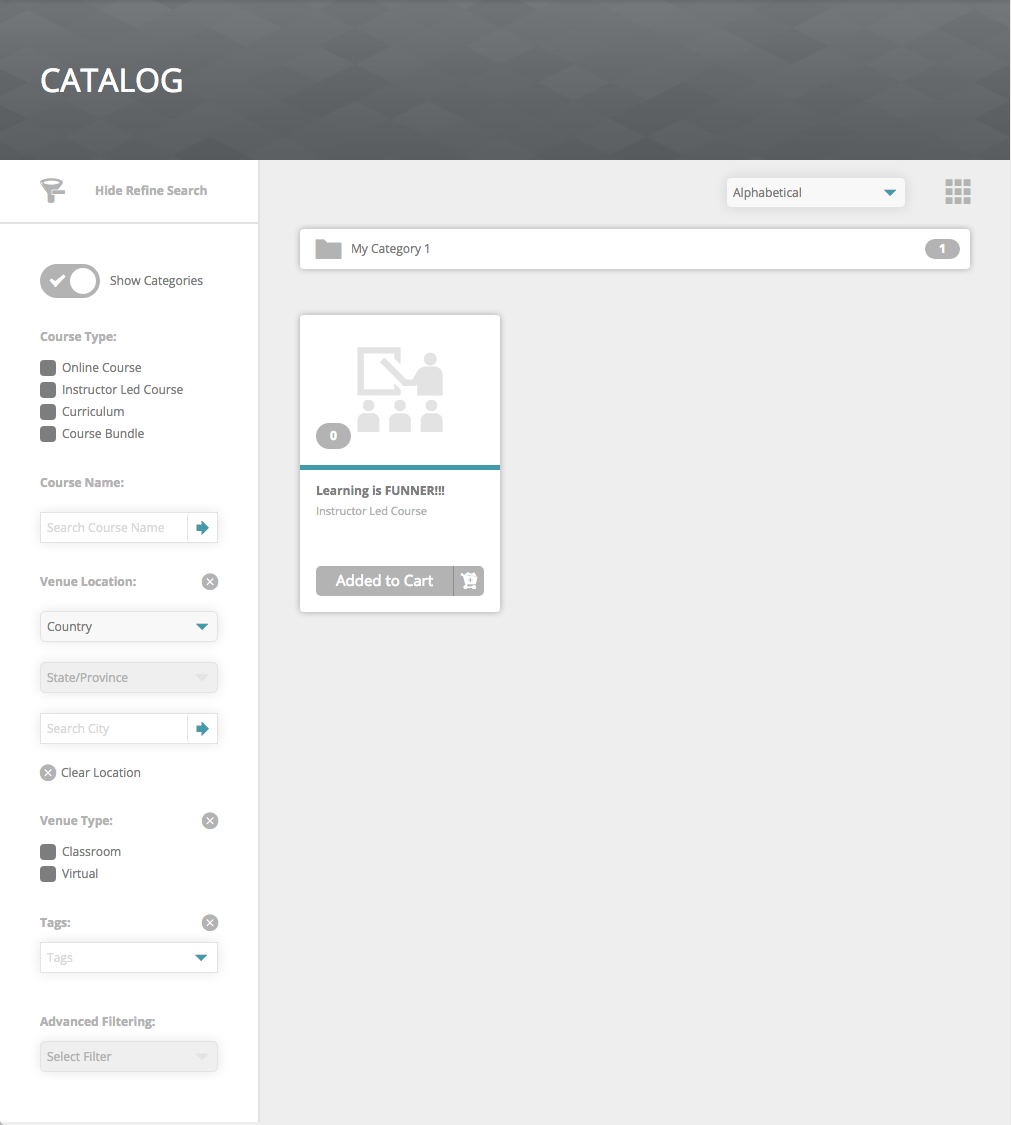
- Cards View:
- Progress Bar
- Price button
- Added to Cart button
- Enroll button
- Detailed View:
- Progress Bar
- Price button
- Added to Cart button
- Enroll button
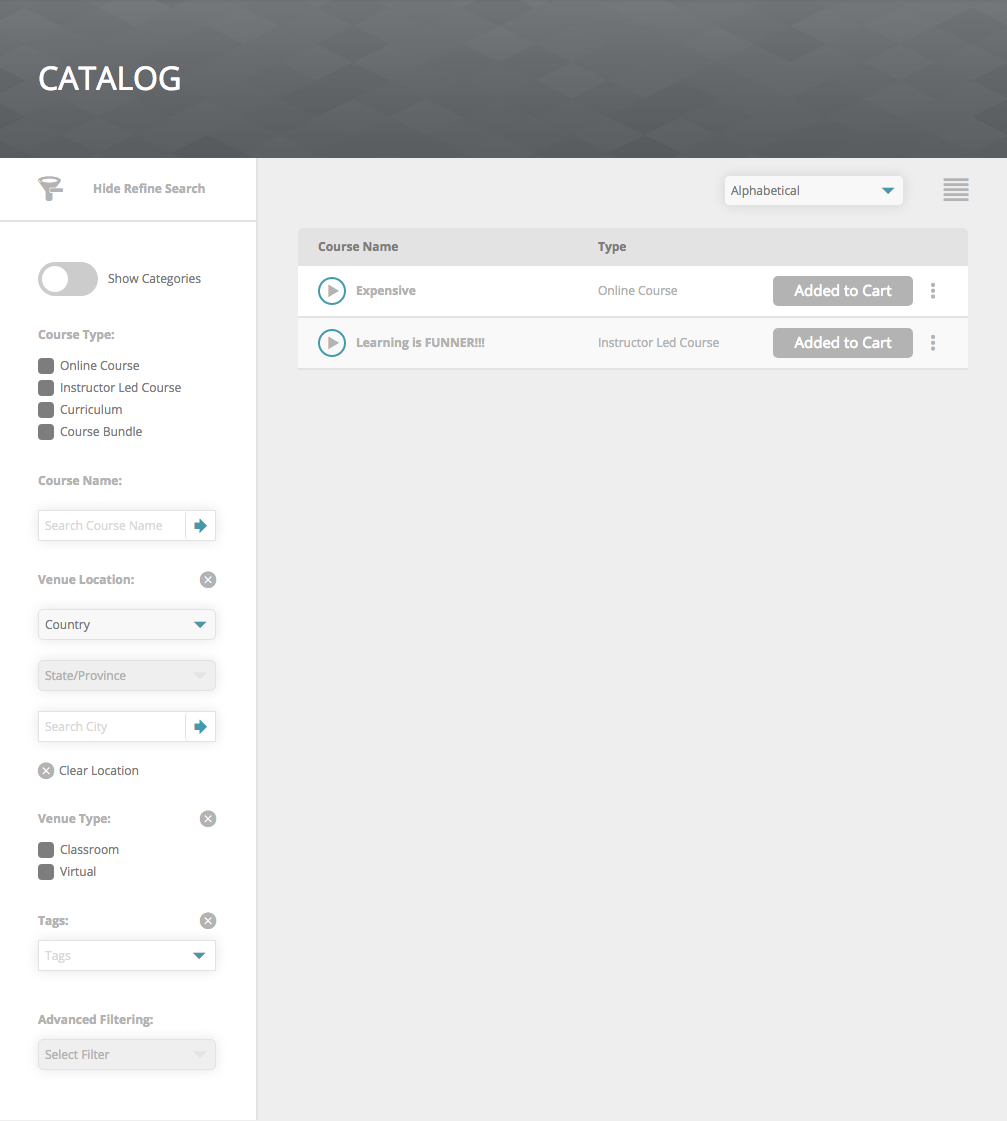
- List View:
- Progress Bar
- Status Icon
- Price button
- Added to Cart button
- Enroll button
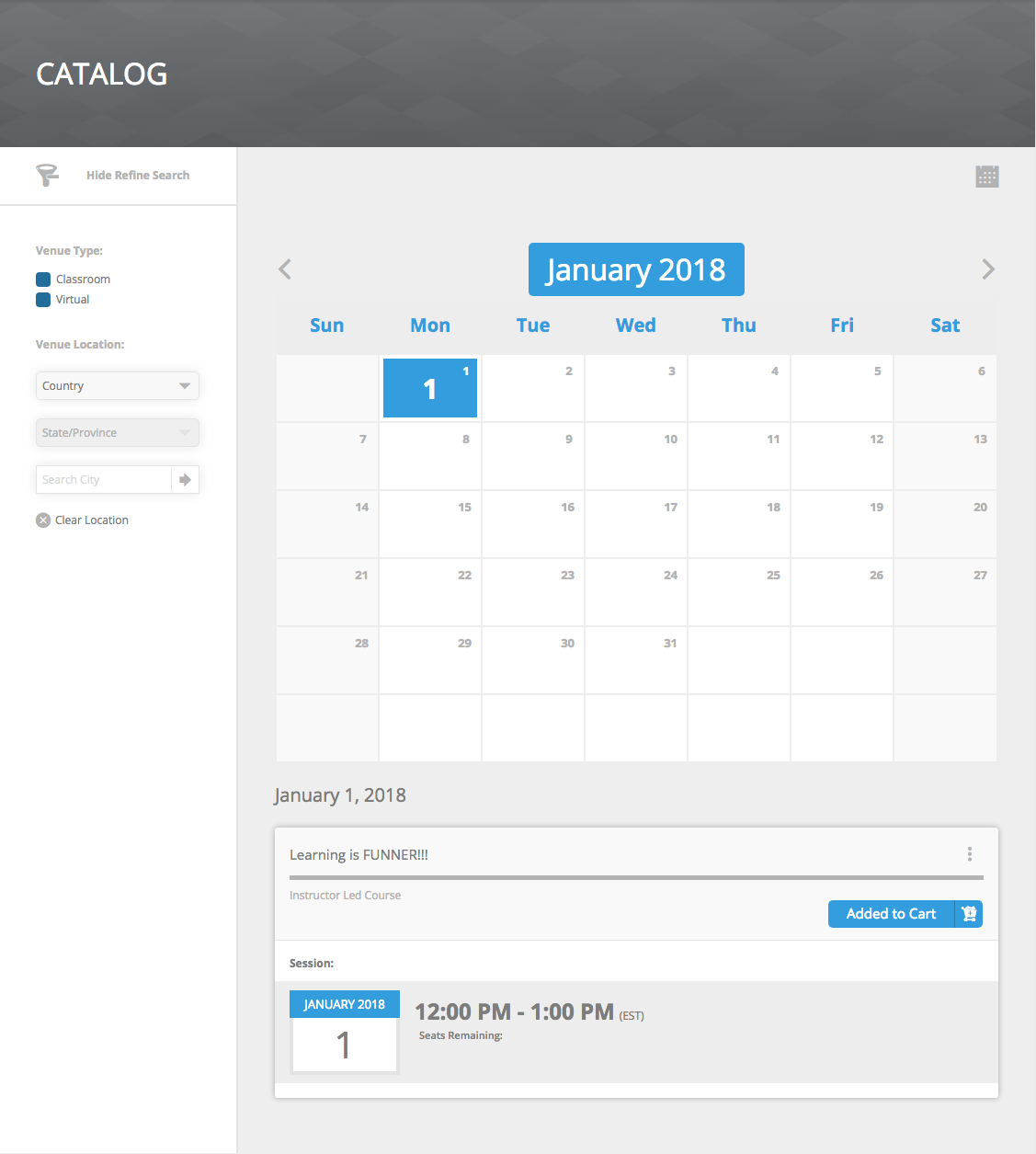
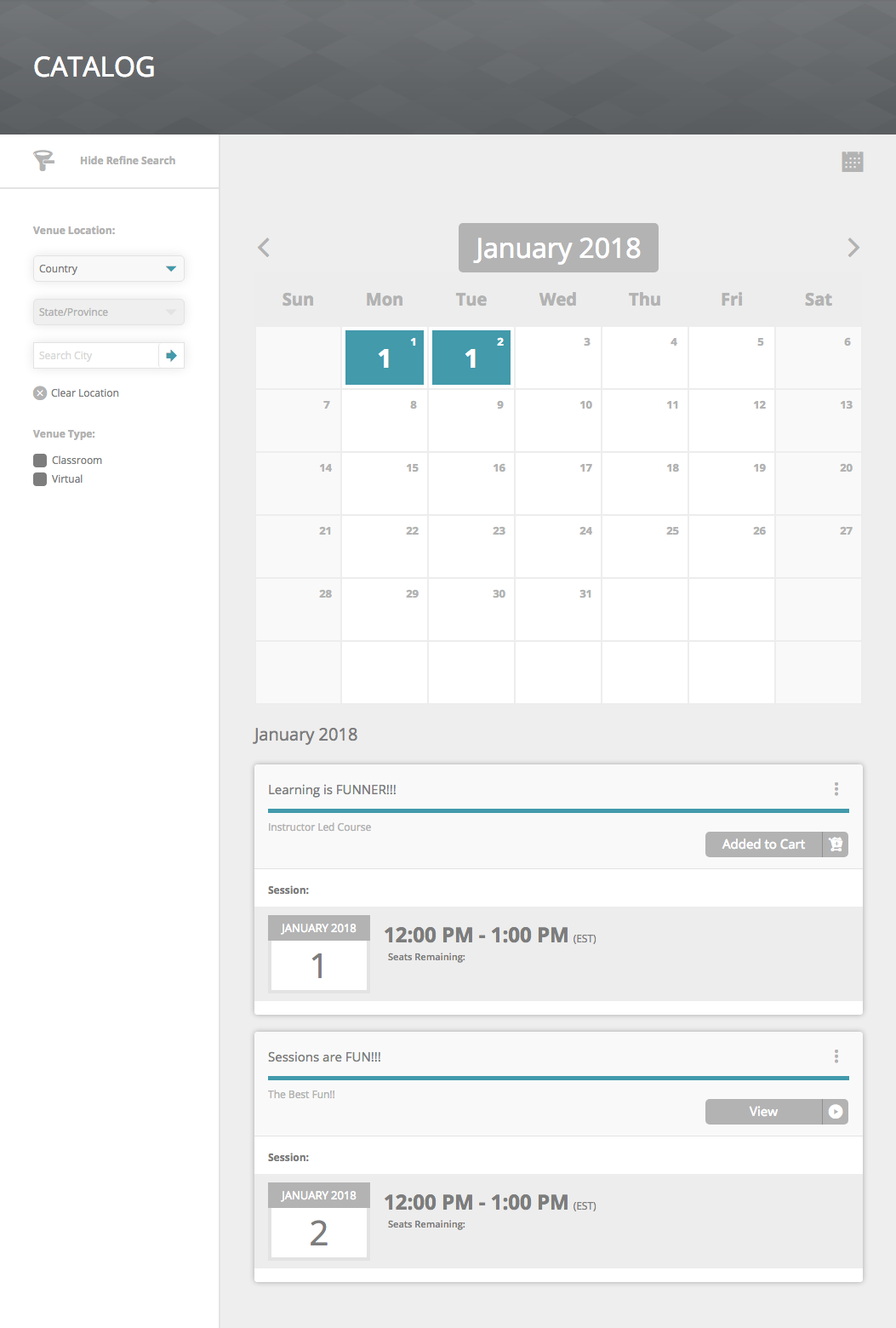
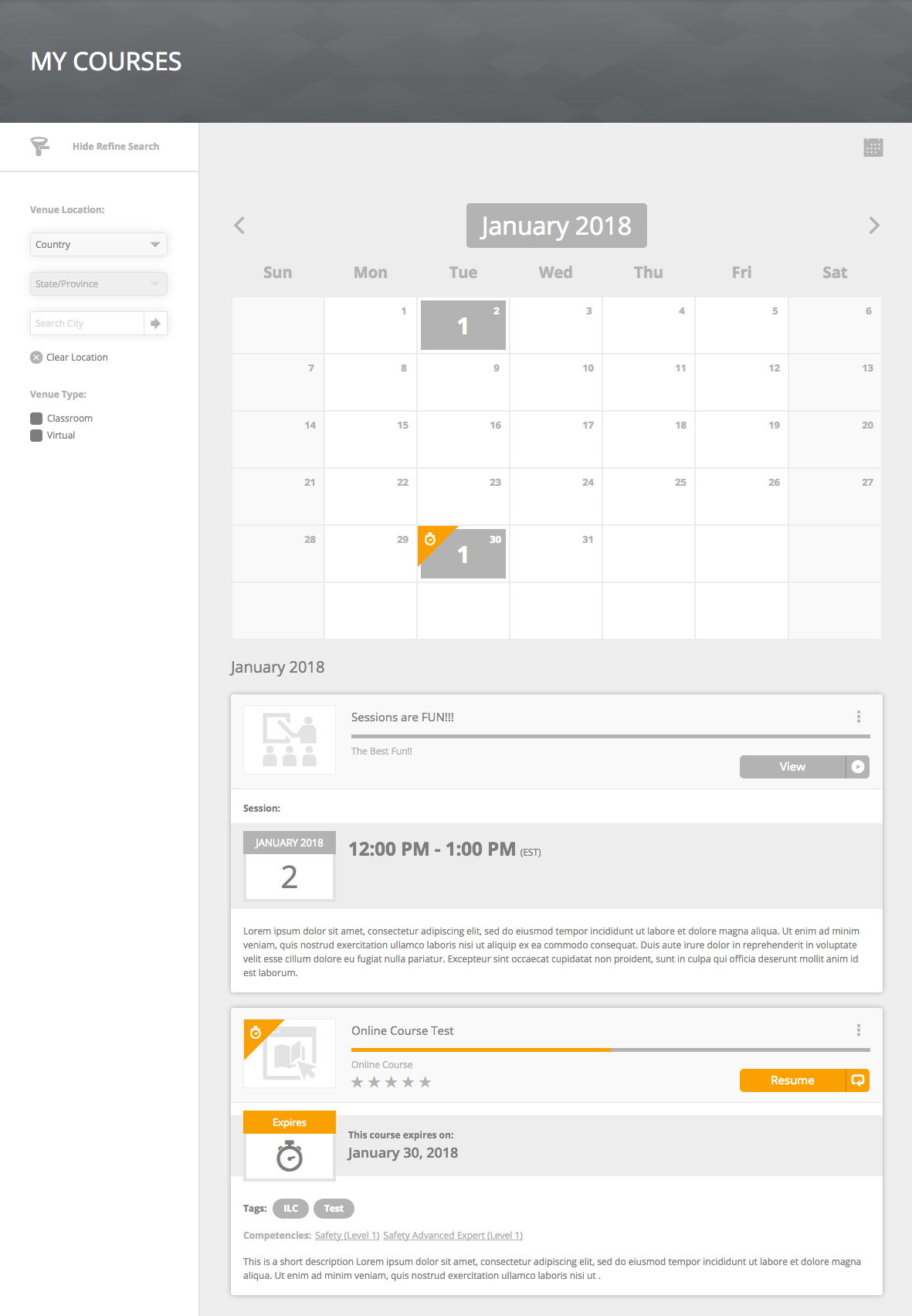
- Calendar View:
- Calendar Month/Year button
- Calendar weekdays
- Calendar day selected
- ILC Progress Bar
- ILC Price button
- ILC Added to Cart button
- ILC Enroll button
- ILC View button
- ILC Session Calendar Date Month/Year
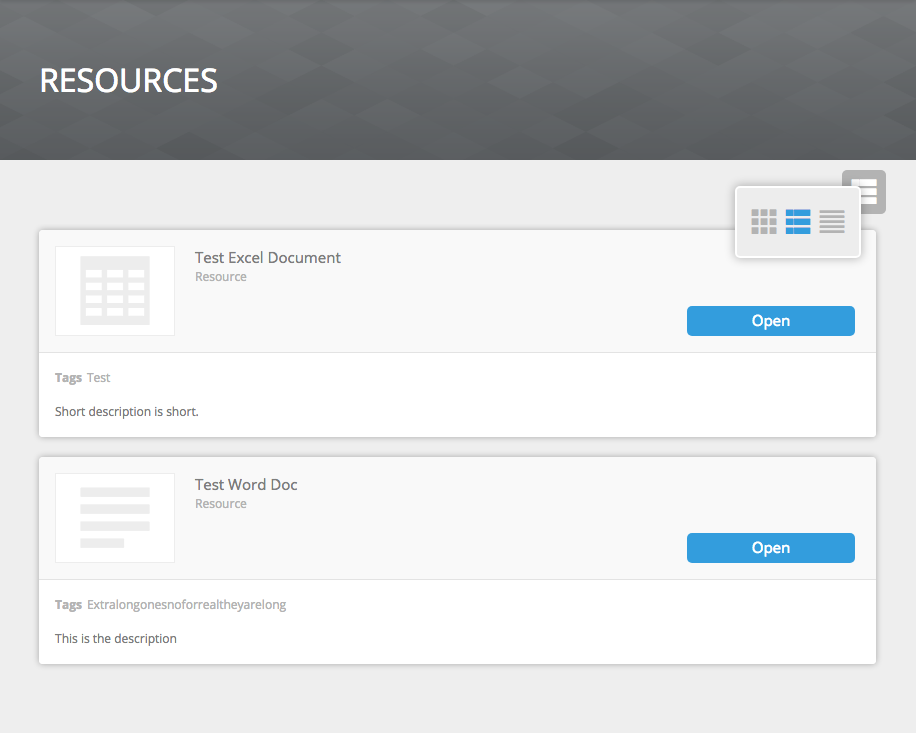
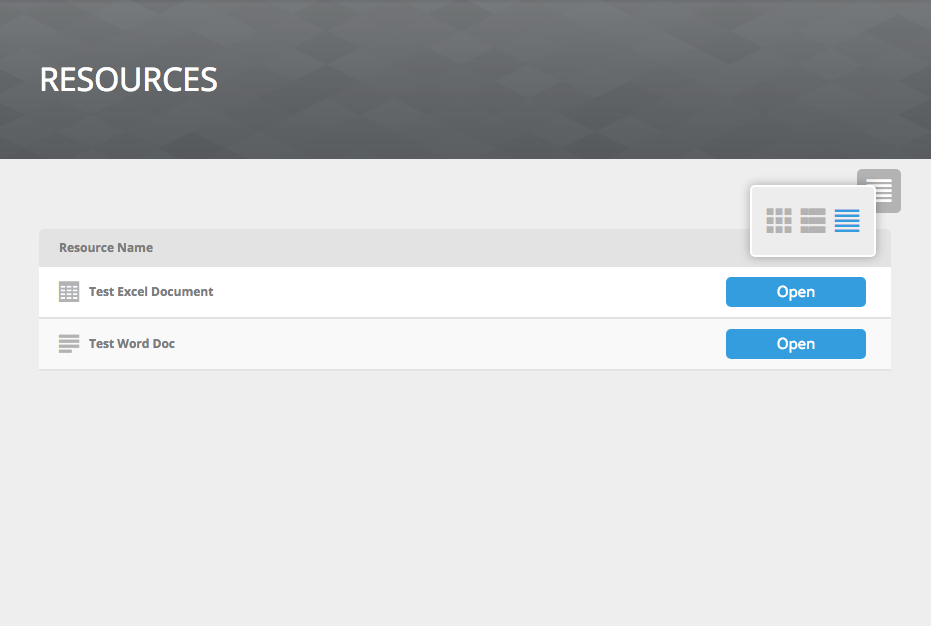
Resources
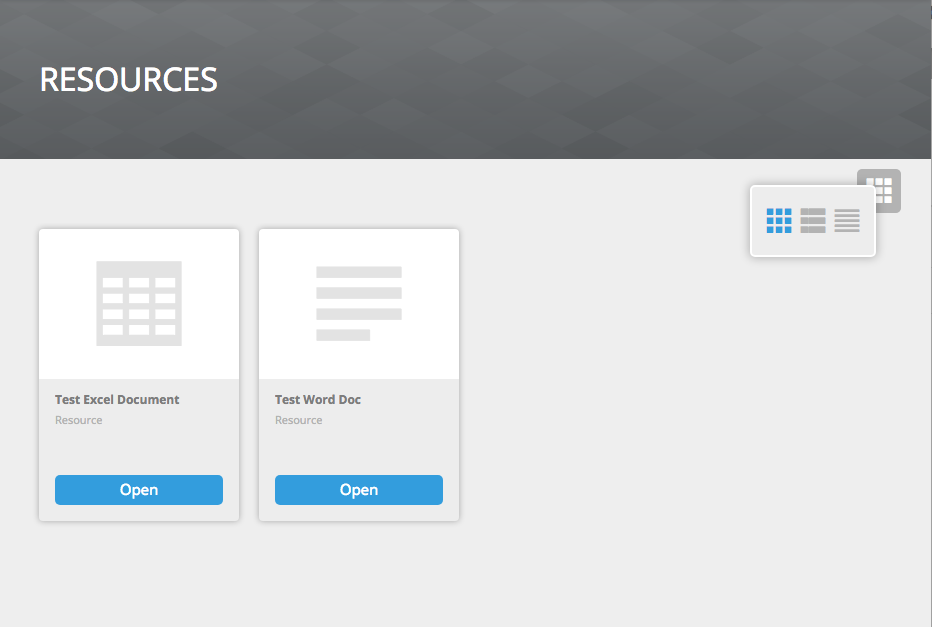
- View Selector > Current Selected View
- Card View > Open button
- Detailed View > Open button
- List View > Open button
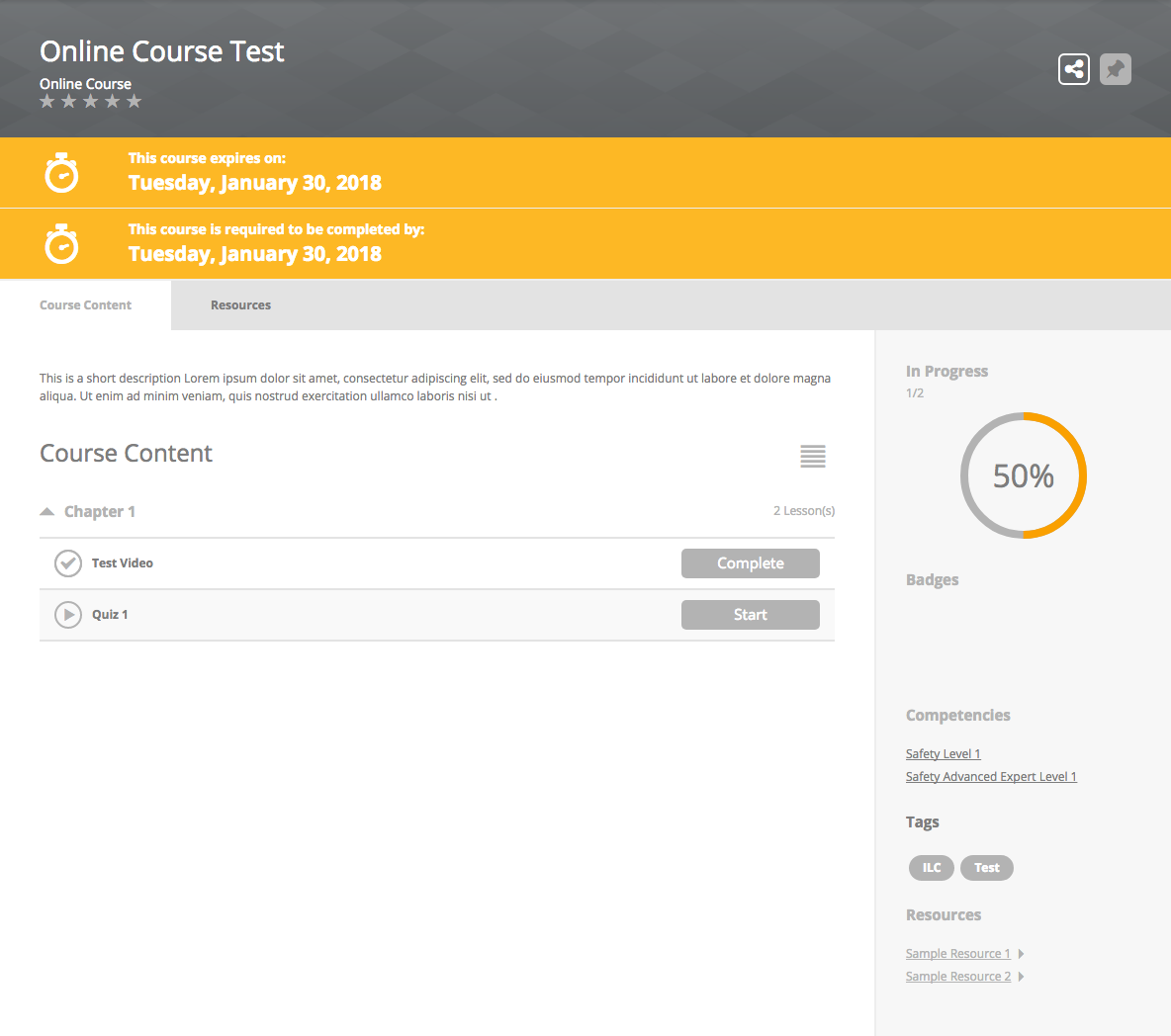
Course Details
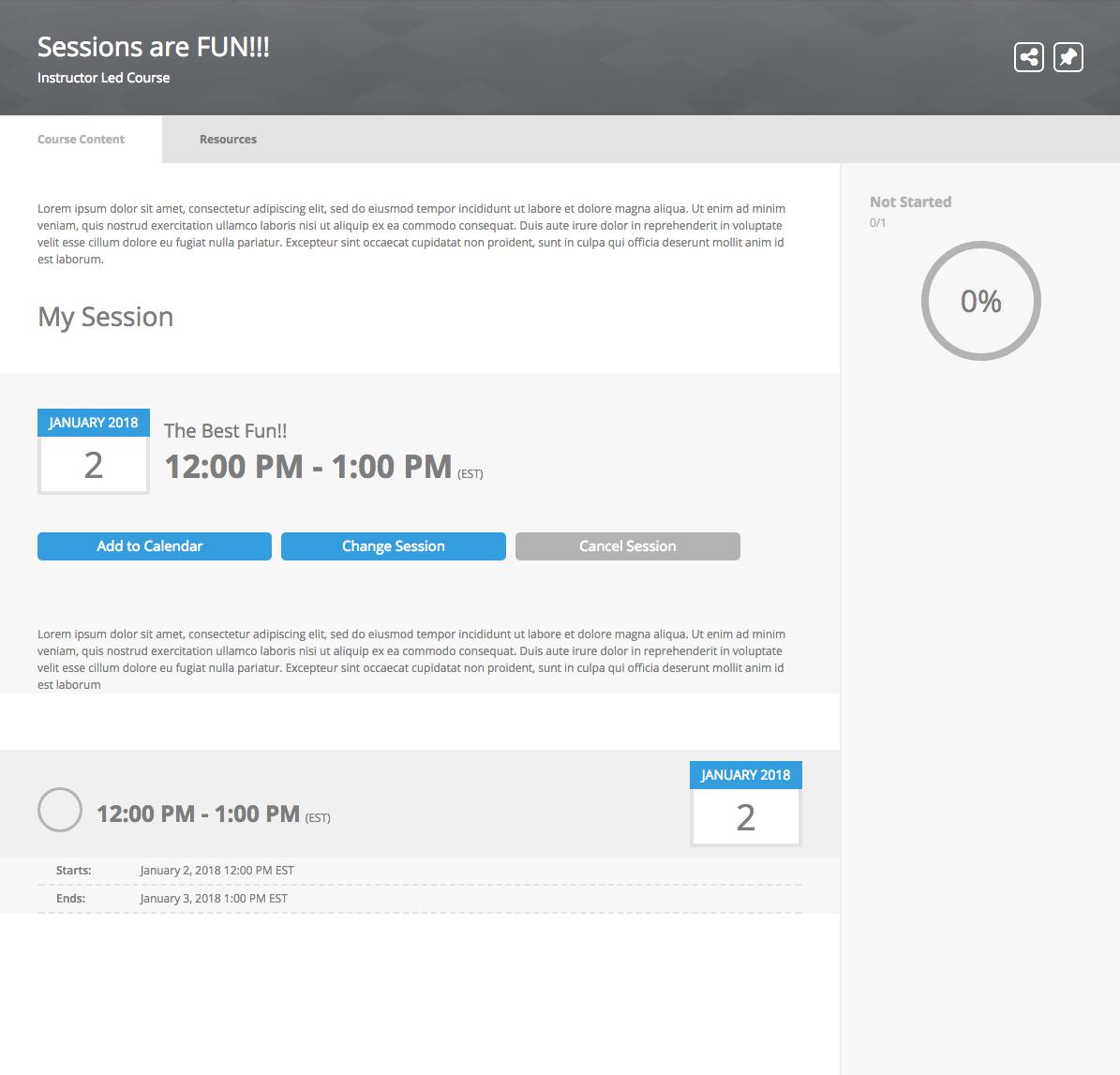
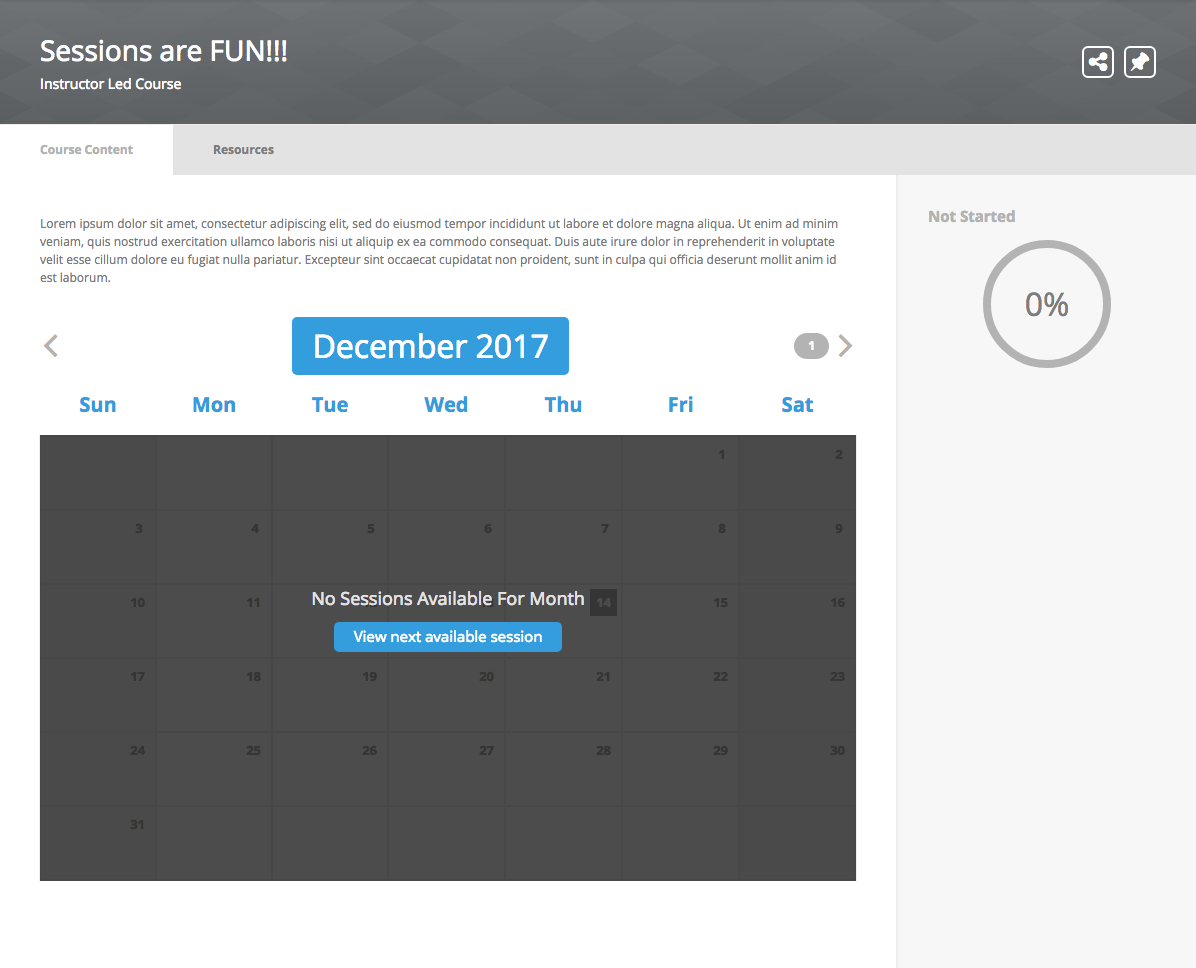
- ILC Session:
- Calendar Month/Year button
- Calendar weekdays
- Calendar day selected
- Session buttons
- Session Calendar Date Month/Year
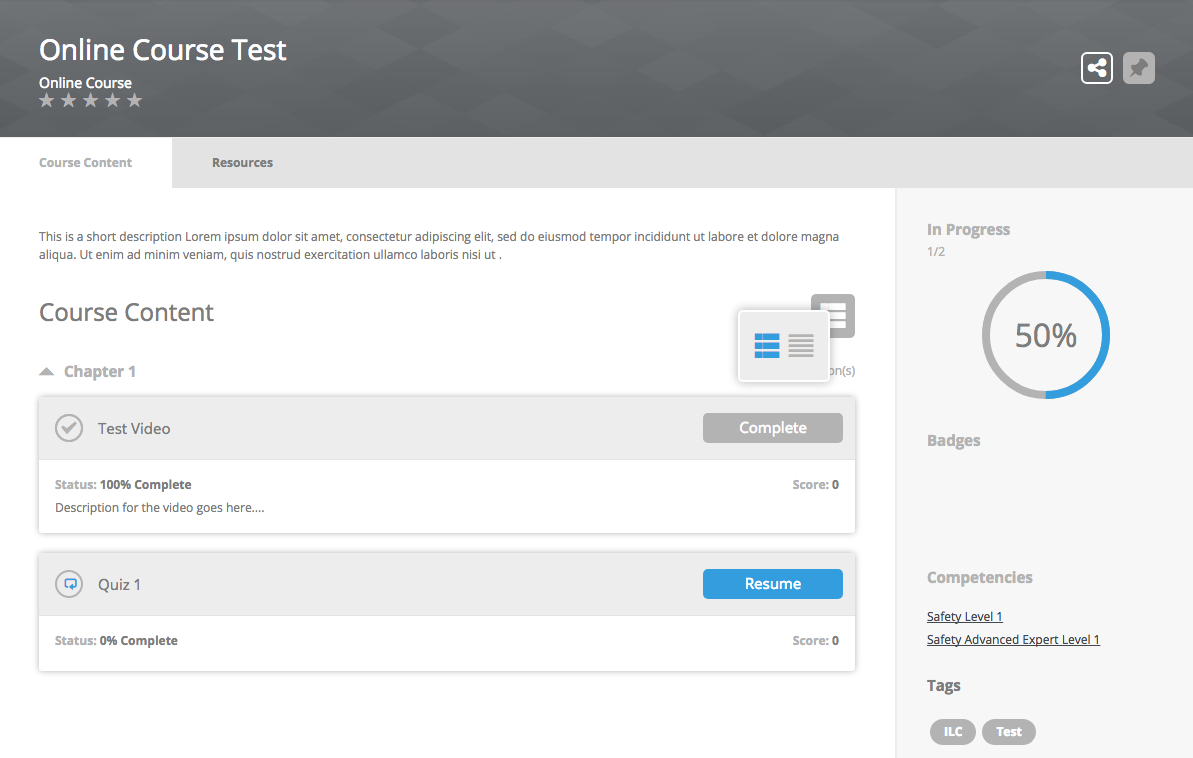
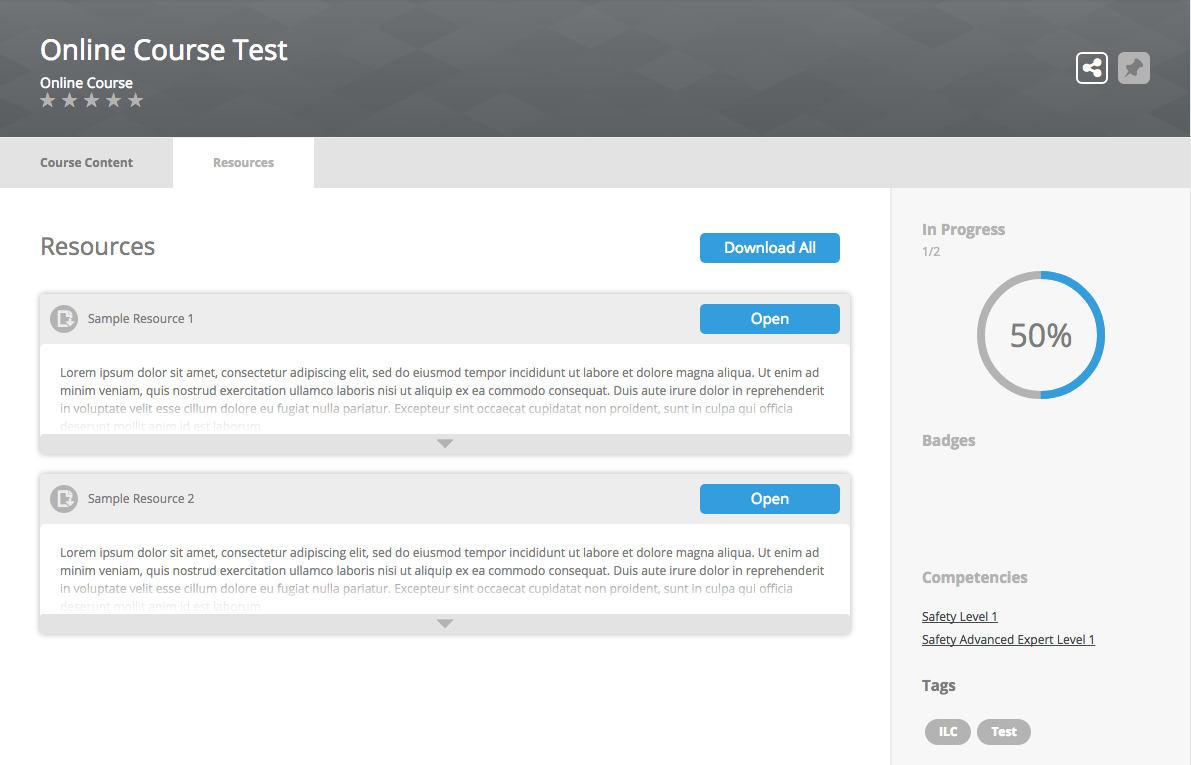
- Online Course:
- View Selector > Current Selected View
- Radial Progress Bar
- Status Icons
- Buttons
- Resources Tab > Buttons

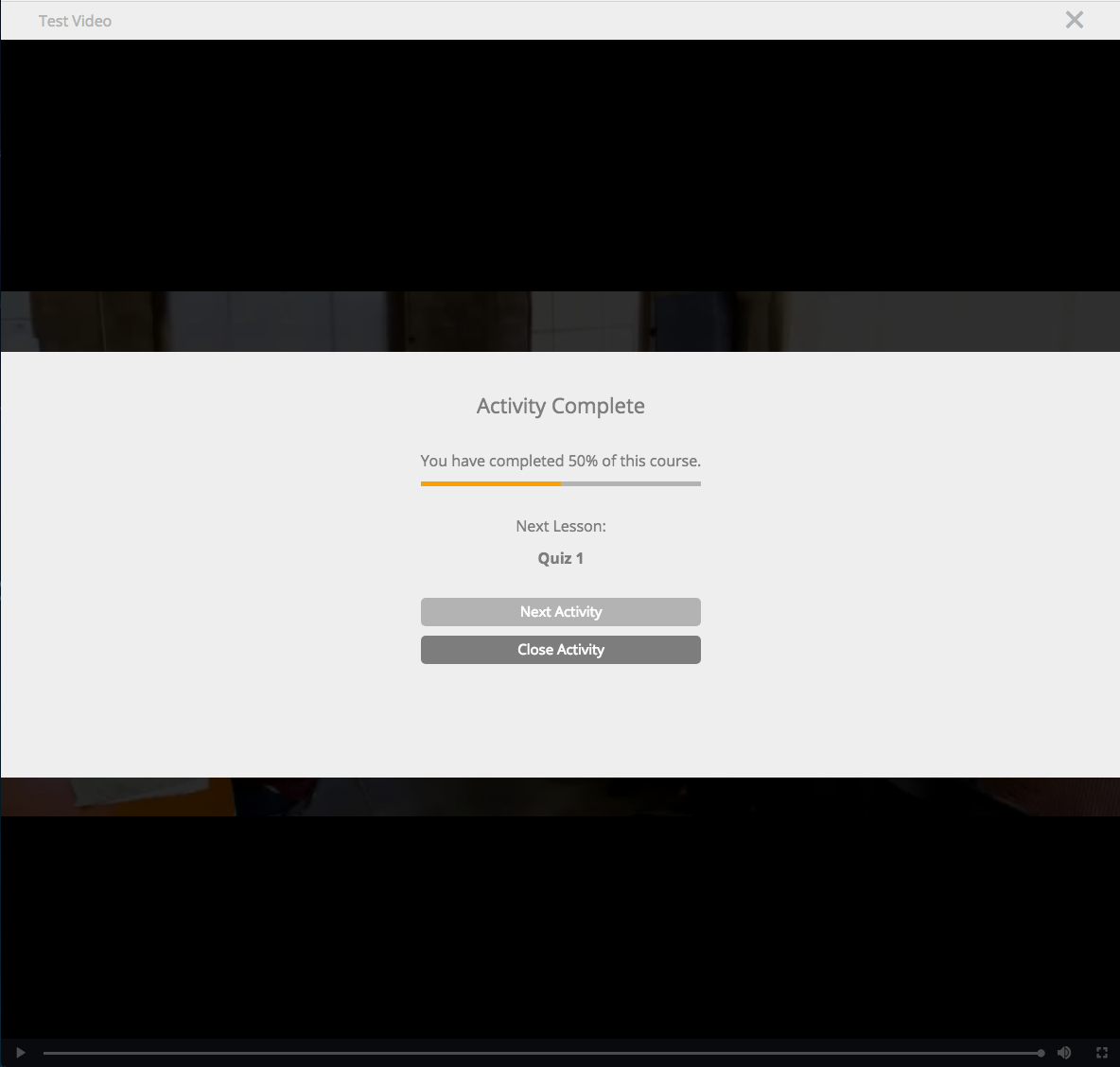
Lesson Player
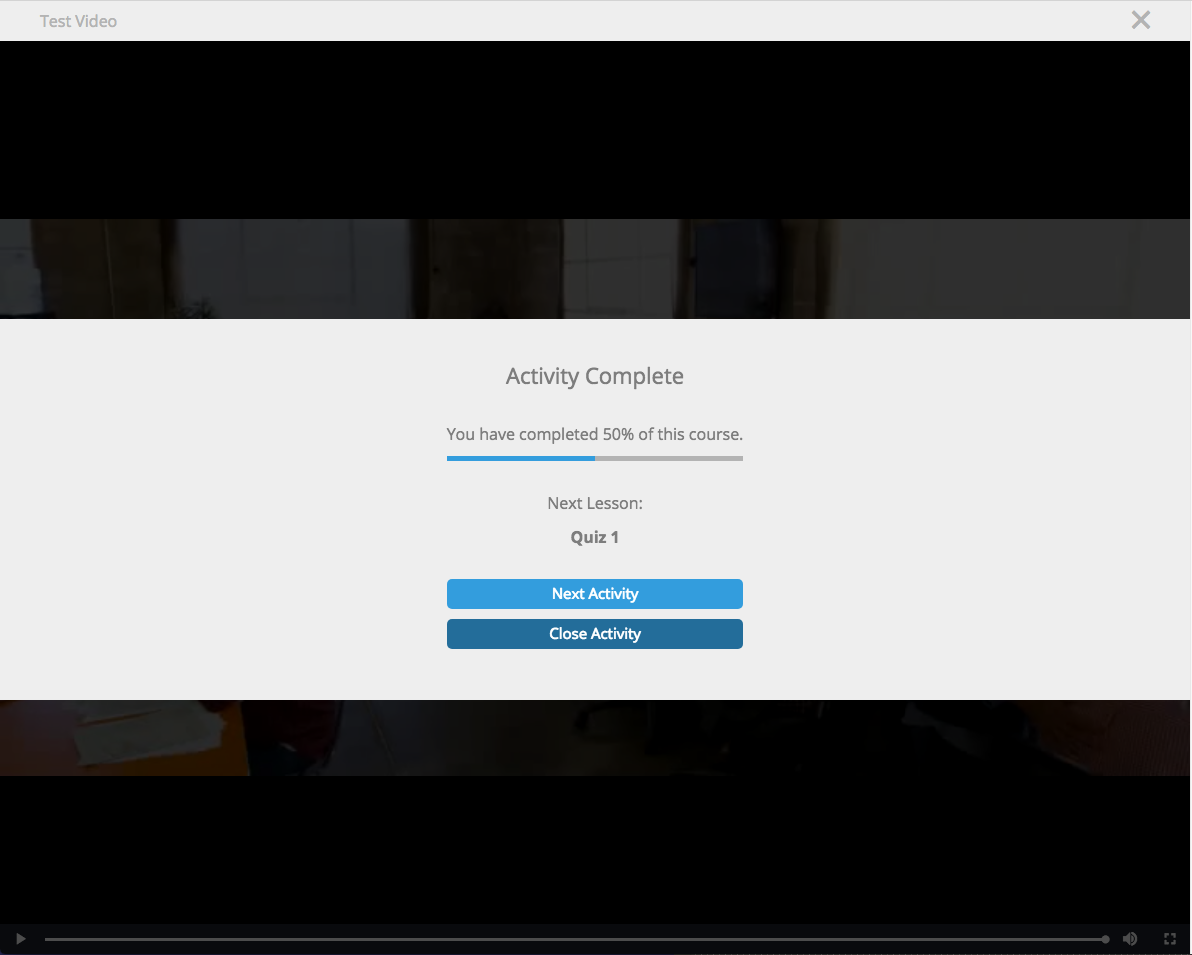
- Next Activity button
- Close Activity button
- Progress Bar
Profile
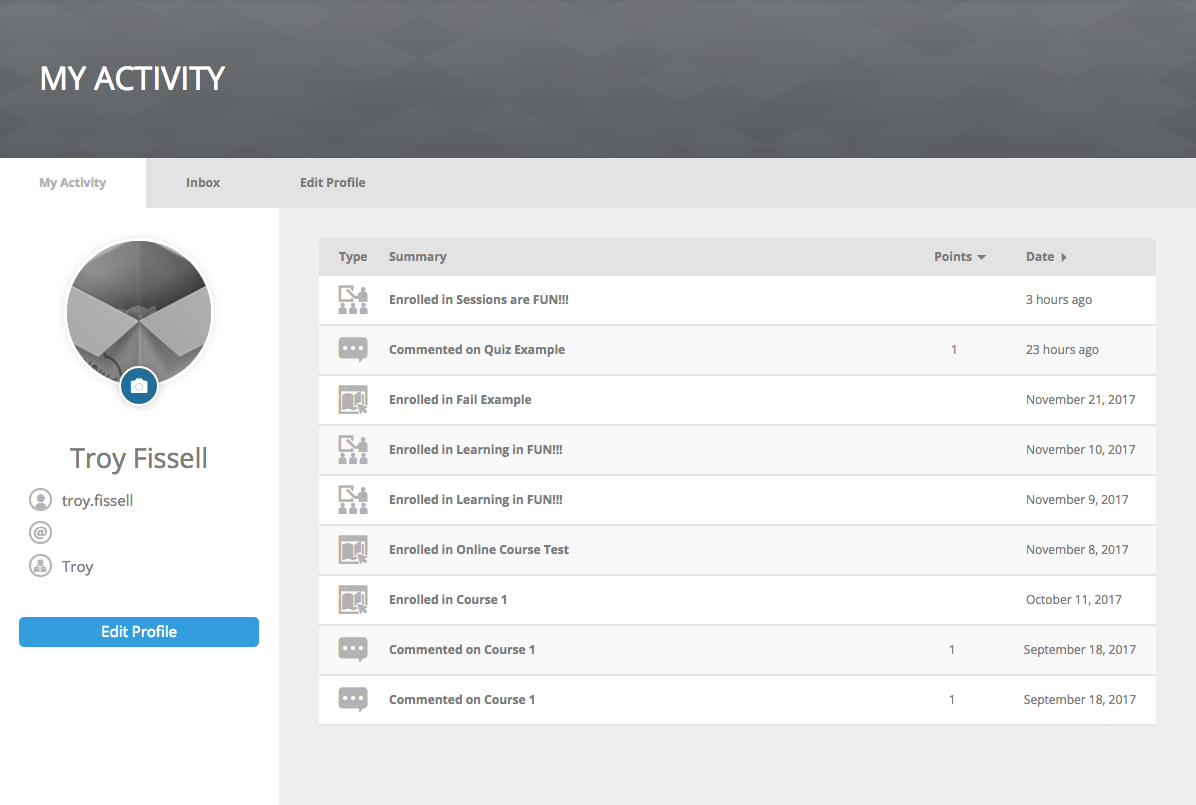
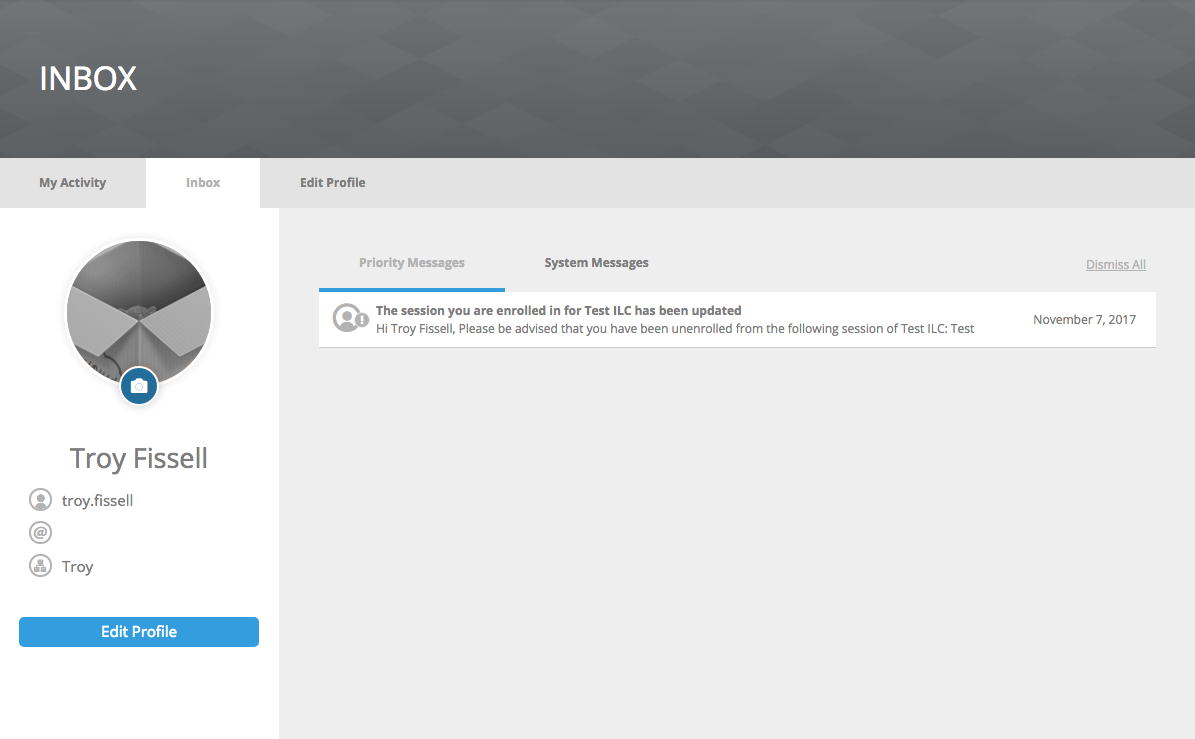
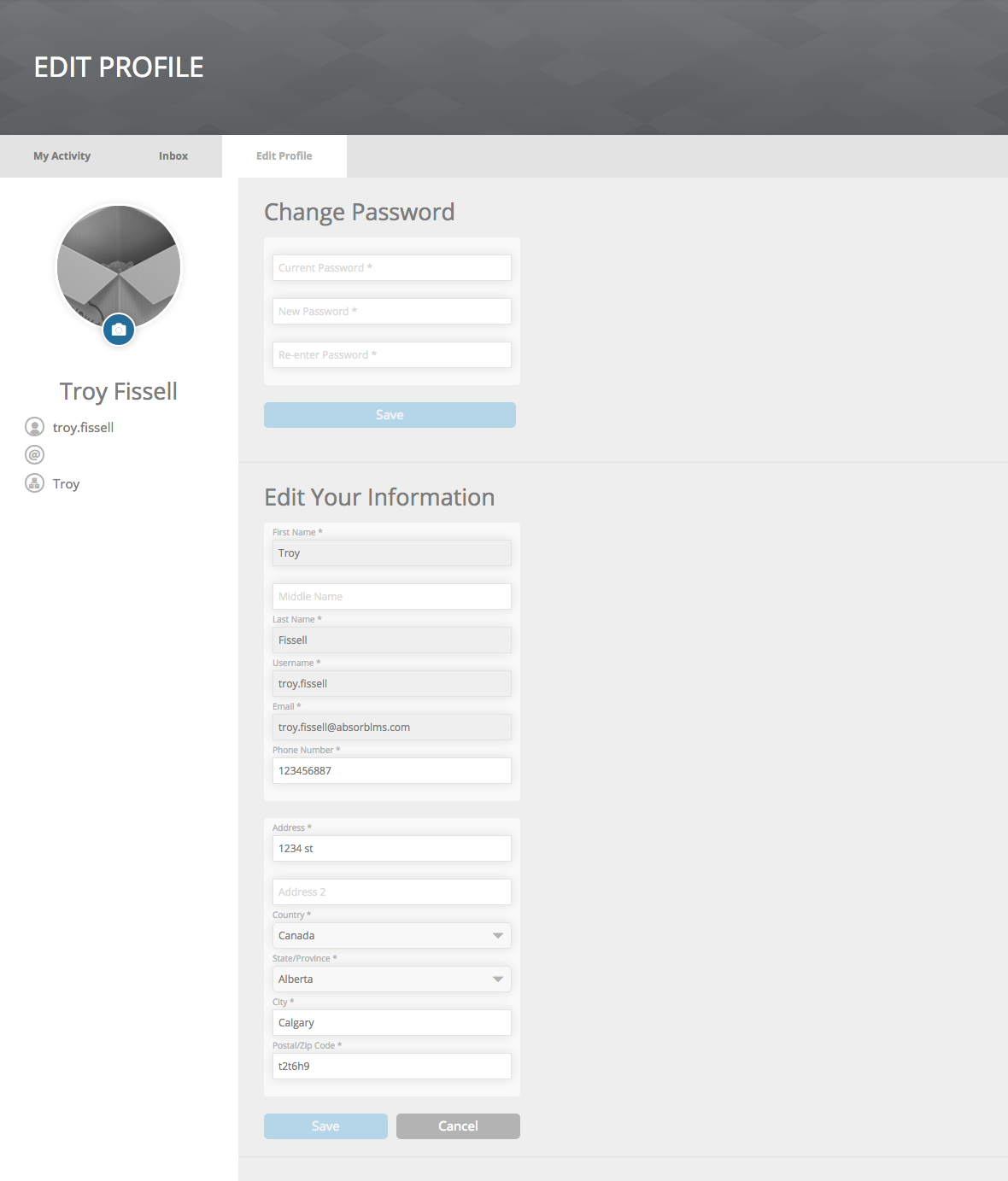
- Profile Picture > Edit Picture Icon
- My Activity Tab > Edit Profile button
- Inbox Tab > Message Type Tab
- Profile Tab > Button
Polls & Surveys
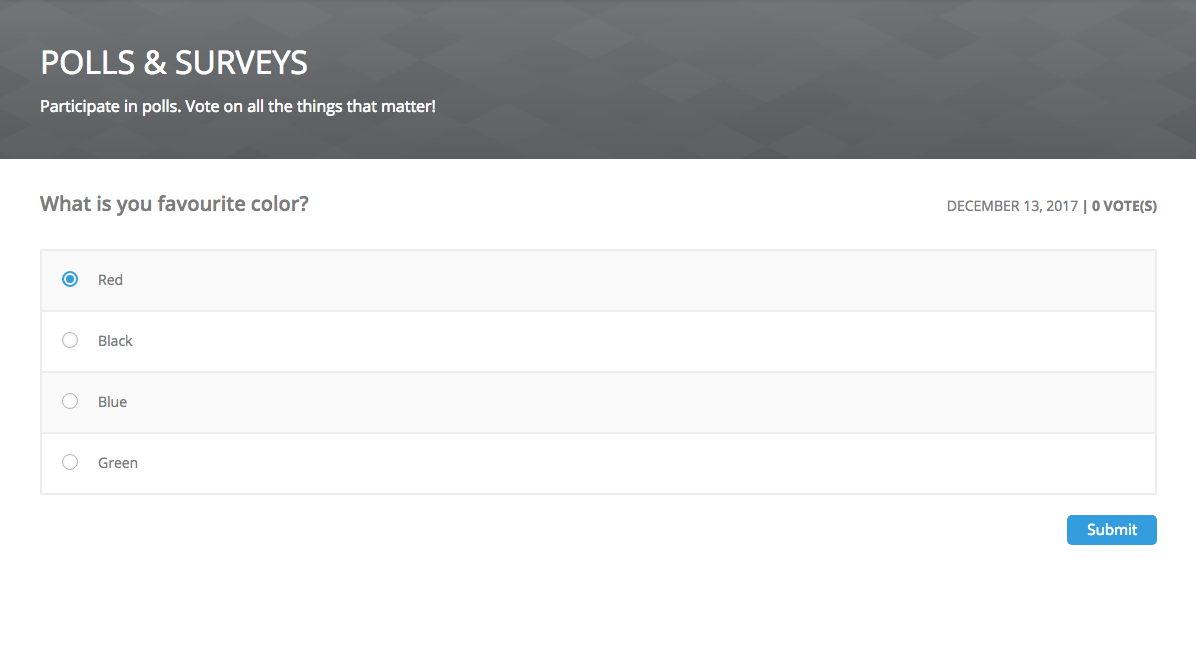
- Radio Button
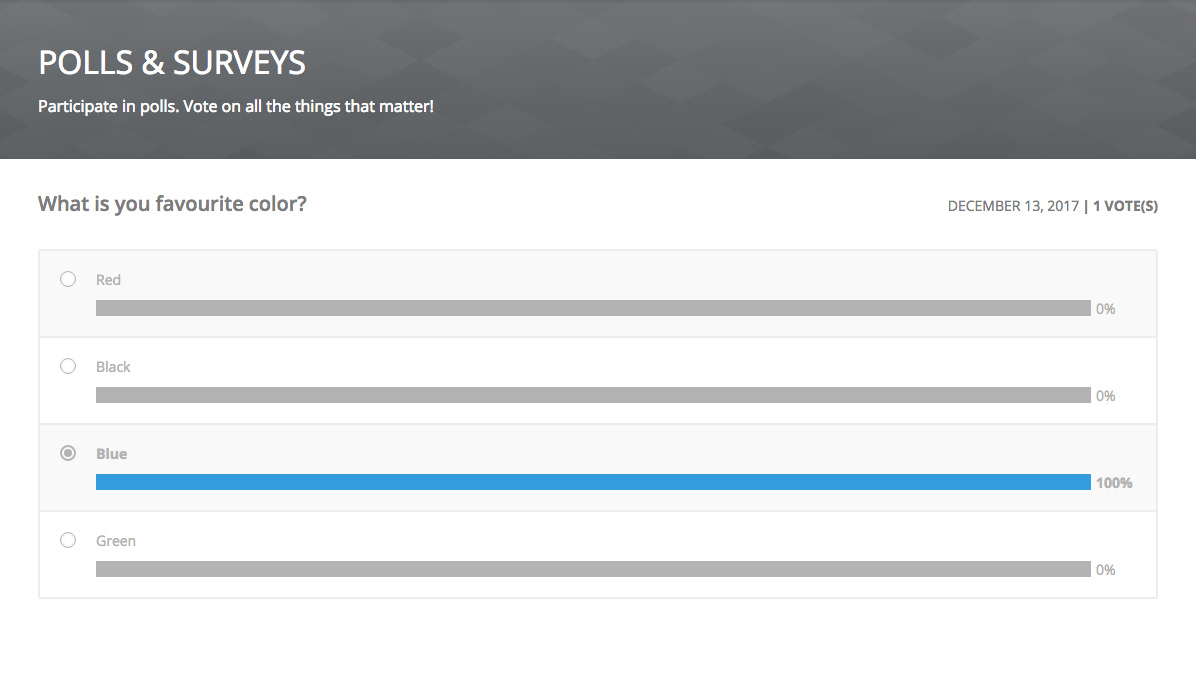
- Bar Graph
- Button
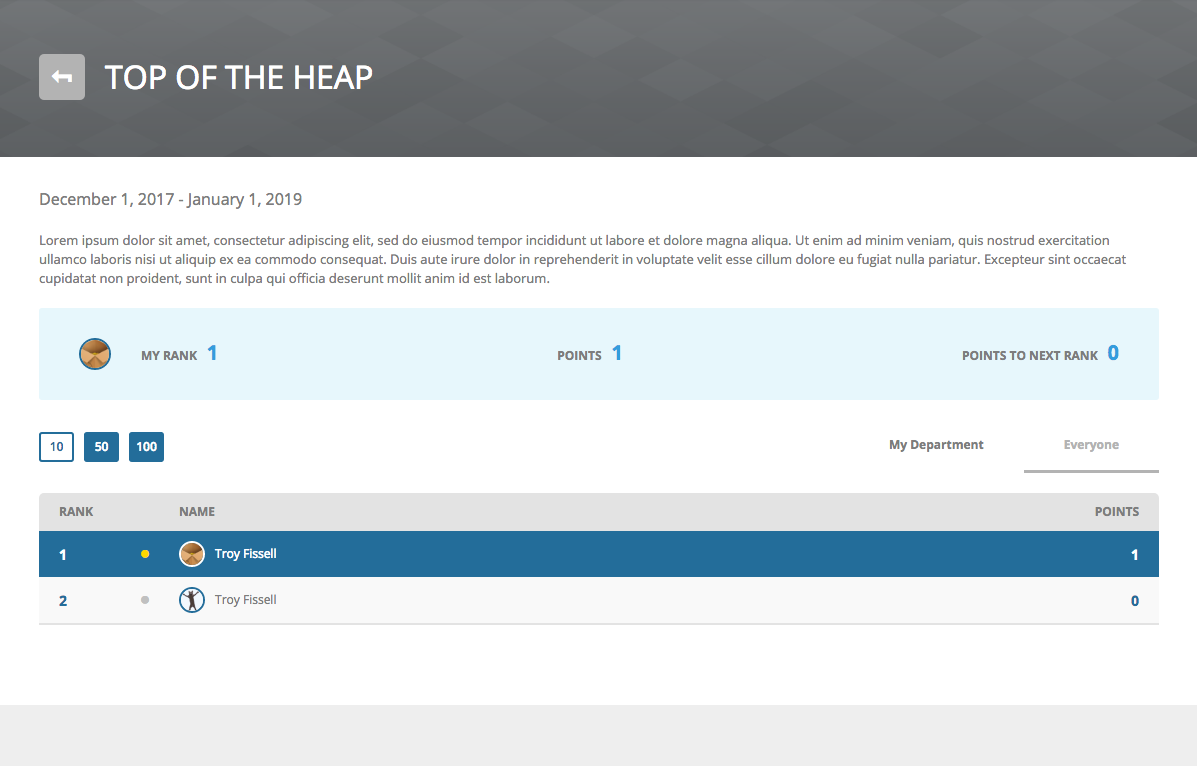
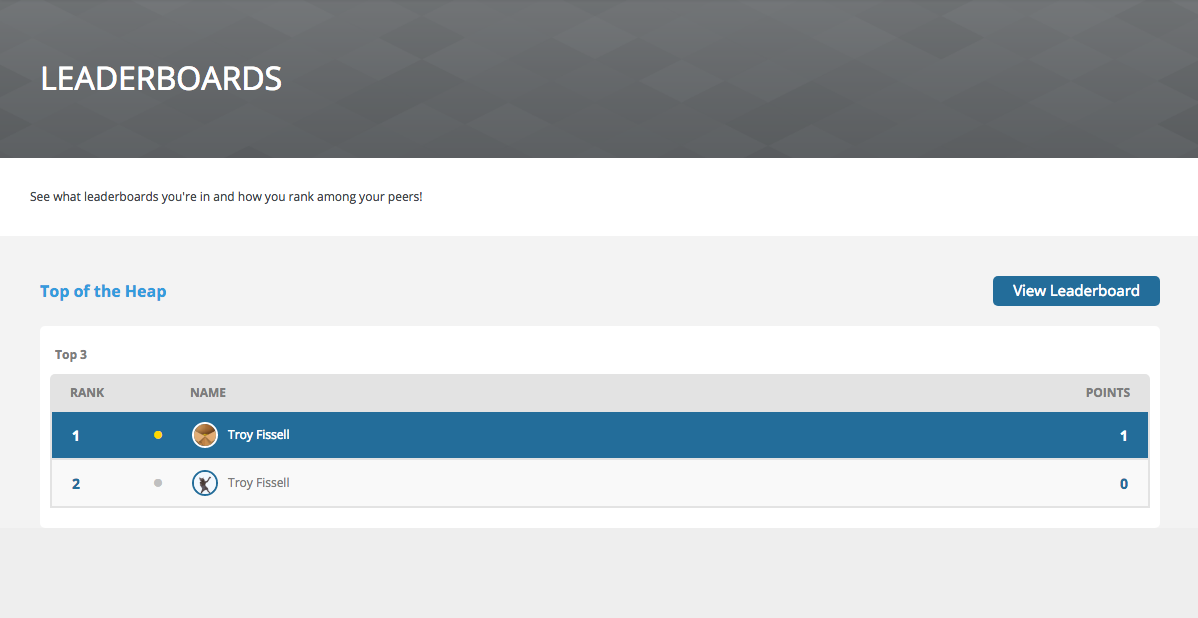
Leaderboards
- Leaderboard Titles
- Button (Dark Version)
- Your Position (Dark Version)
- My Rank, Points, and Points to Next Rank Numbers
- Rank and Points Numbers (Dark Version)
- Results Per Page (Dark Version)
- Profile Picture Border (Dark Version)
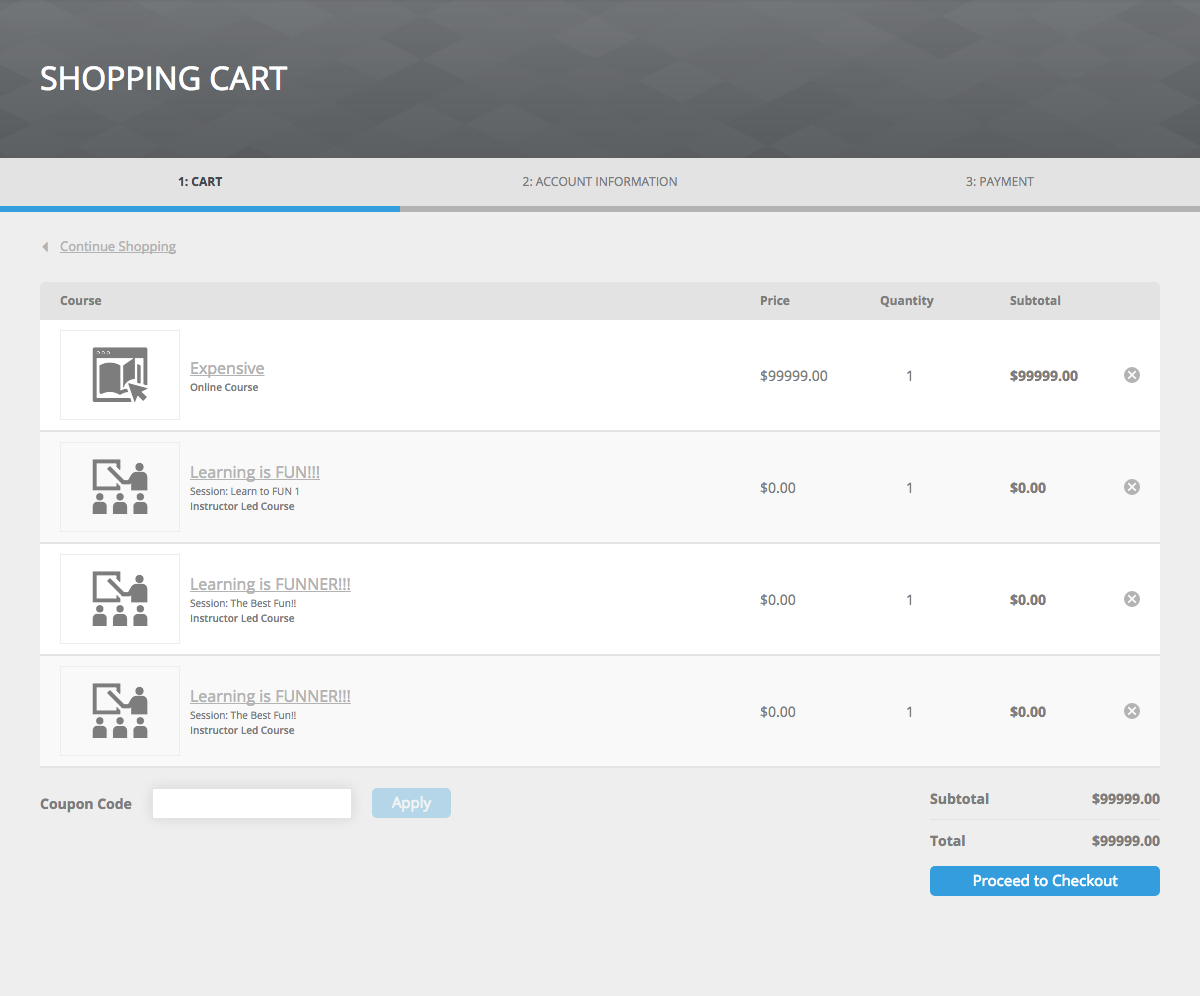
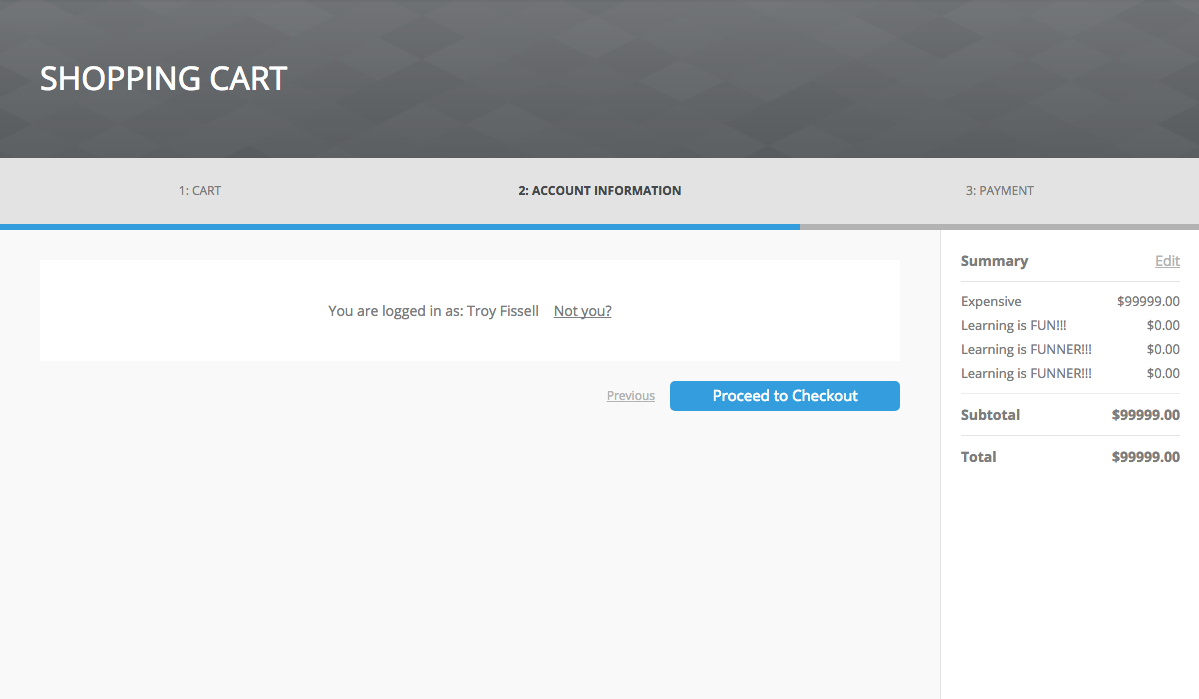
Shopping Cart
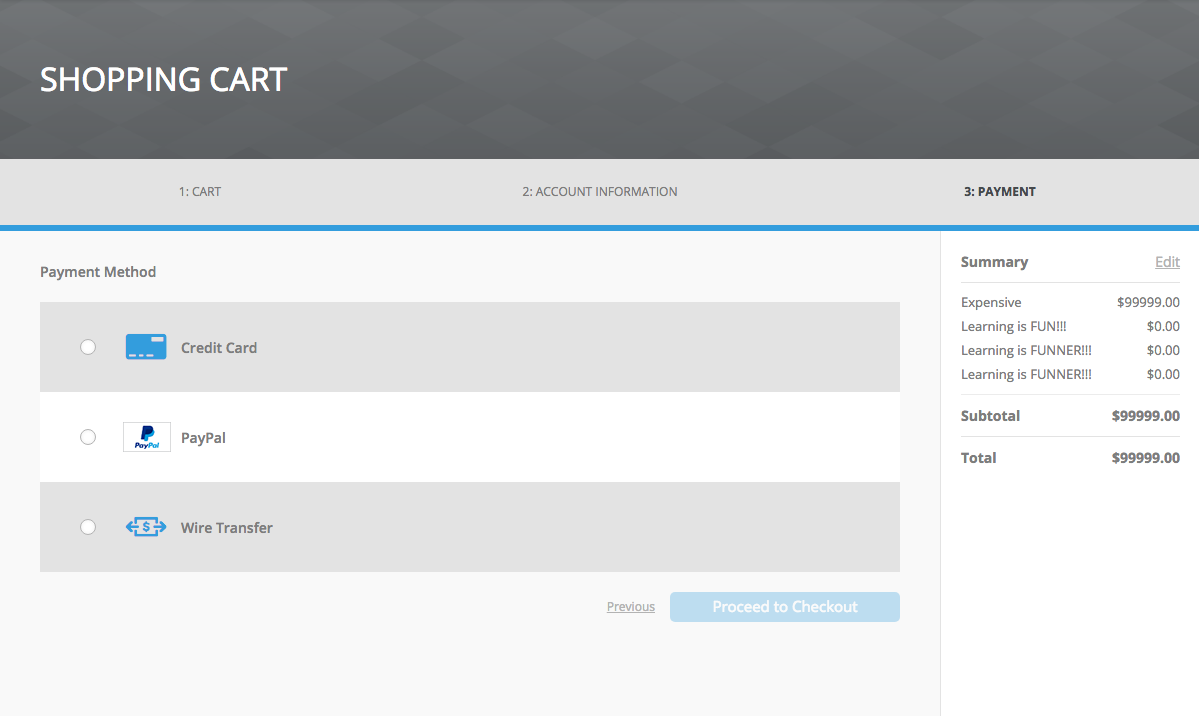
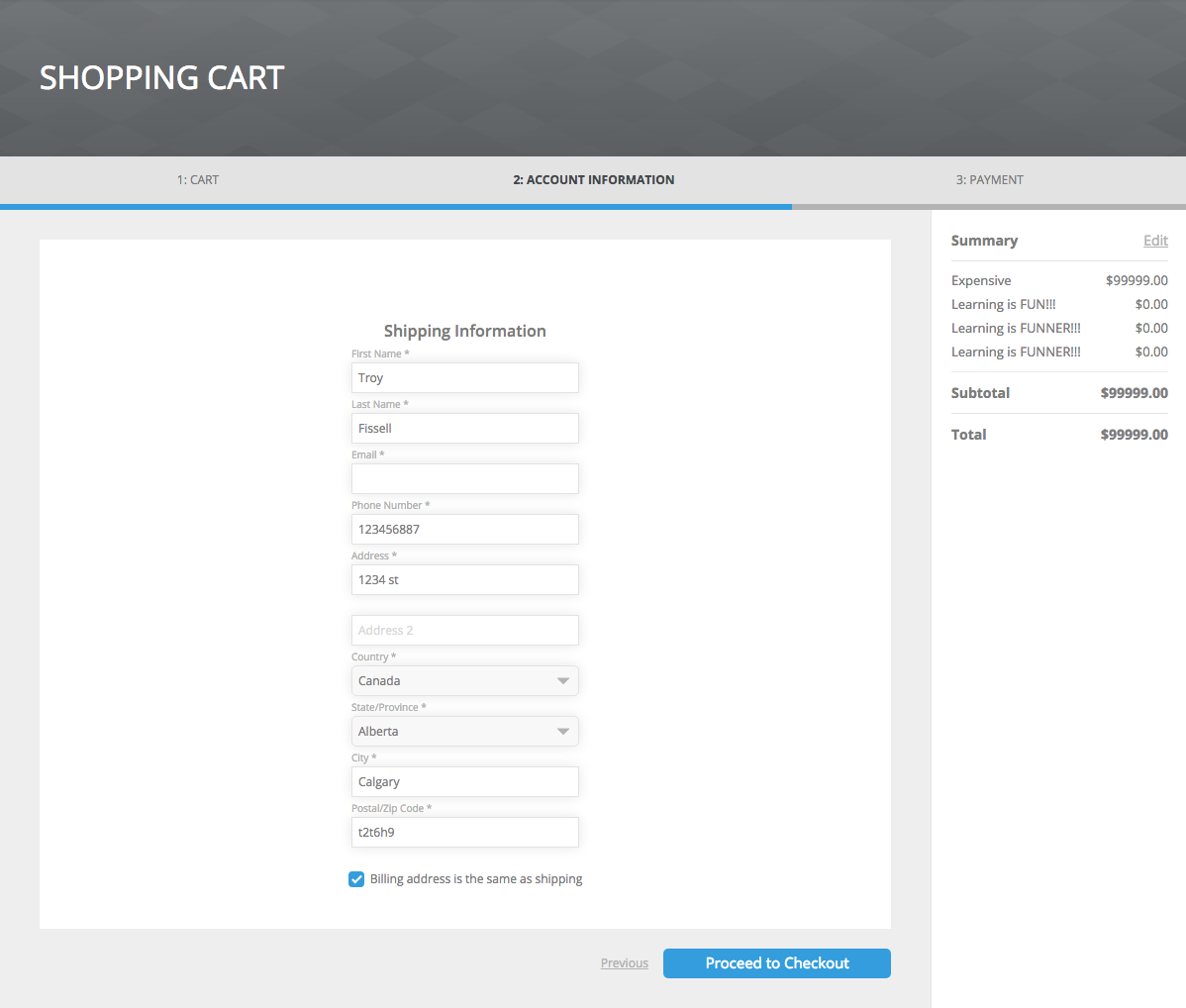
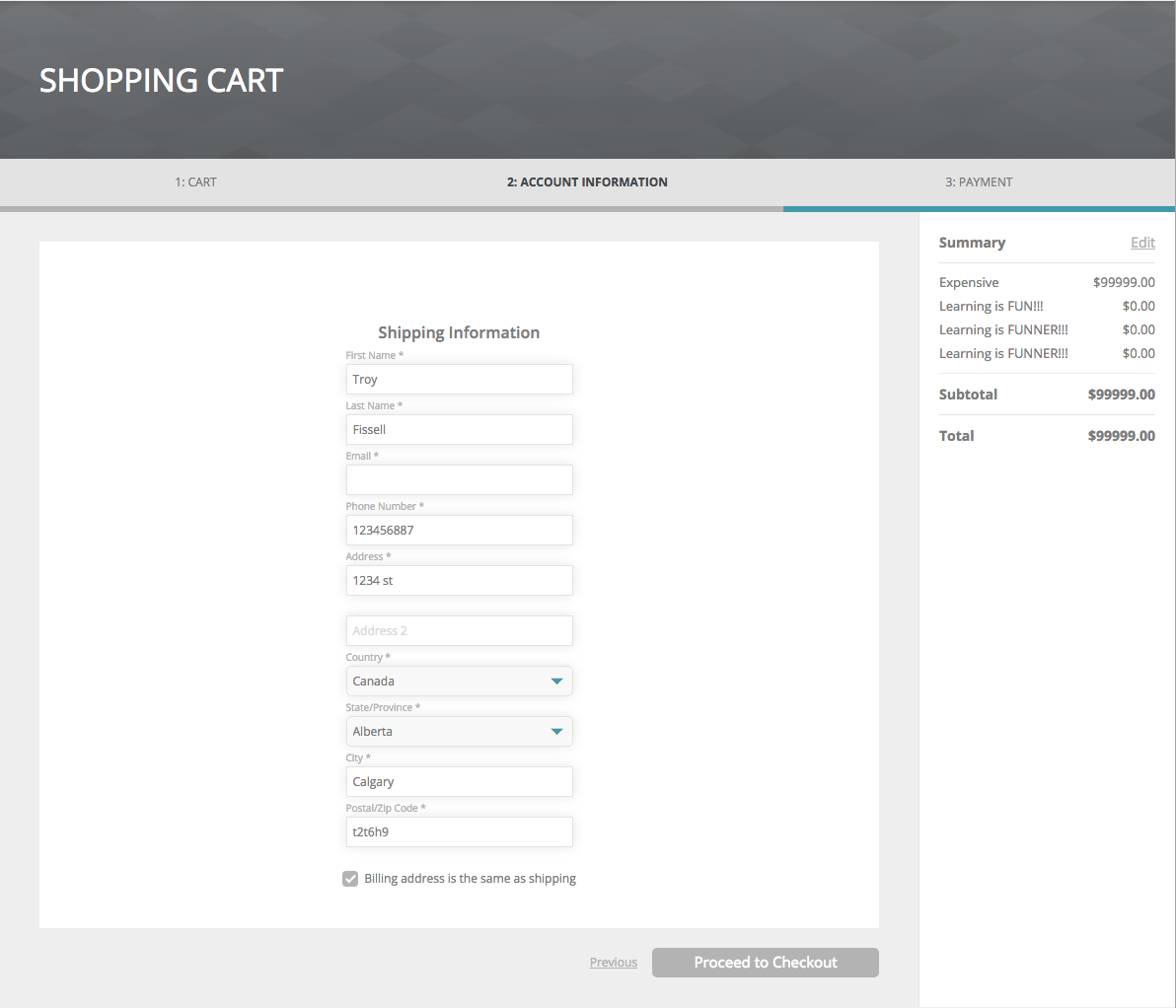
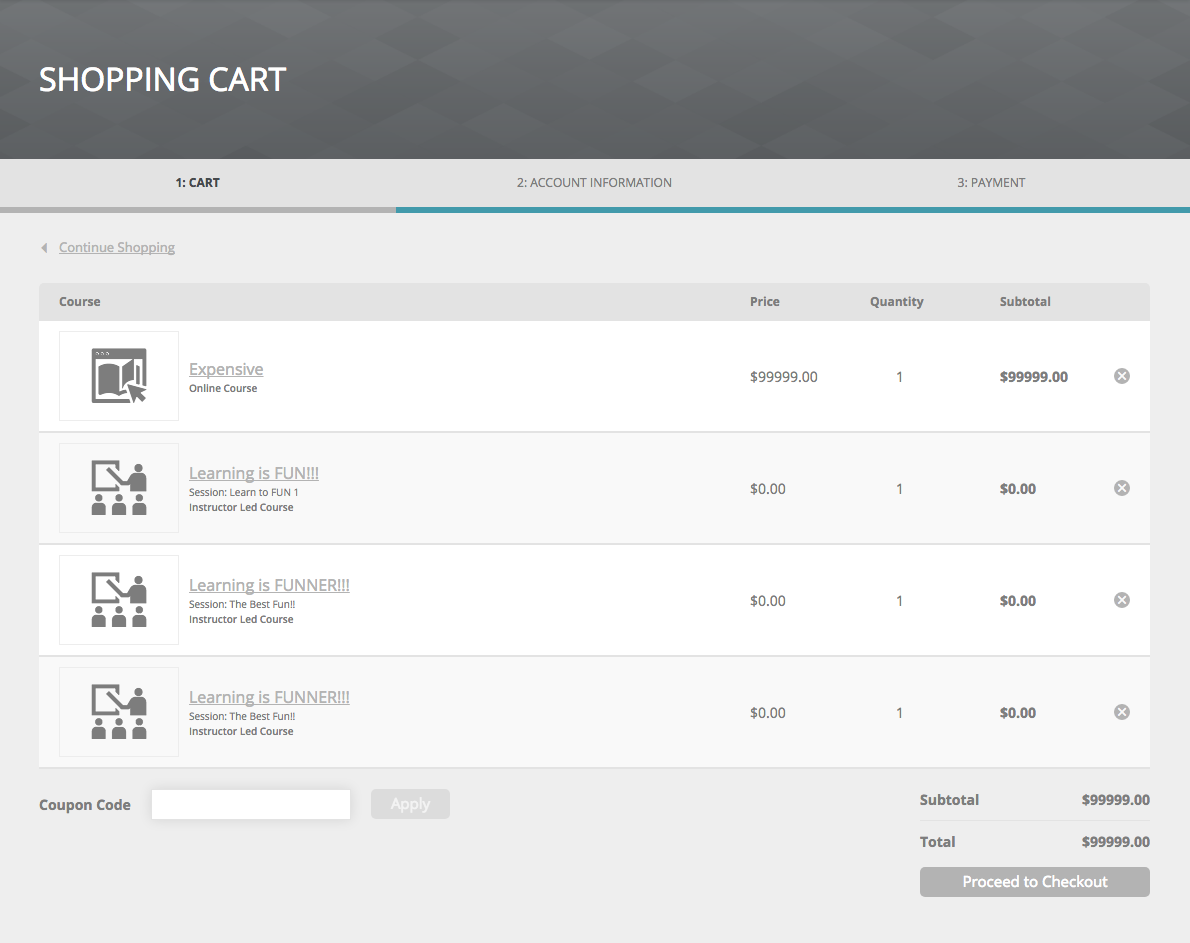
- Progress Indicator
- Buttons
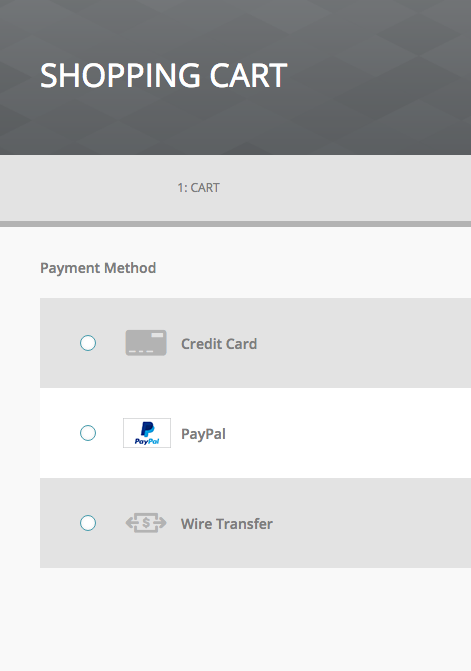
- Radio Buttons
- Payment Type Icons
Default
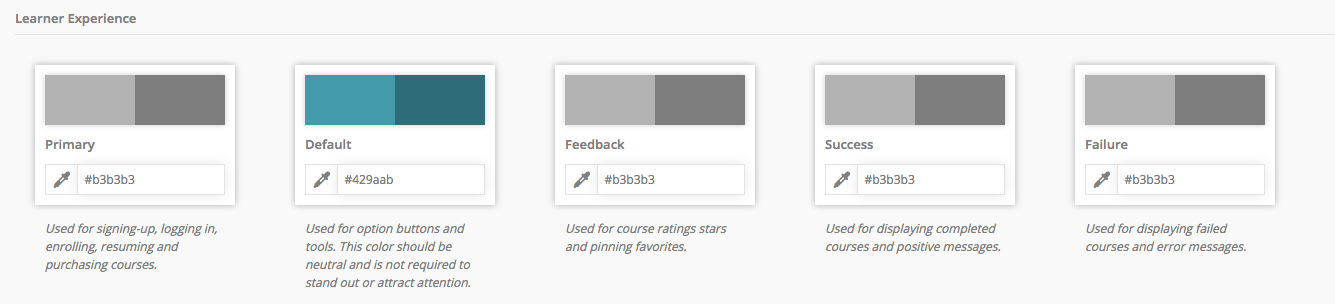
UI elements affected by this color variable are shown in teal blue
Dashboard
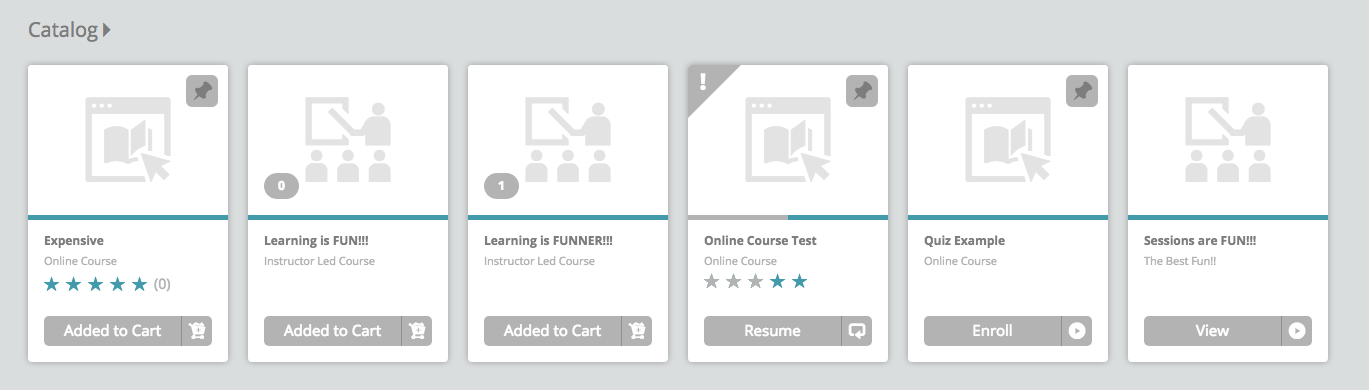
- Container Ribbon > Cards:
- Unrated / Unselected Stars
- Progress Bar background
Catalog / My Courses
- Refine Filter Sidebar:
- Filter drop down arrow
- Filter text input field arrow
- Sort drop down arrow
- Cards View:
- Progress Bar Background
- Detailed View:
- Progress Bar Background
- List View:
- Radial Progress Bar Background
- Calendar View:
- Calendar days with Sessions
- Progress Bar Background
- Search Results > Filter Sidebar > Course Rating > Unselected Stars

Search Results
- Search Results > Filter Sidebar > Course Rating > Inactive Stars

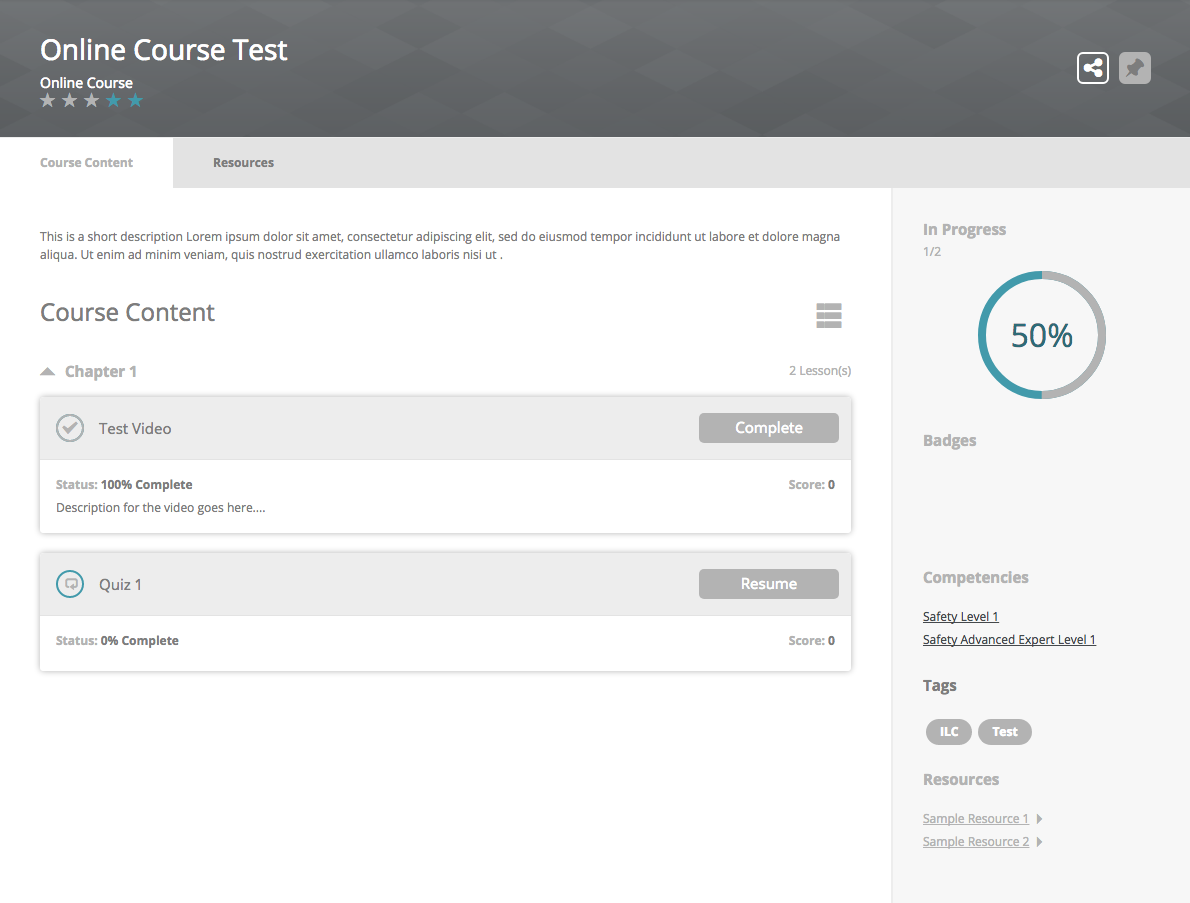
Course Details
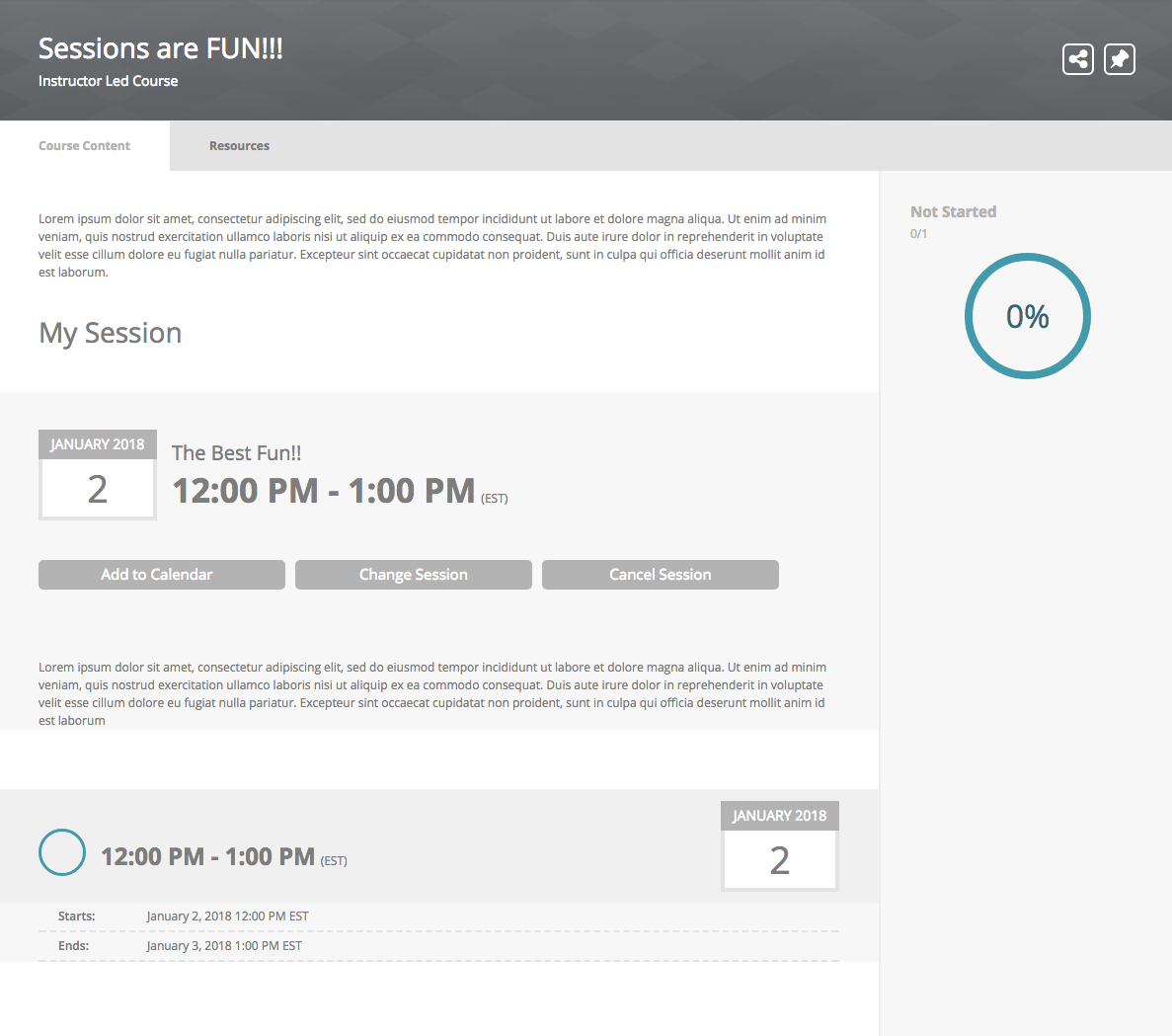
- Course / ILC status > Radial Progress background & percentage number
- Session radial status background
- Banner > Course Rating > Unselected Stars
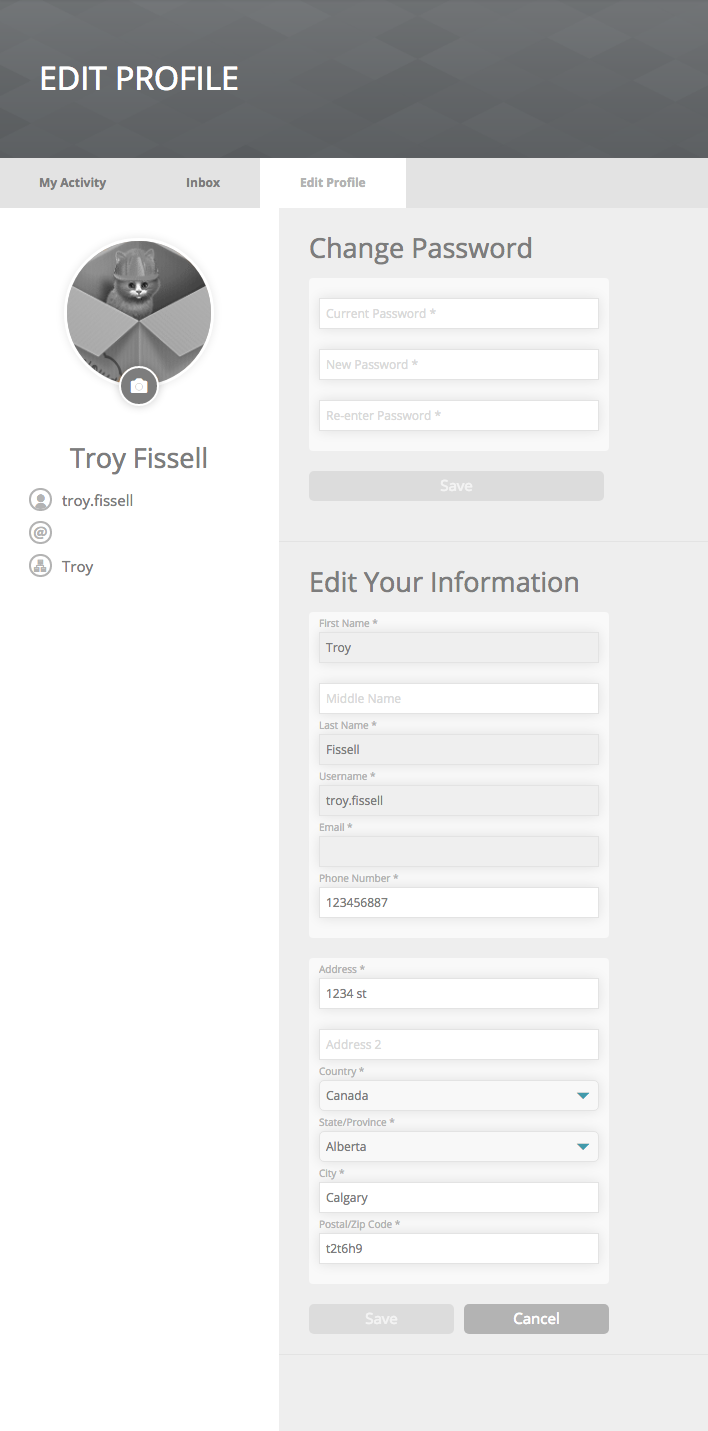
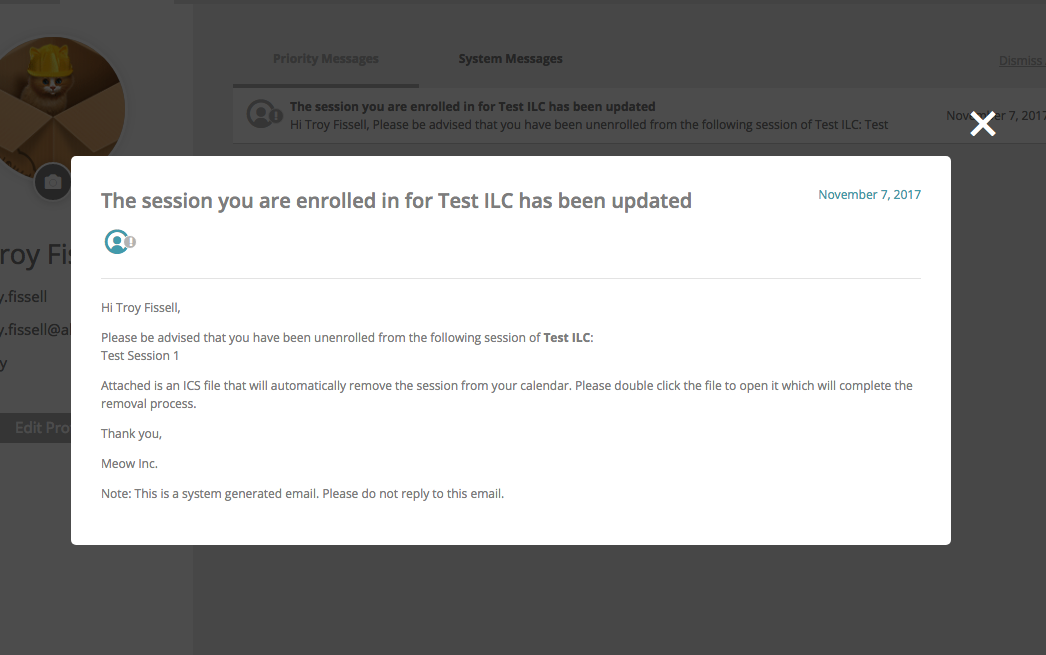
Profile
- Edit Profile > Form field drop down arrows
- Inbox > Message modal > Default profile icon & date
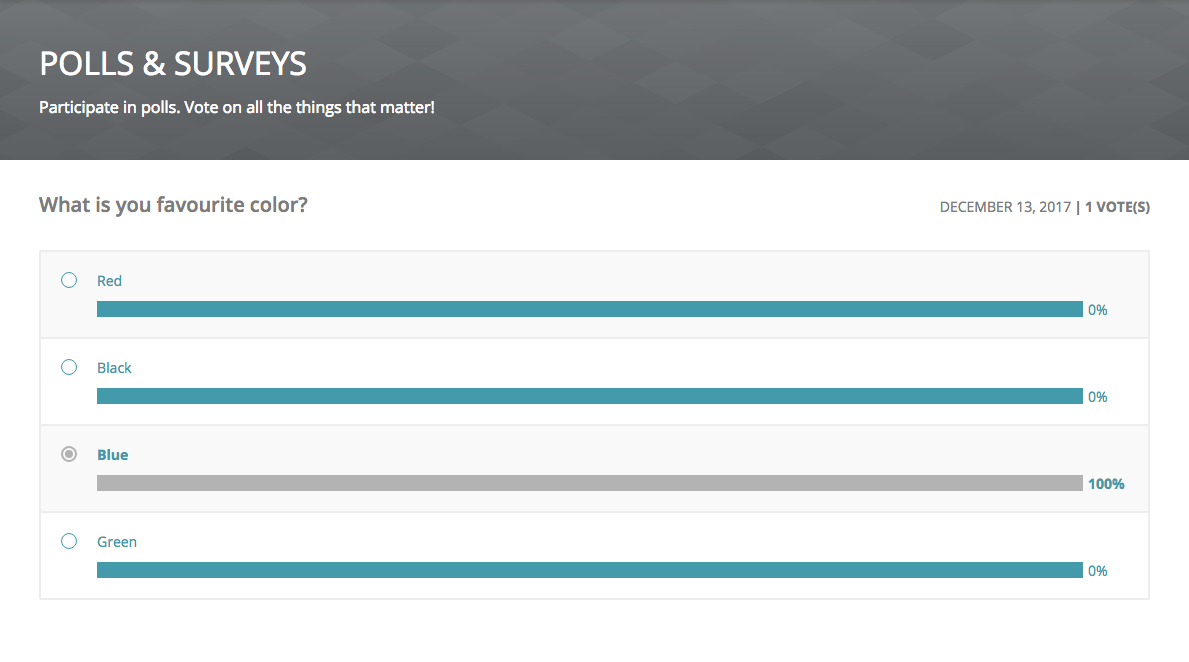
Polls and Surveys
- Bar Graph background
- Percentages
- Titles
- Unselected Radio Buttons
Transcript
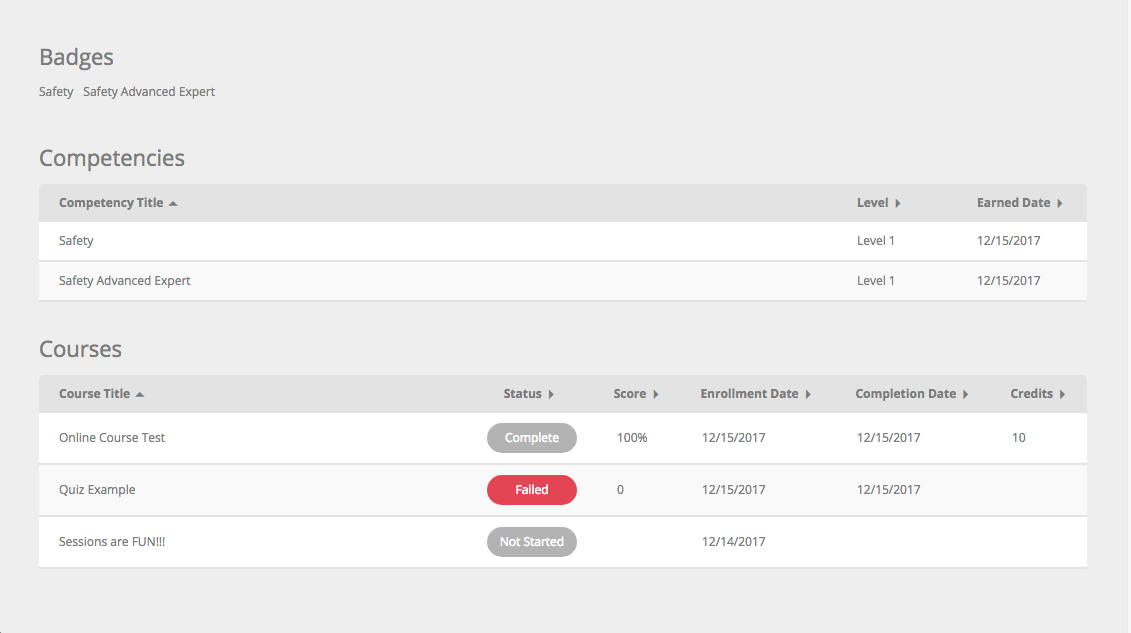
- Courses > Status Pills

Shopping Cart
- Progress Indicator background
- Form field drop down arrows
- Payment Method Radial button borders
Feedback
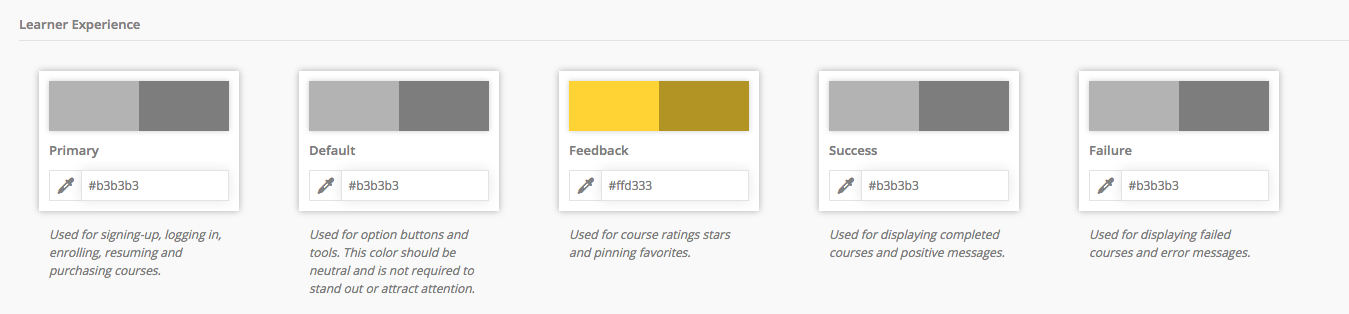
UI elements affected by this color variable are shown in gold
Dashboard
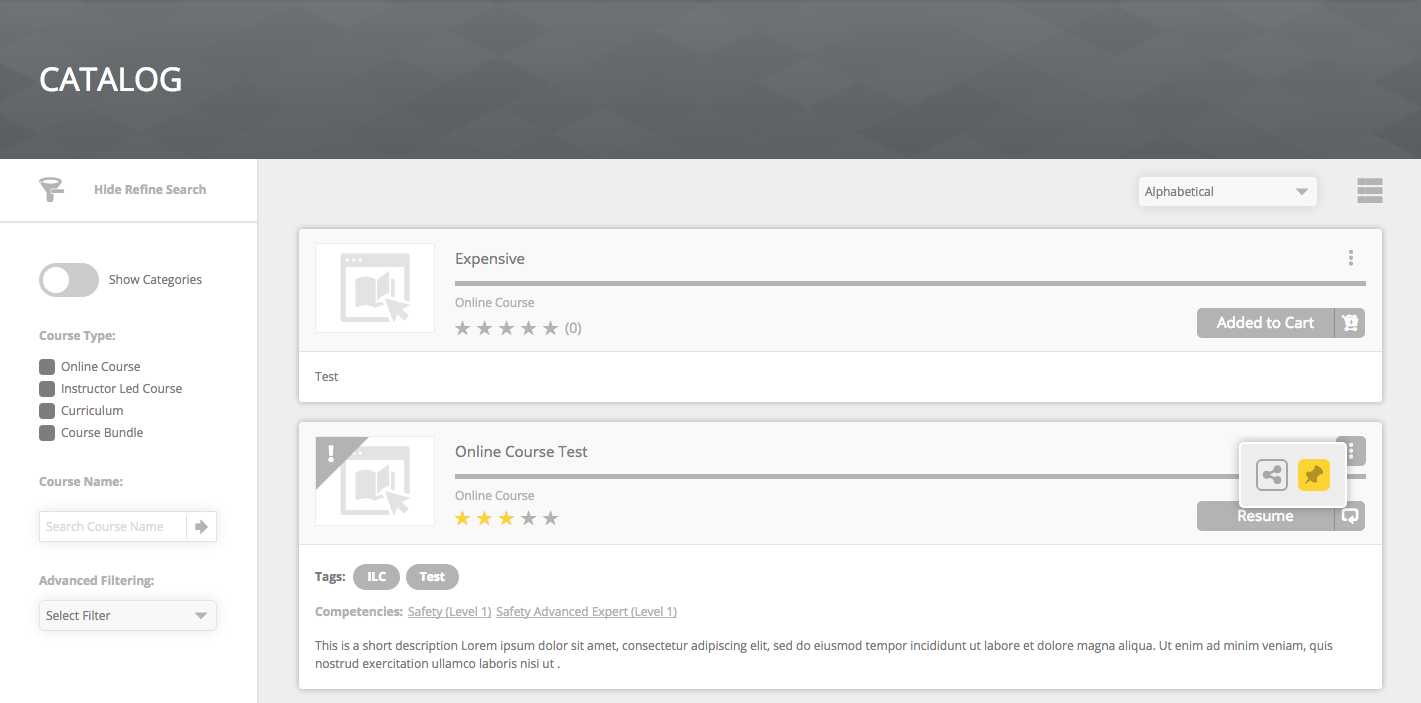
- Container Ribbon > Cards:
- Rated Courses / Selected Stars
- Pinned Courses
- Pin button hover state
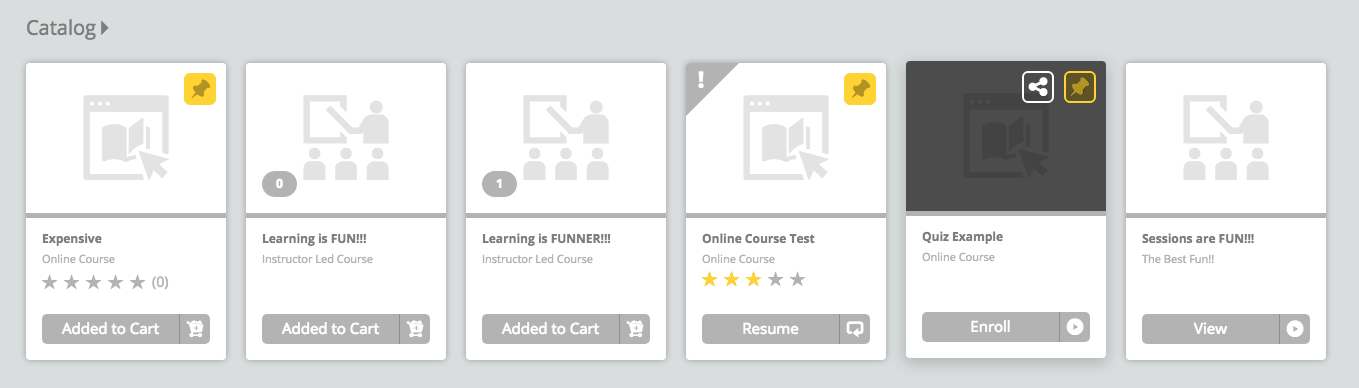
Catalog / My Courses
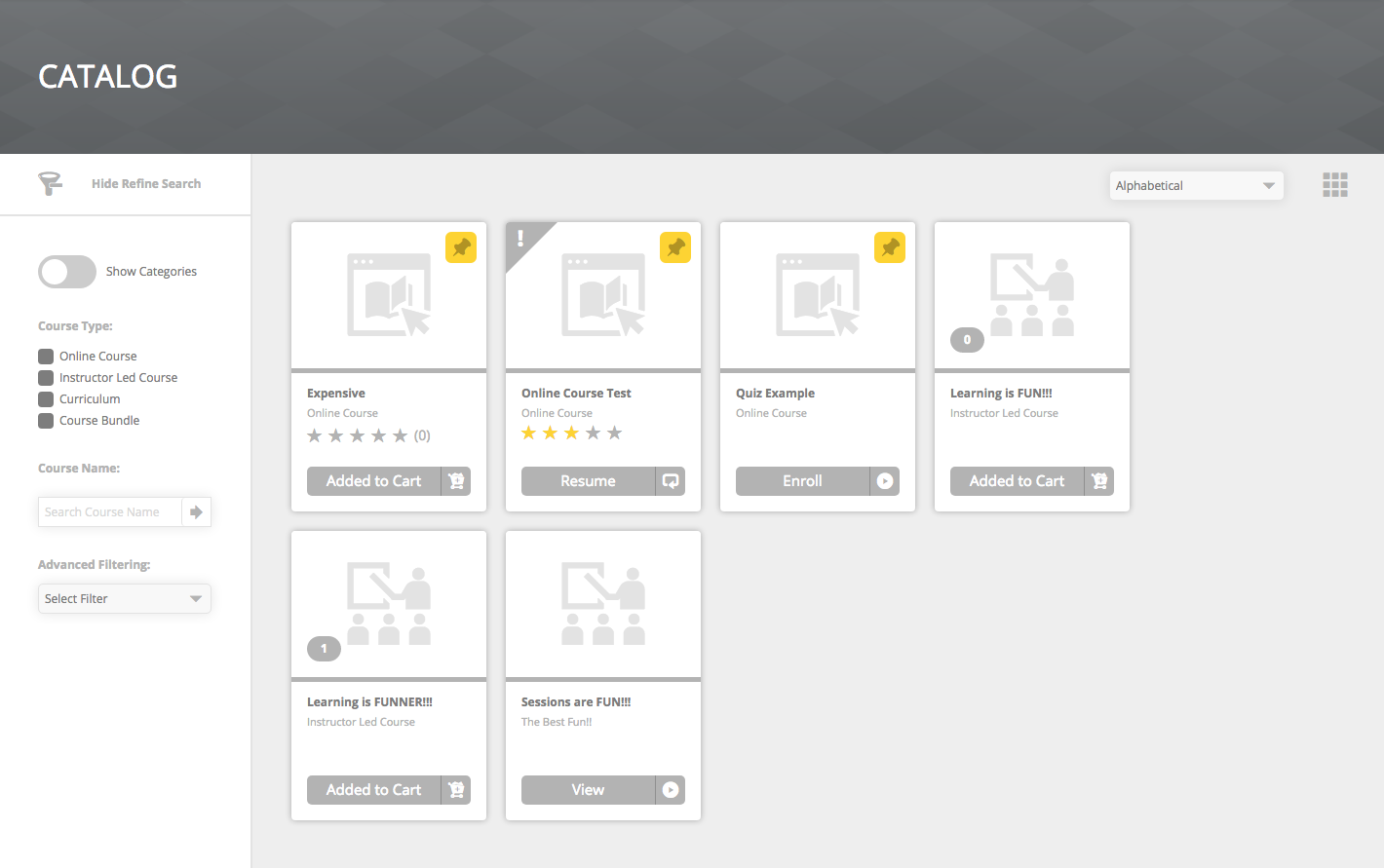
- Cards View:
- Rated Courses / Selected Stars
- Pinned Courses
- Pin button hover state
- Detailed View:
- Rated Courses / Selected Stars
- Pinned Courses
- Pin button hover state
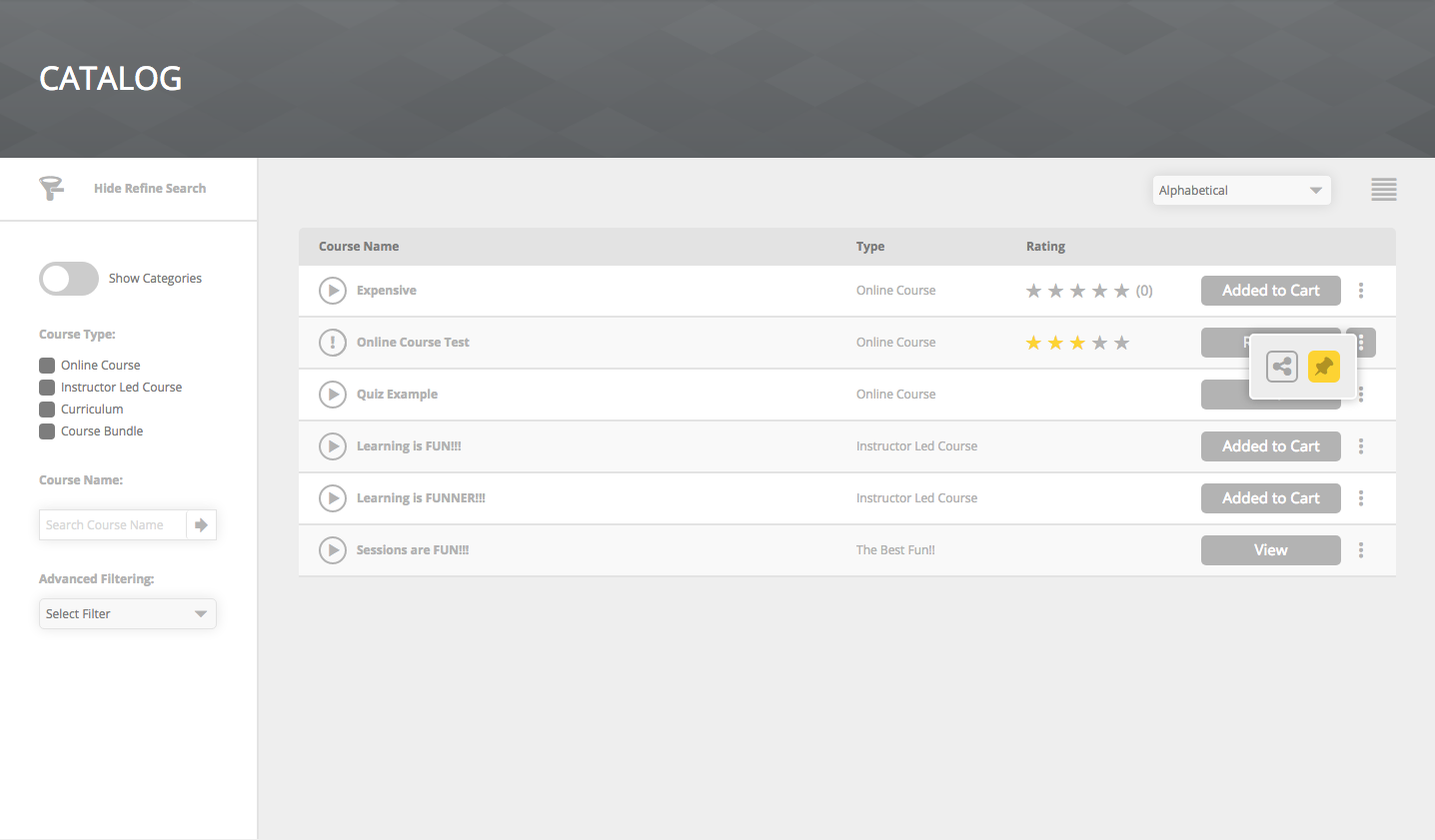
- List View:
- Rated Courses / Selected Stars
- Pinned Courses
- Pin button hover state
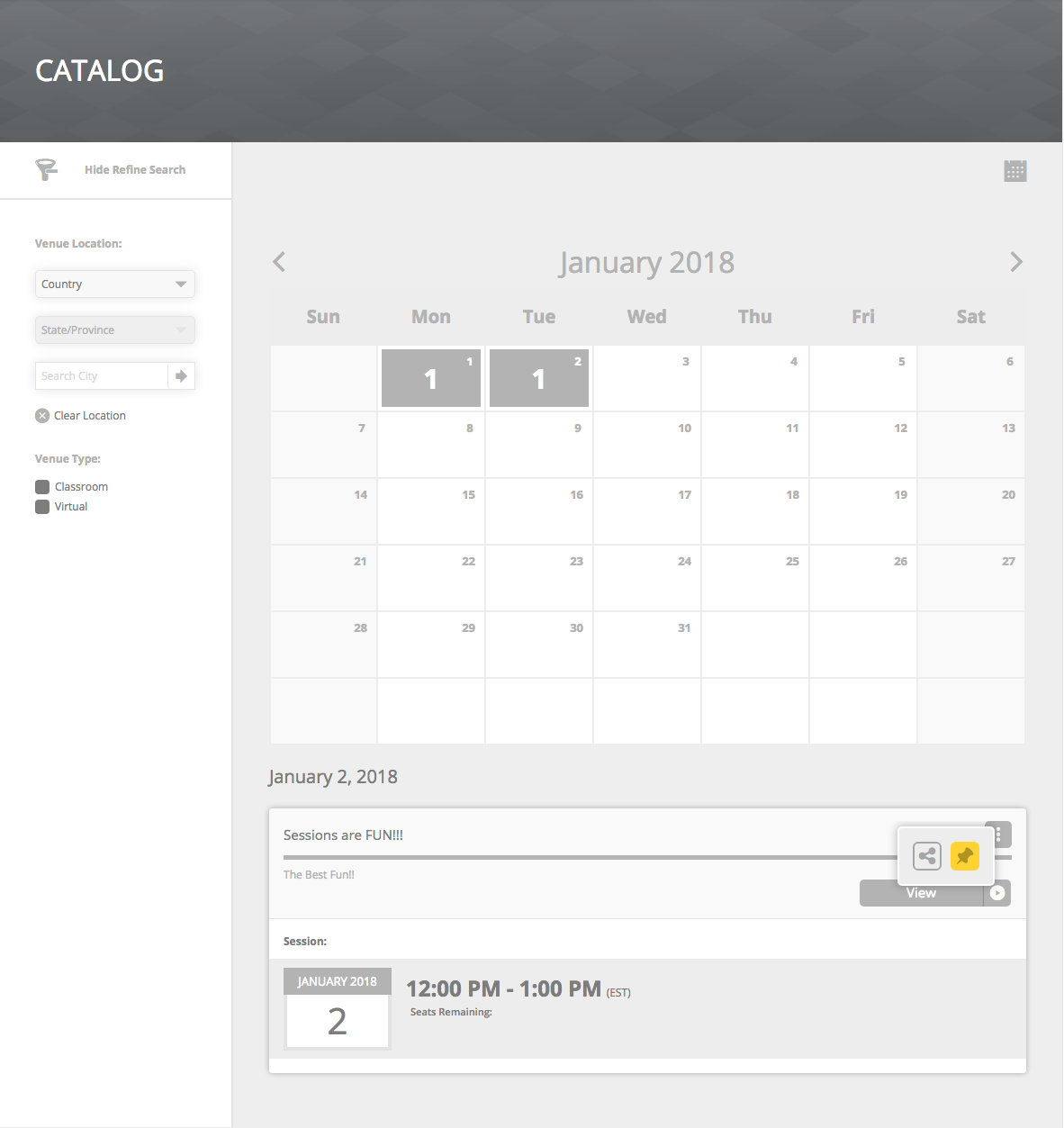
- Calendar View:
- Pinned Courses
- Pin button hover state
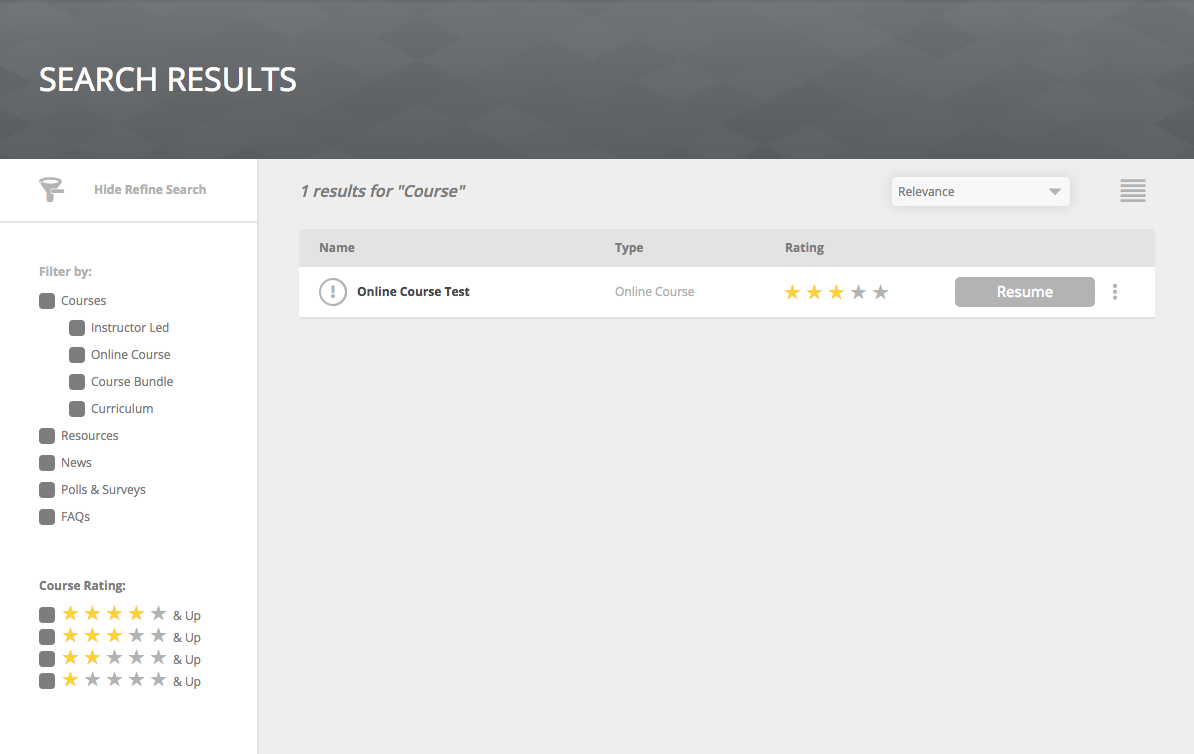
Search Result
- Search Results > Filter Sidebar > Course Rating > Active Stars
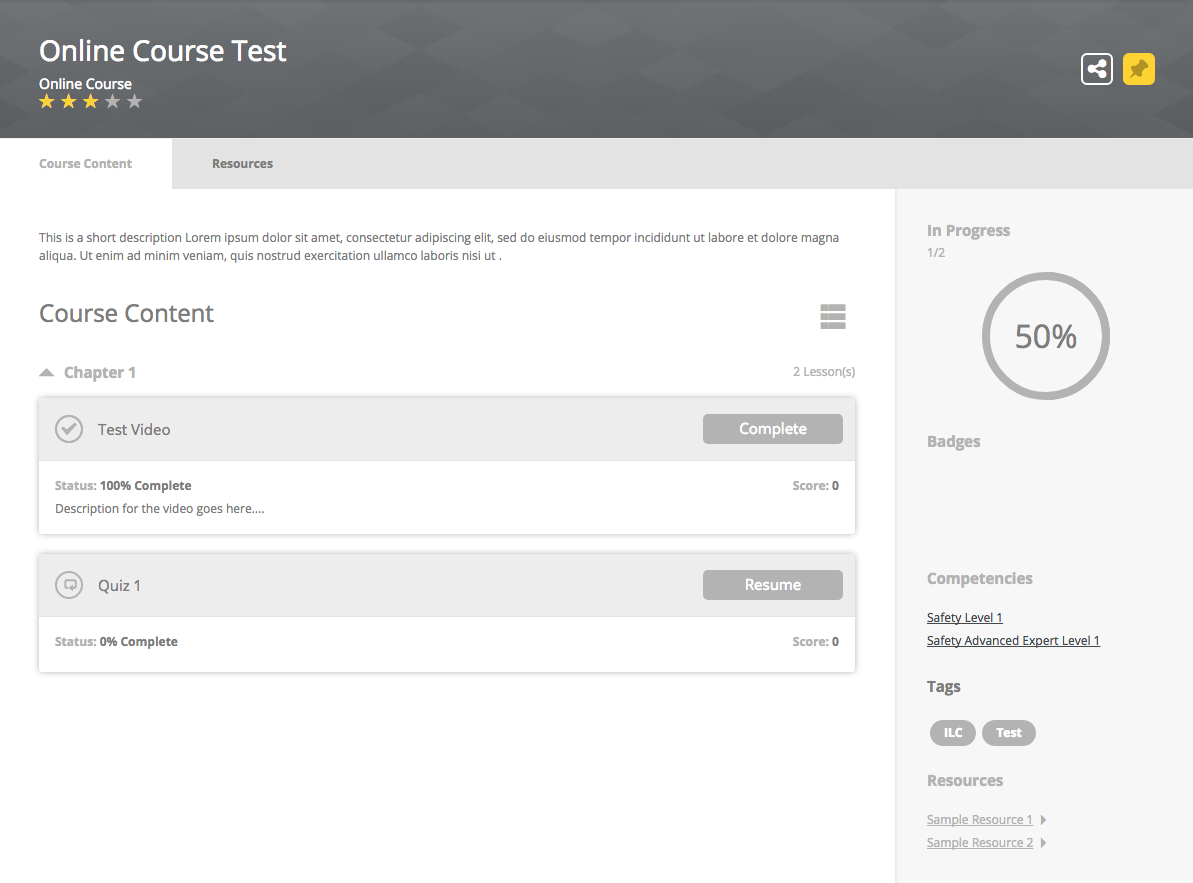
Course Details
- Banner > Course Rating > Selected Stars
- Banner > Pinned button
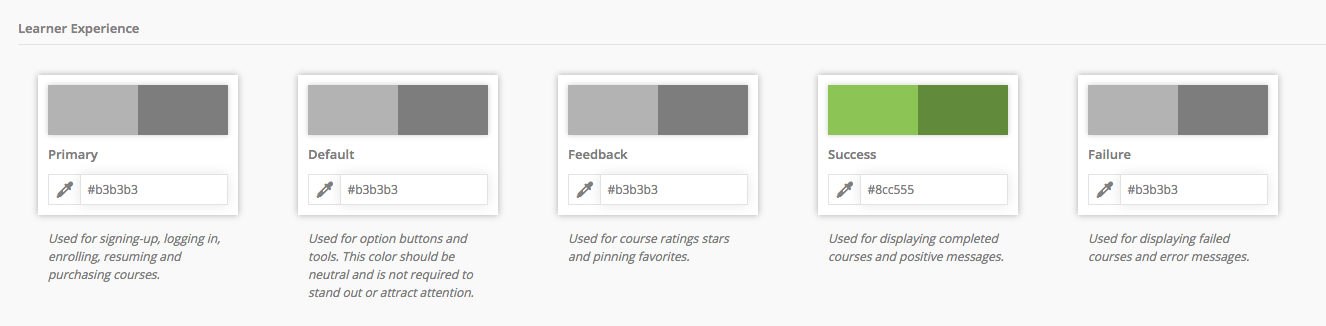
Success
UI elements affected by this color variable are shown in (color)
Dashboard
- Container Ribbon > Cards:
- Status Hat
- Progress bar complete
- Complete button
Catalog / My Courses
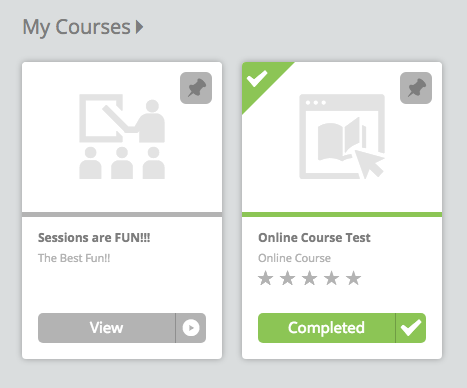
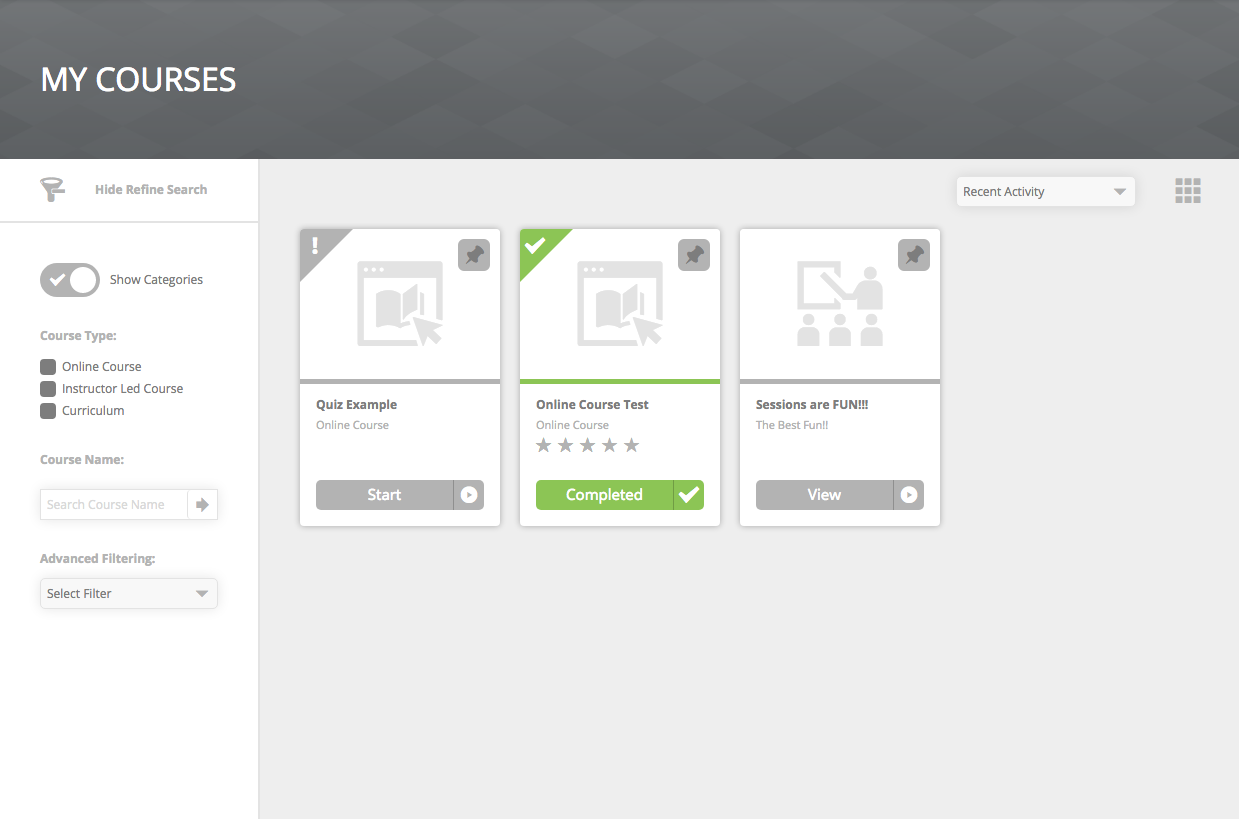
- Card View:
- Status Hat
- Progress bar complete
- Complete button
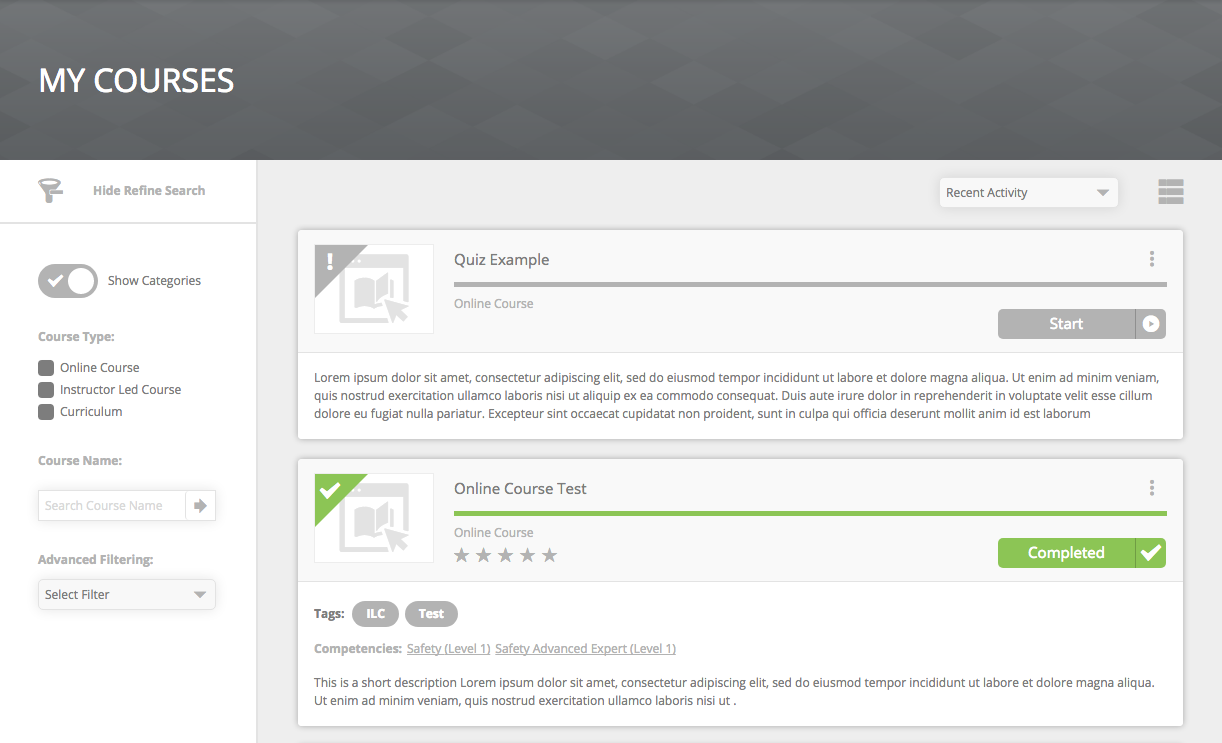
- Detail View:
- Status Hat
- Progress bar complete
- Complete button
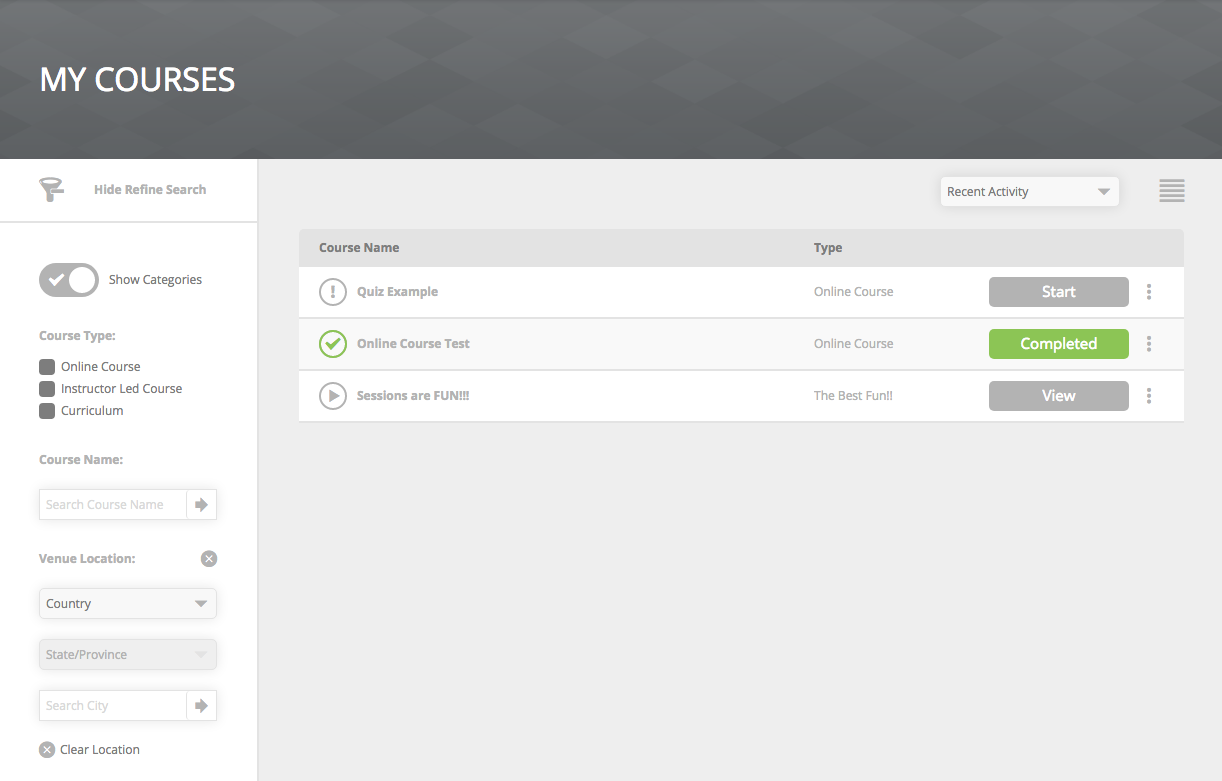
- List View:
- Status Icon
- Radial Progress bar complete
- Complete button
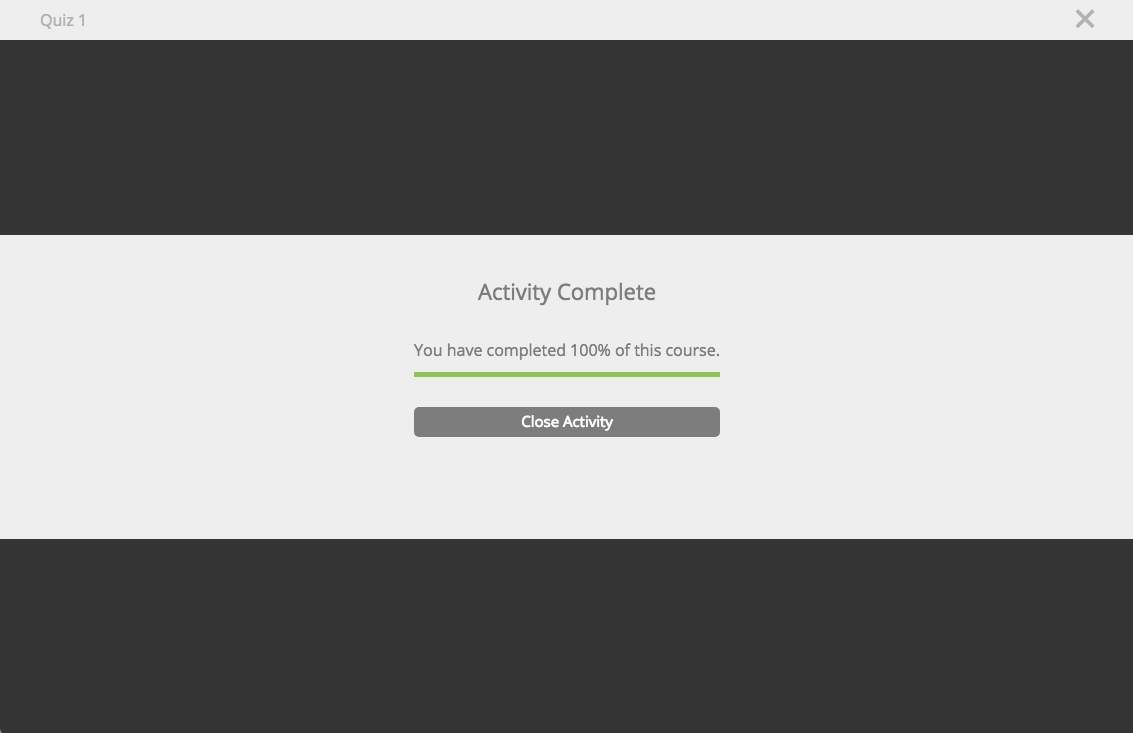
Lesson Player
- Progress Bar
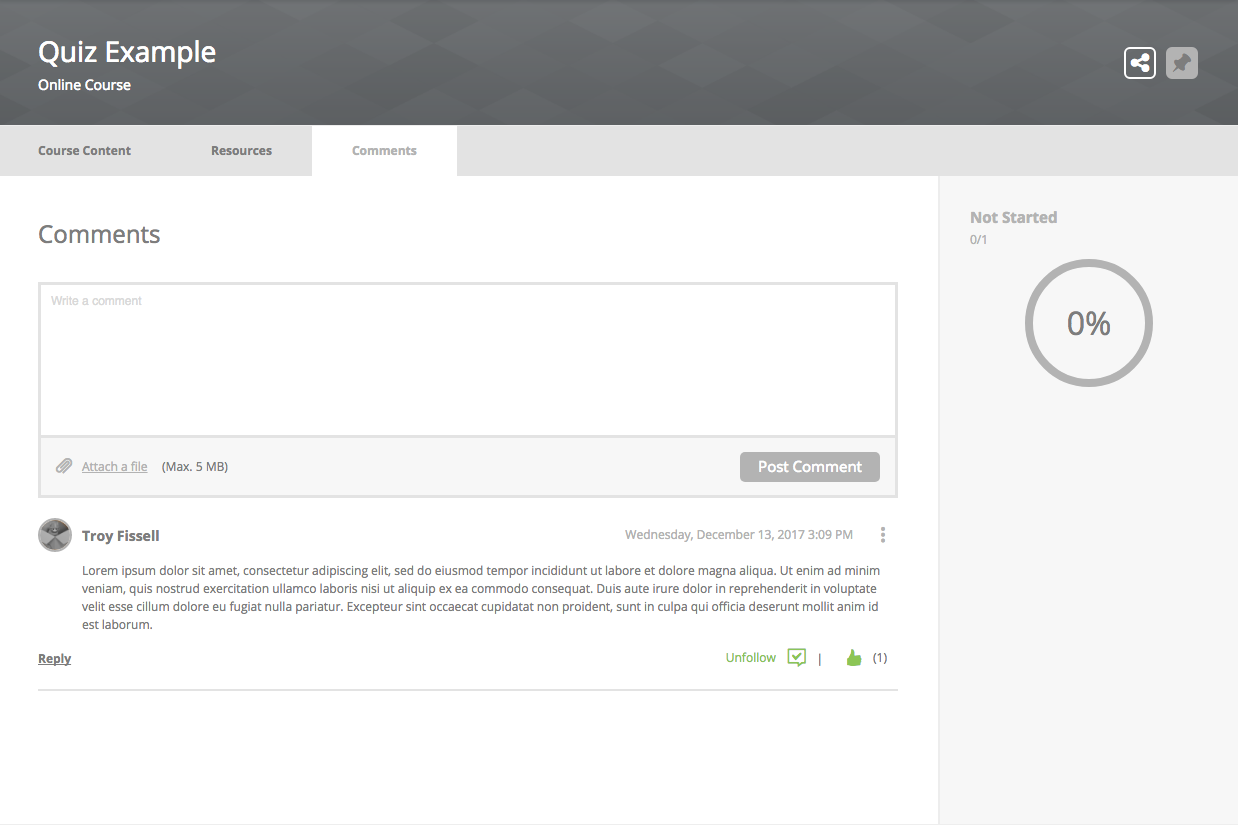
Course Details
- Radial Progress
- Lesson Status Icon
- Complete button
- Points number
- Credits number
- Competency Links
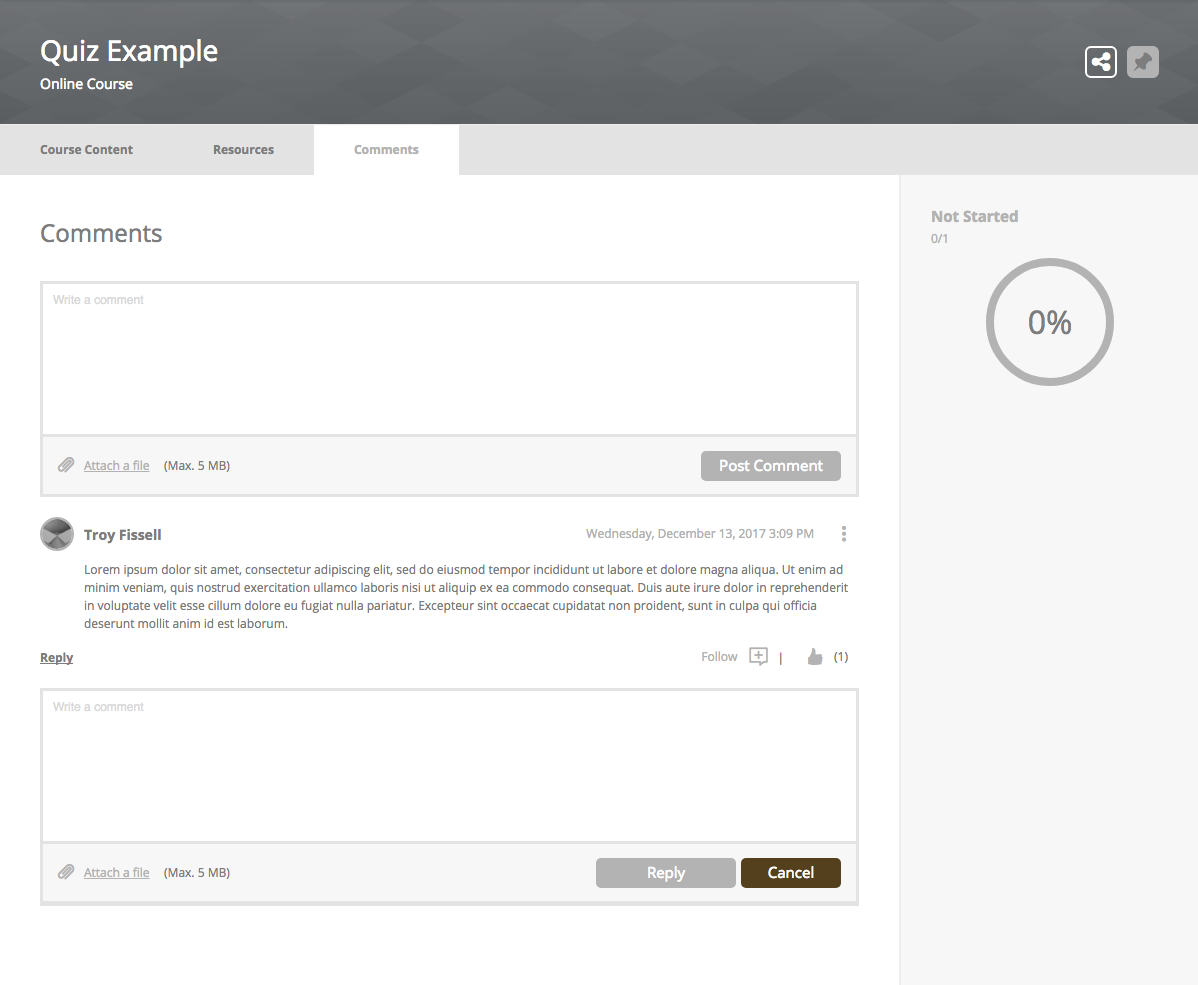
- Comments Tab > Unfollow & Helpful Thumbs Up Icon

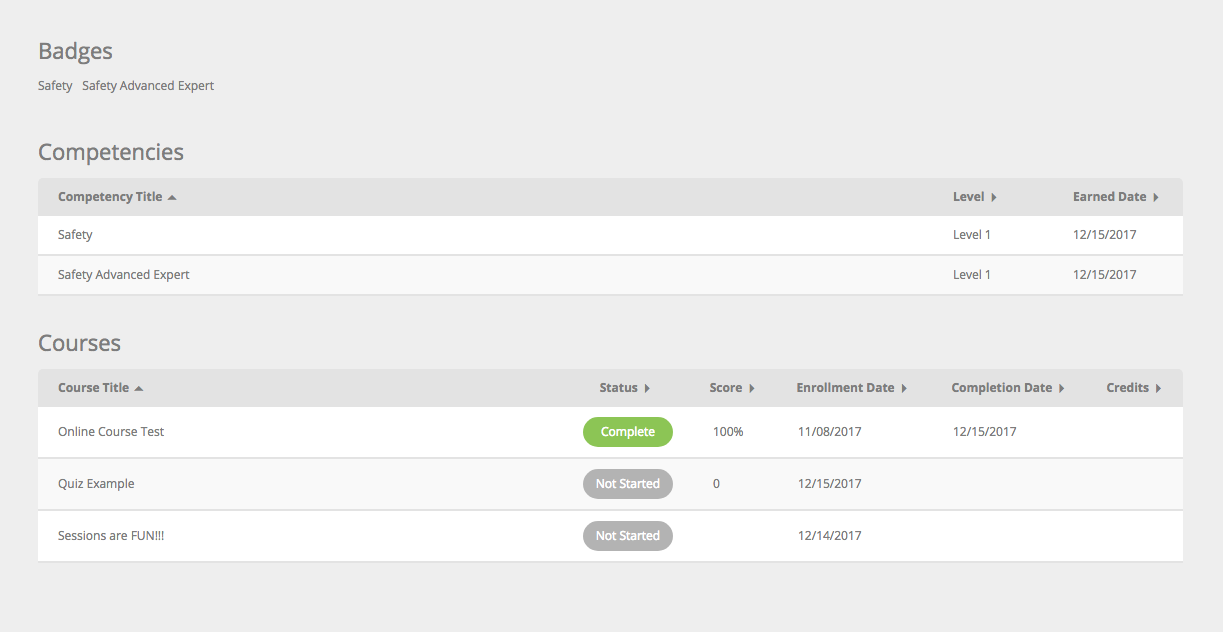
Transcript
- Courses > Status Pills
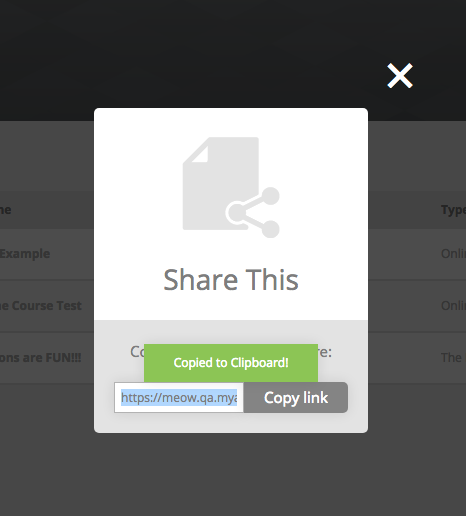
Share
- Copied to Clipboard message
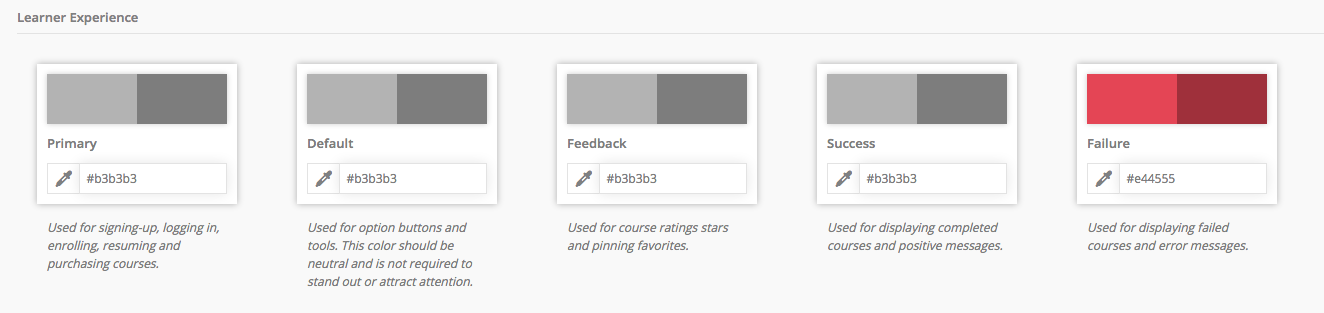
Failure
UI elements affected by this color variable are shown in red
Dashboard
- Container Ribbon > Cards:
- Progress Bar
- Re-Enroll button
- Failed button
- Status Hat

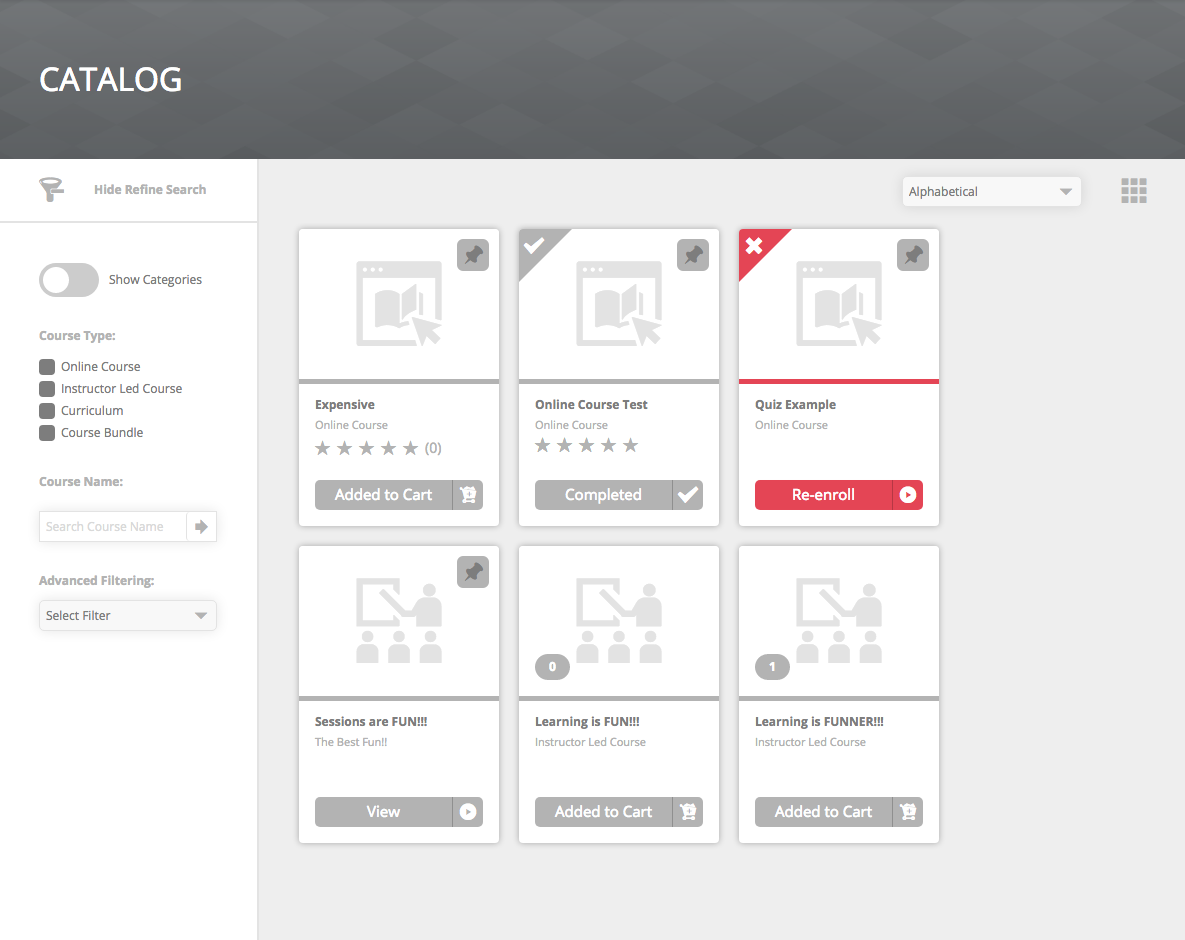
Catalog / My Courses
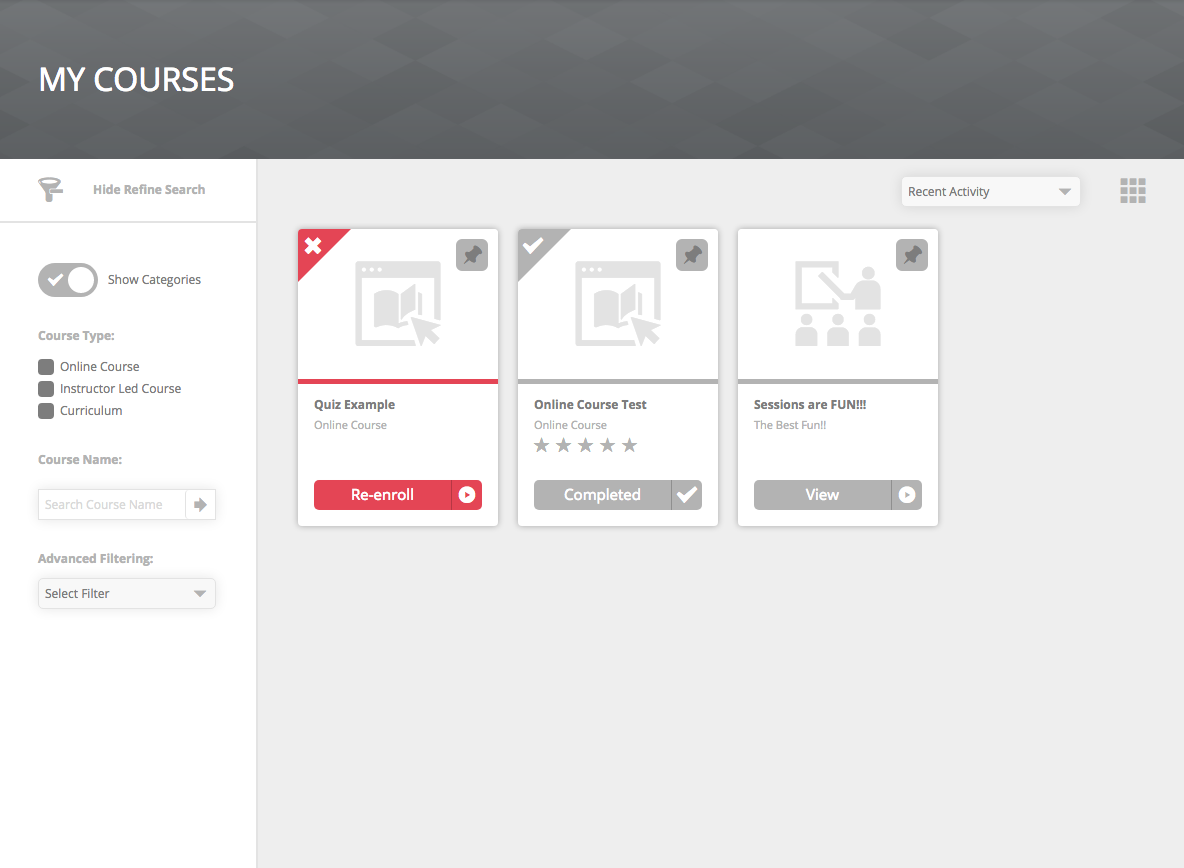
- Card View:
- Status Hat
- Progress bar failed
- Complete button
- Detail View:
- Status Hat
- Progress bar failed
- Complete button
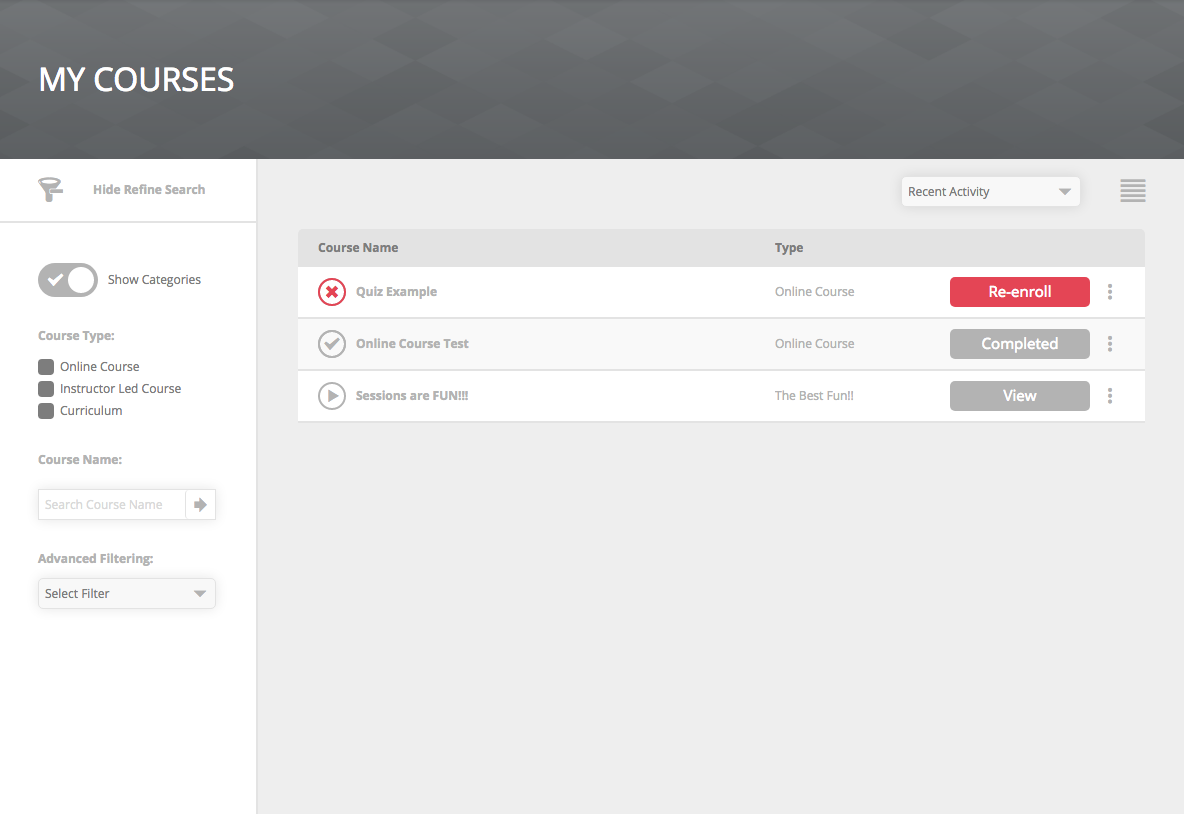
- List View:
- Status Icon
- Radial Progress bar failed
- Complete button

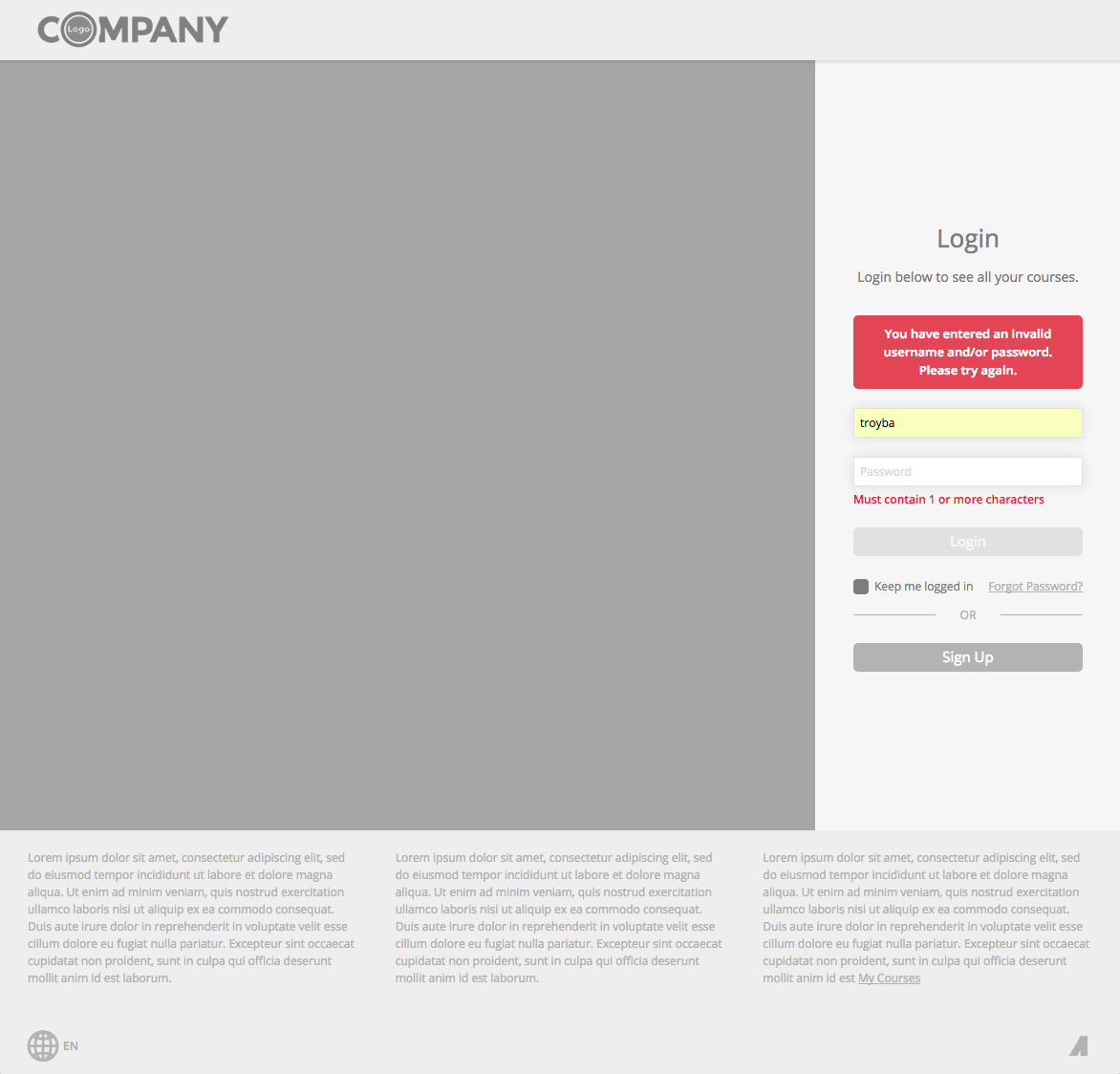
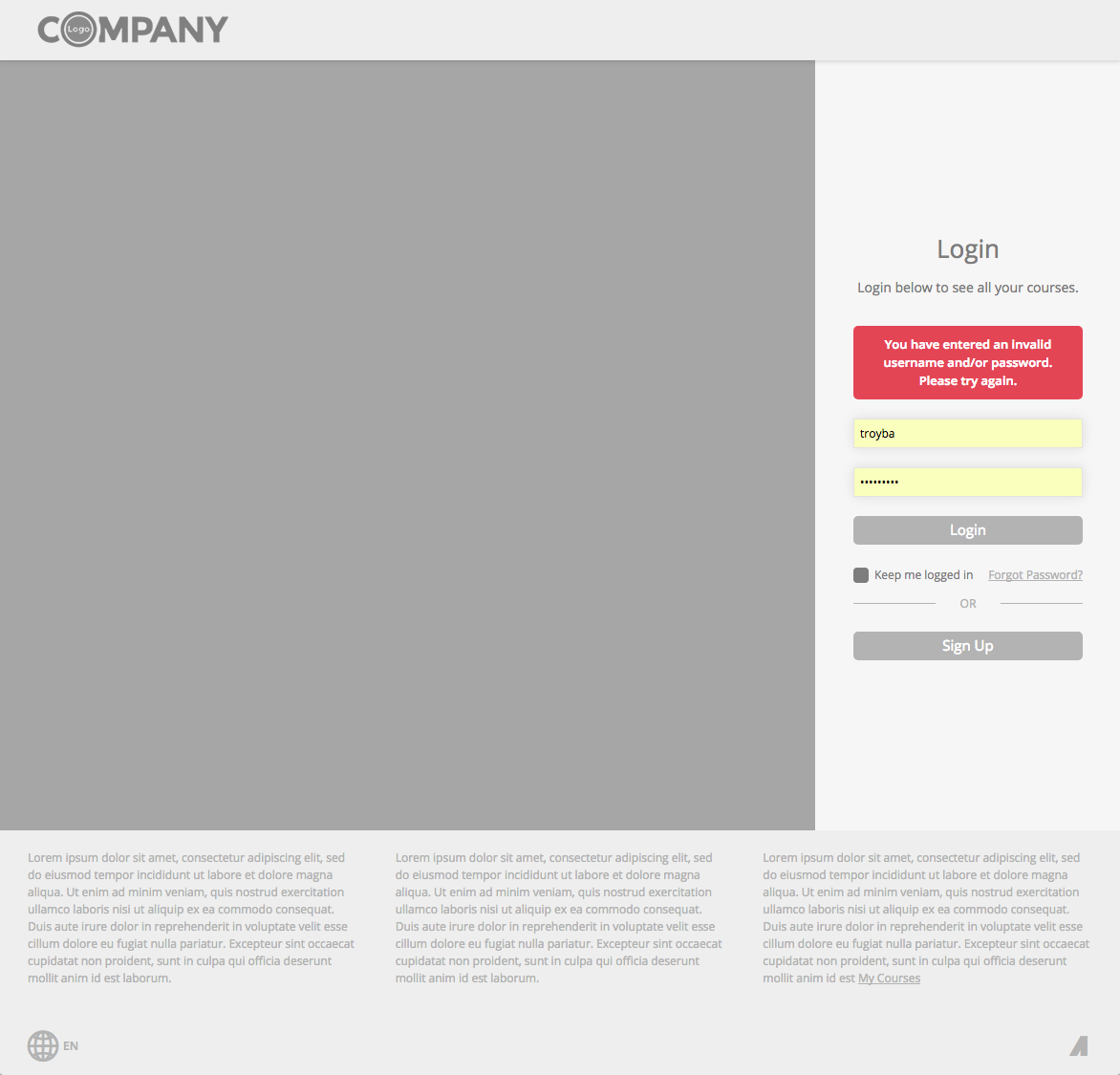
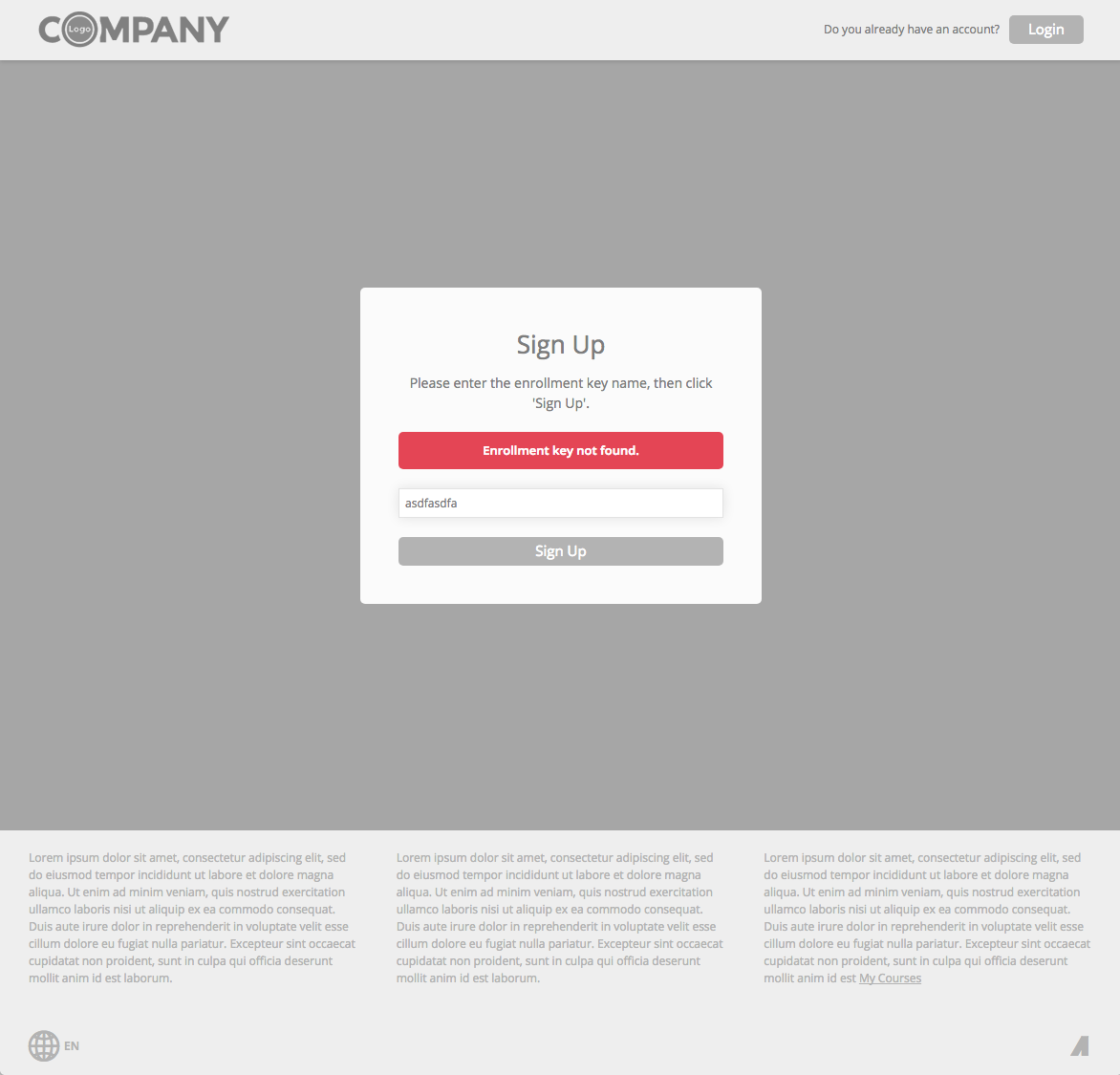
Login / Sign Up / Forget Password
- Error Message box background
- Form Field validation messages
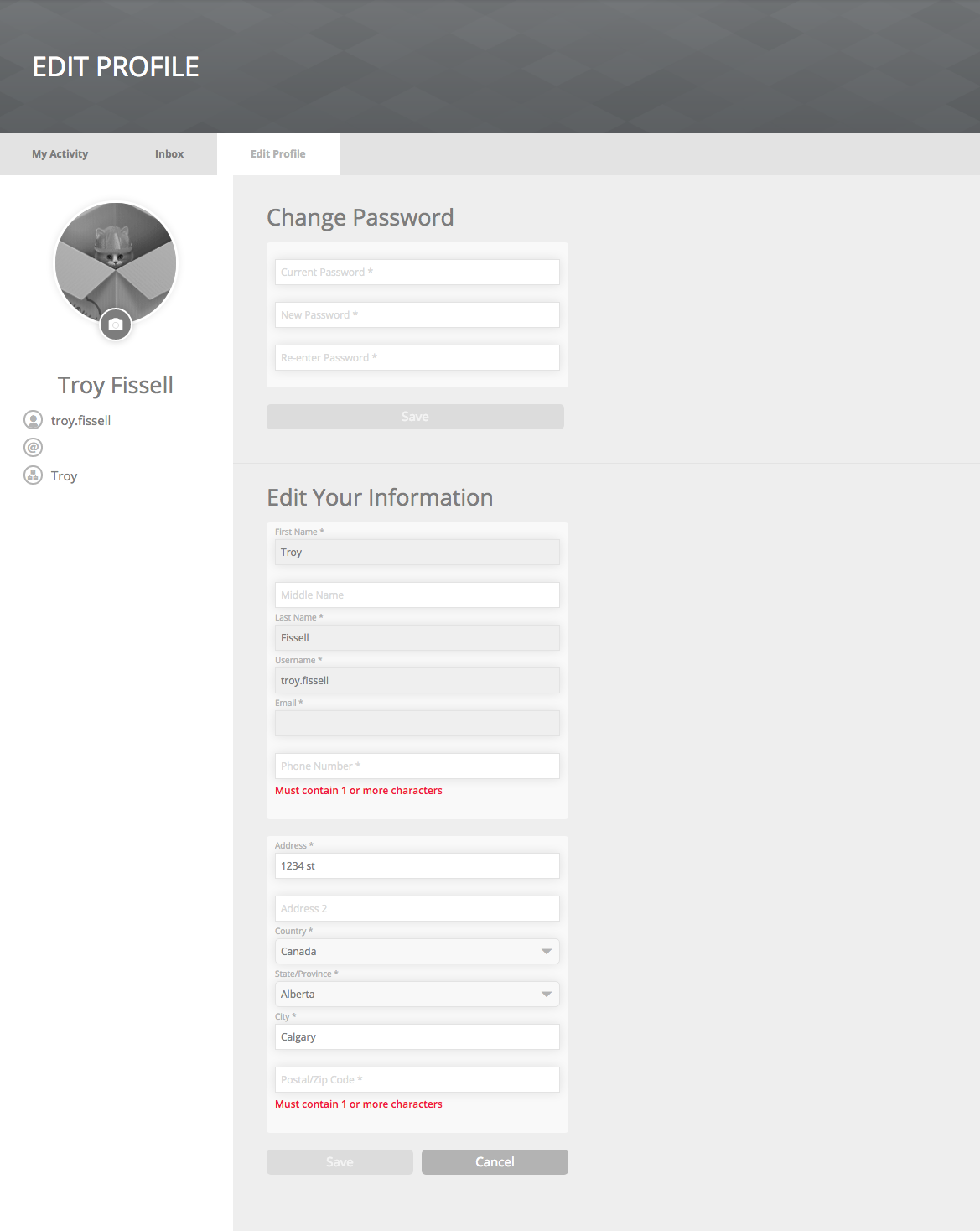
Edit Profile
- Form field validation messages

Transcript
- Courses > Status Pills
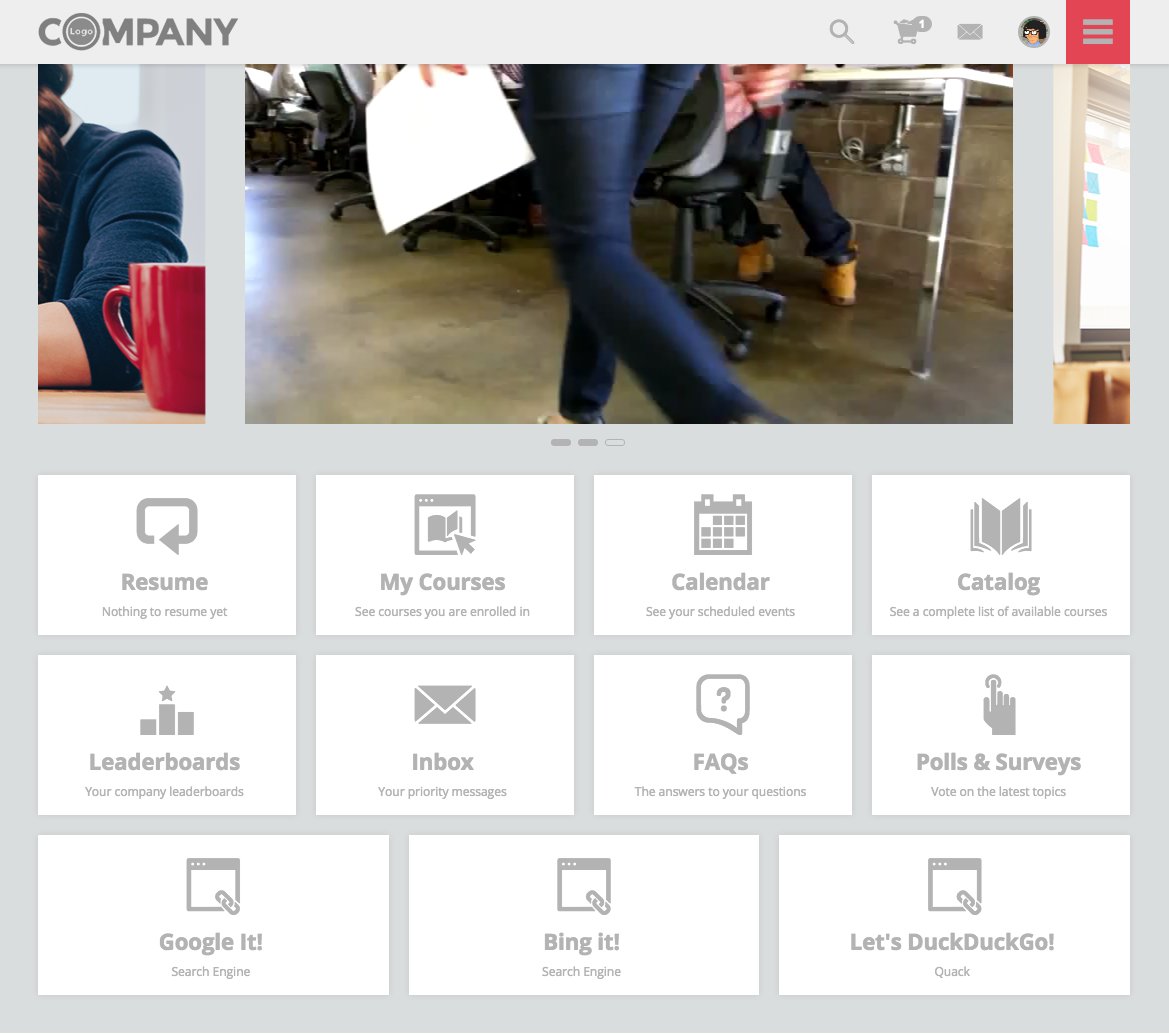
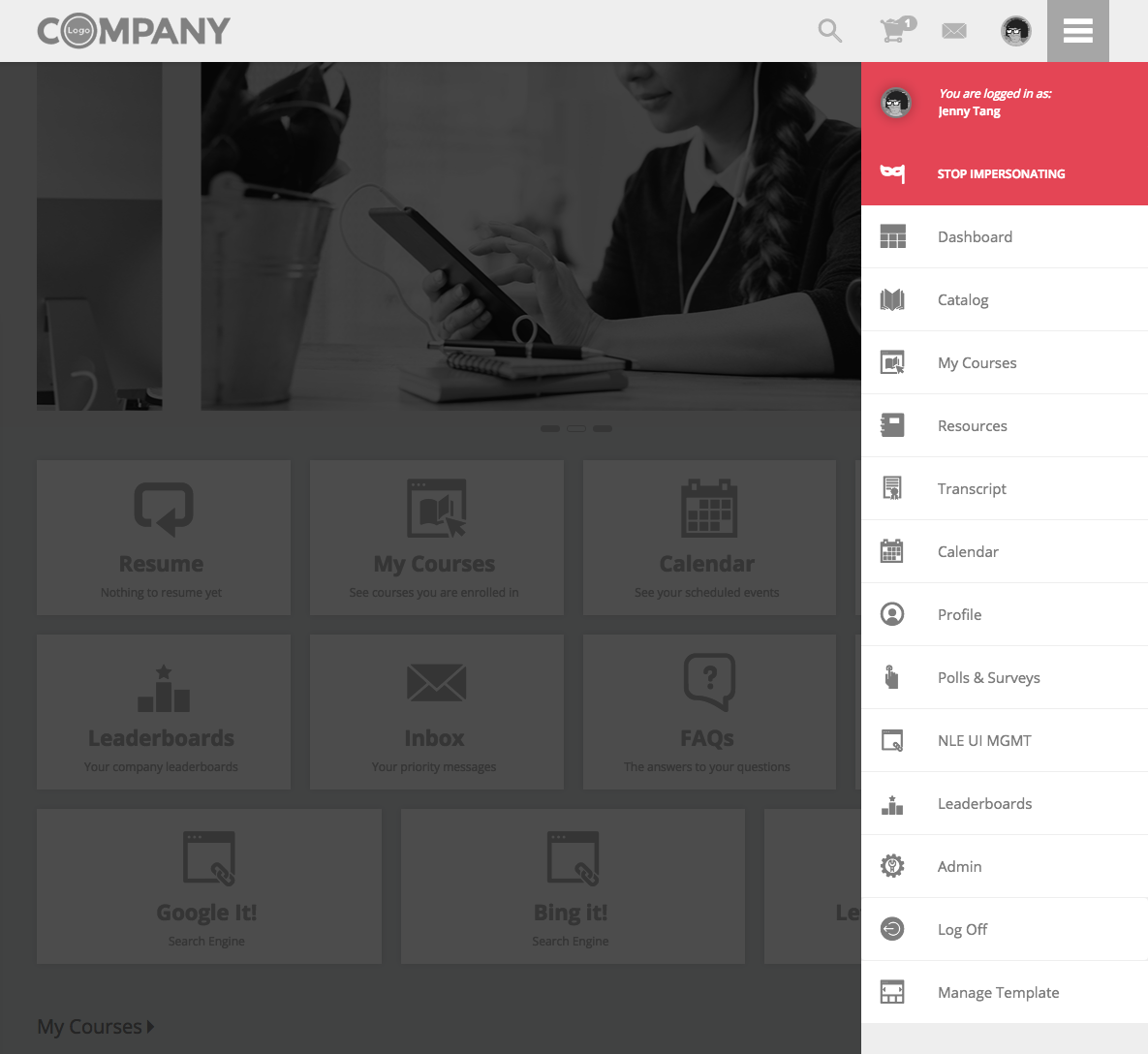
Admin User Impersonation
- Top Header > Main Menu > Hamburger Icon
- Top Header > Main Menu > Main Navigation:
- User profile "logged in as" message
- Stop Impersonating button
Warning
UI elements affected by this color variable are shown in orange
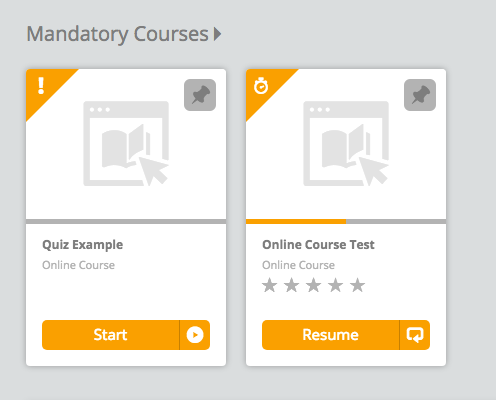
Dashboard
- Container Ribbon > Cards:
- Progress Bar
- Status Hat
- Start button
- Resume button
Catalog / My Courses
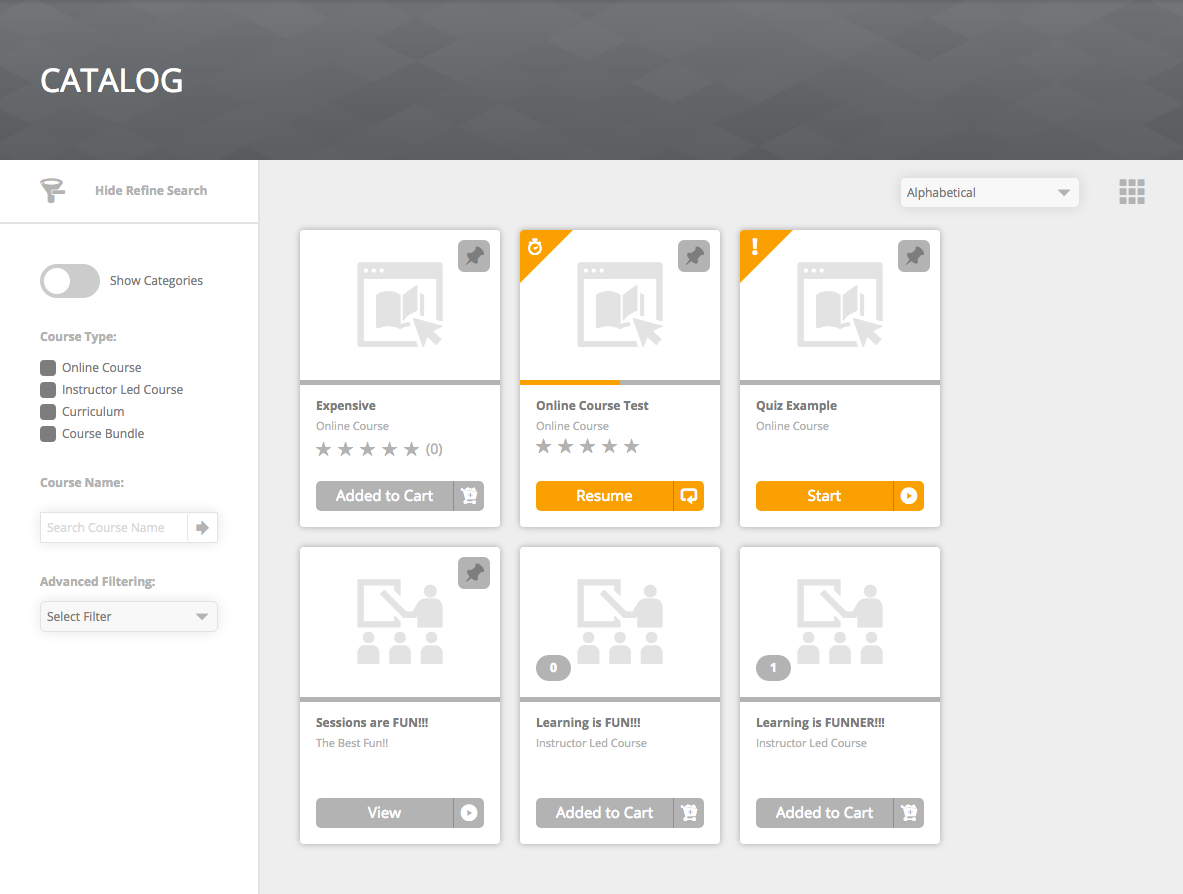
- Card View:
- Progress Bar
- Status Hat
- Start button
- Resume button
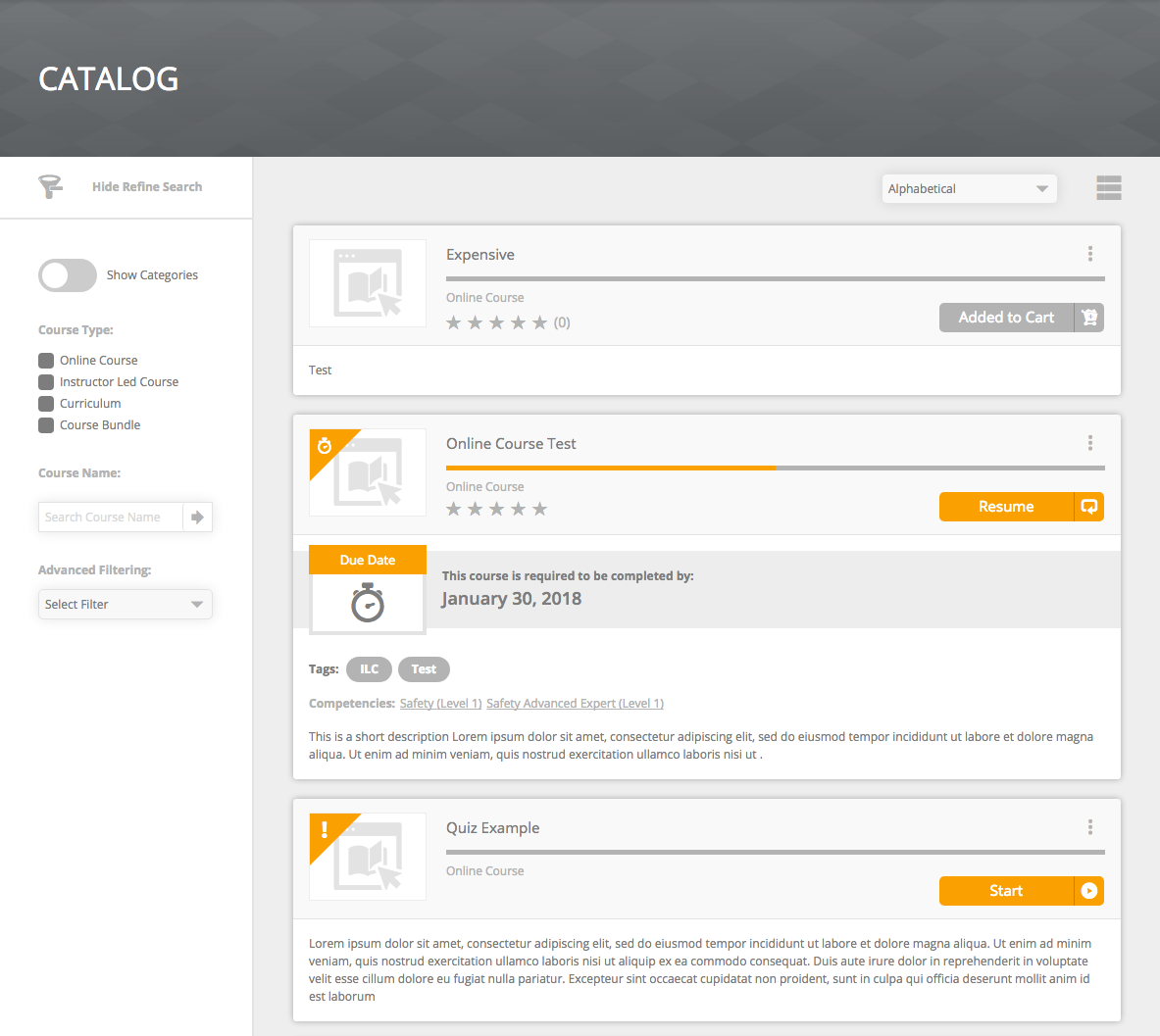
- Detail View:
- Progress Bar
- Status Hat
- Start button
- Resume button
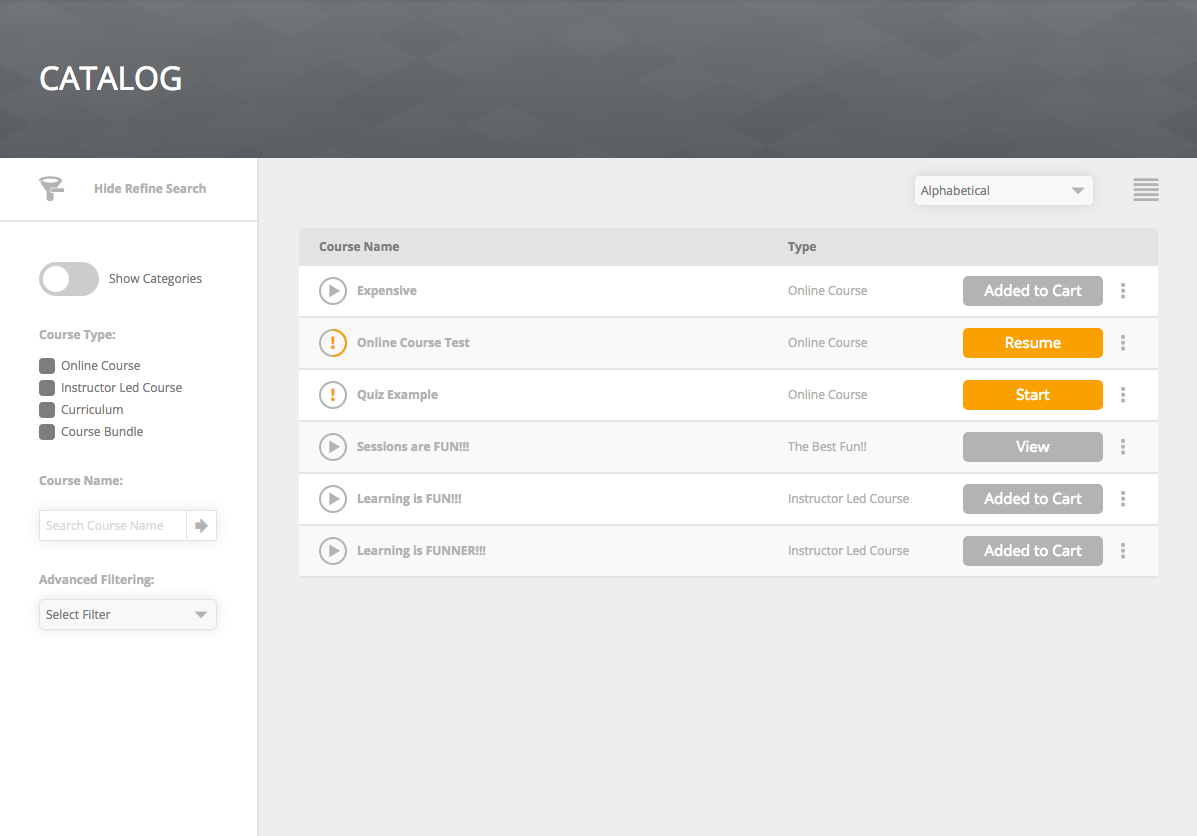
- List View:
- Status Icon
- Radial Progress Bar
- Start button
- Resume button
- Calendar View:
- Calendar Status Hat
- ILC Status Hat
- ILC Progress Bar
- ILC Start button
- ILC Resume button
- ILC Session Calendar Date Month/Year
Lesson Player
- Progress Bar
Course Details
- Expires Message
- Due Date Message
- Radial Progress Bar
Danger
UI elements affected by this color variable are shown in brown
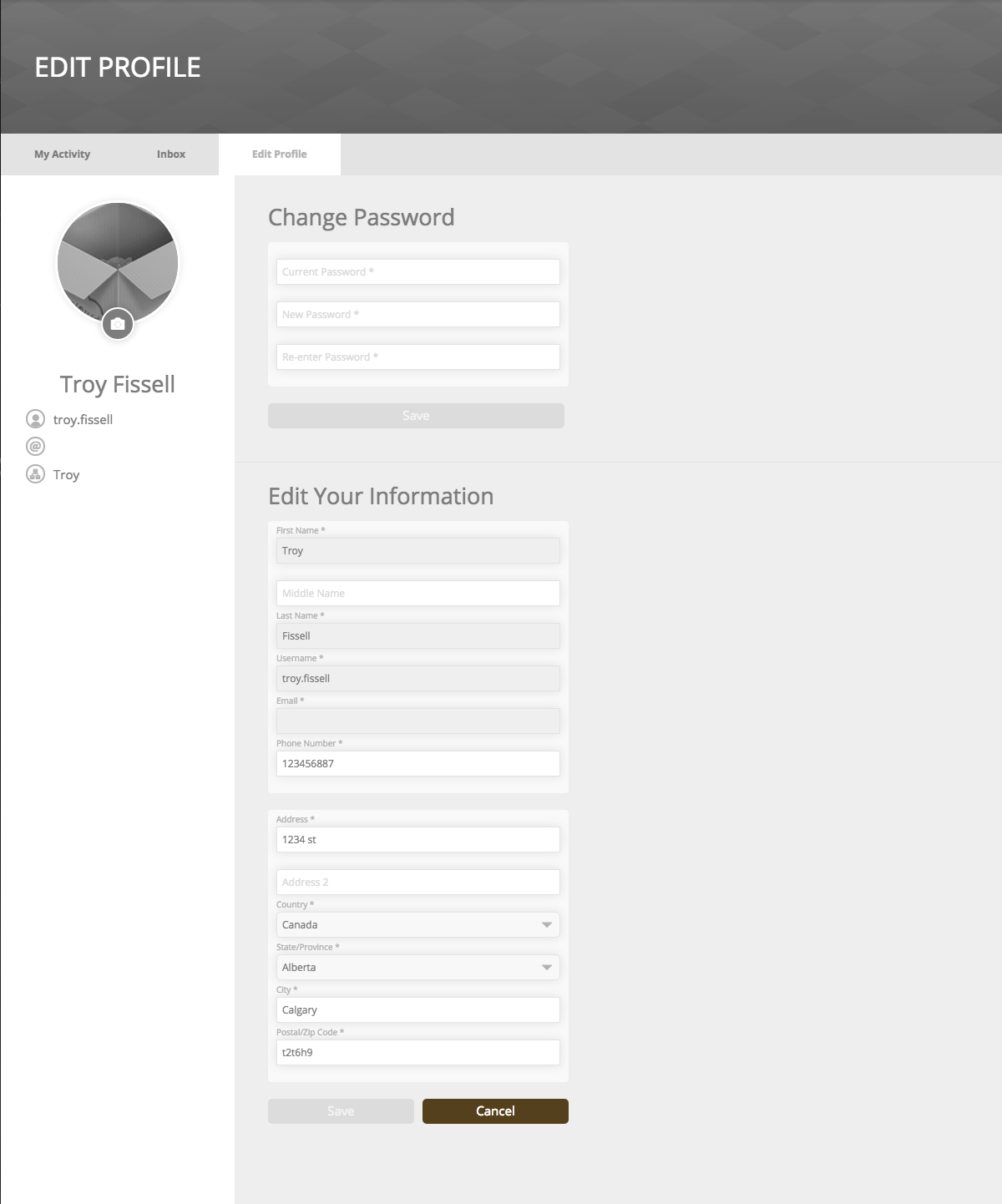
Profile
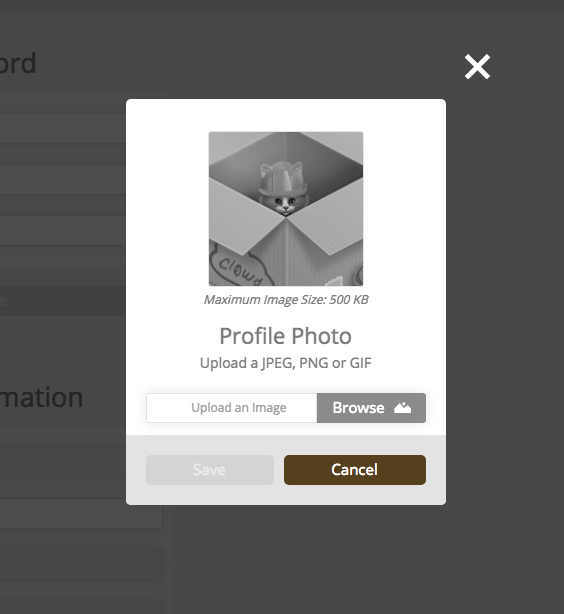
- Edit Profile > Cancel button
- Edit Profile Photo
Catalog / My Courses
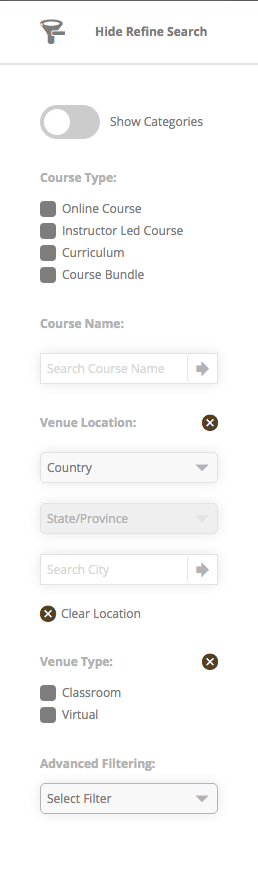
- Refine Filter Sidebar Remove "X" button
Course Details
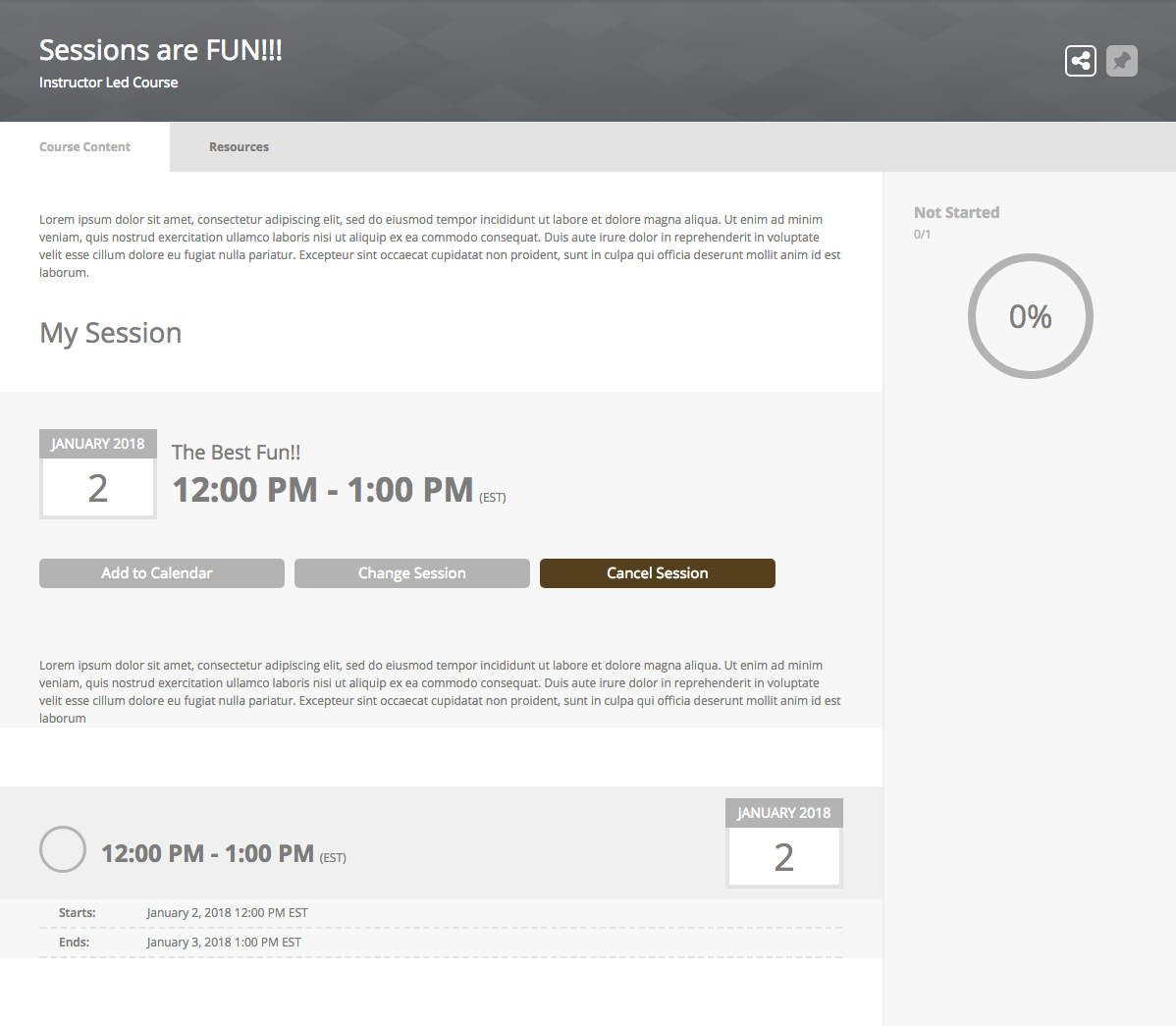
- ILC > View Sessions > Cancel Session button
- Comments > Reply > Cancel button
Comments
0 comments
Please sign in to leave a comment.