
This article is part of the Color Variable Guide. The Icons section of the Theme control panel contains color customization options for the icons in the header, menus, and buttons. It does not contain colors for your dashboard tile icons (for tile icon colors, see Dashboard Color Variables).
In This Article
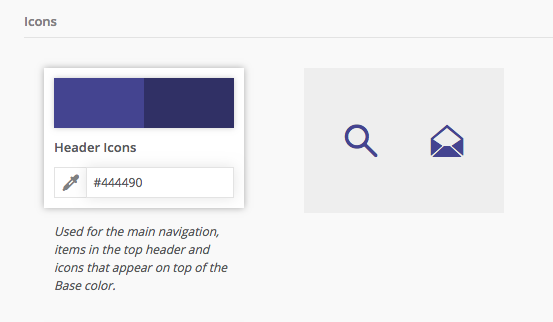
Header Icons
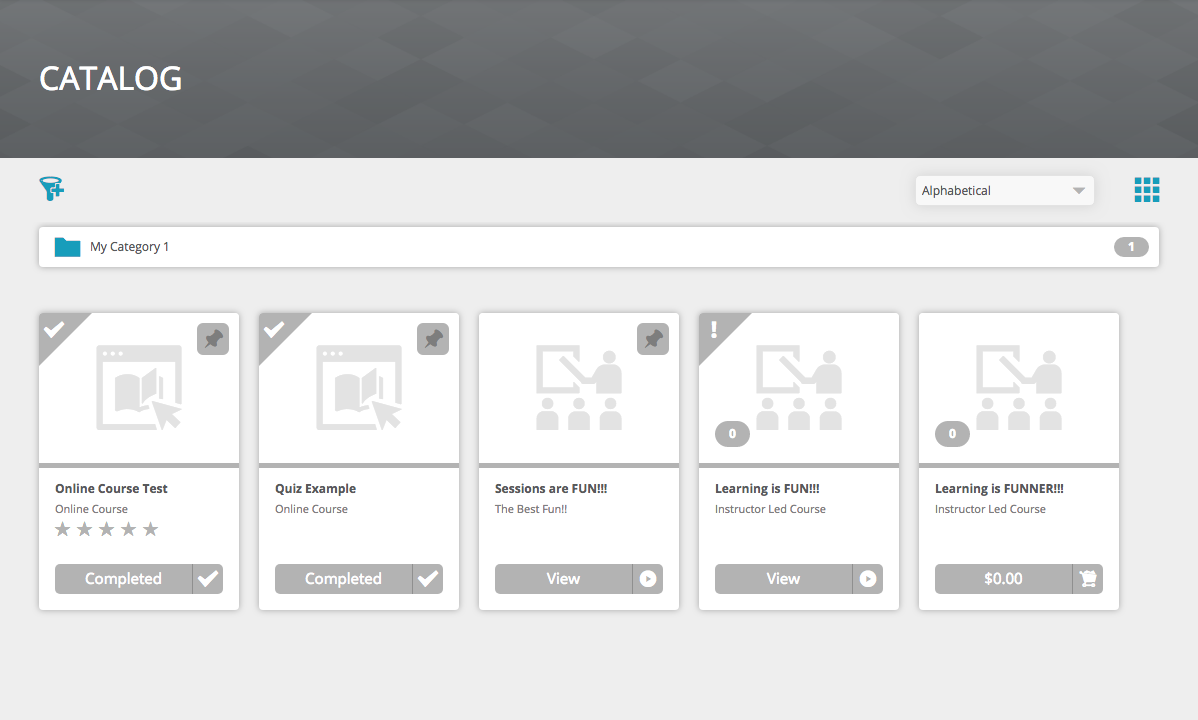
UI elements affected by this color variable are shown in purple
Dashboard
- Header Icons:
- Search
- Shopping Cart
- Inbox
- Profile Picture Border
- Main Menu Hamburger
- Footer Icons:
- Language selection globe
- SkillSync A logo mark
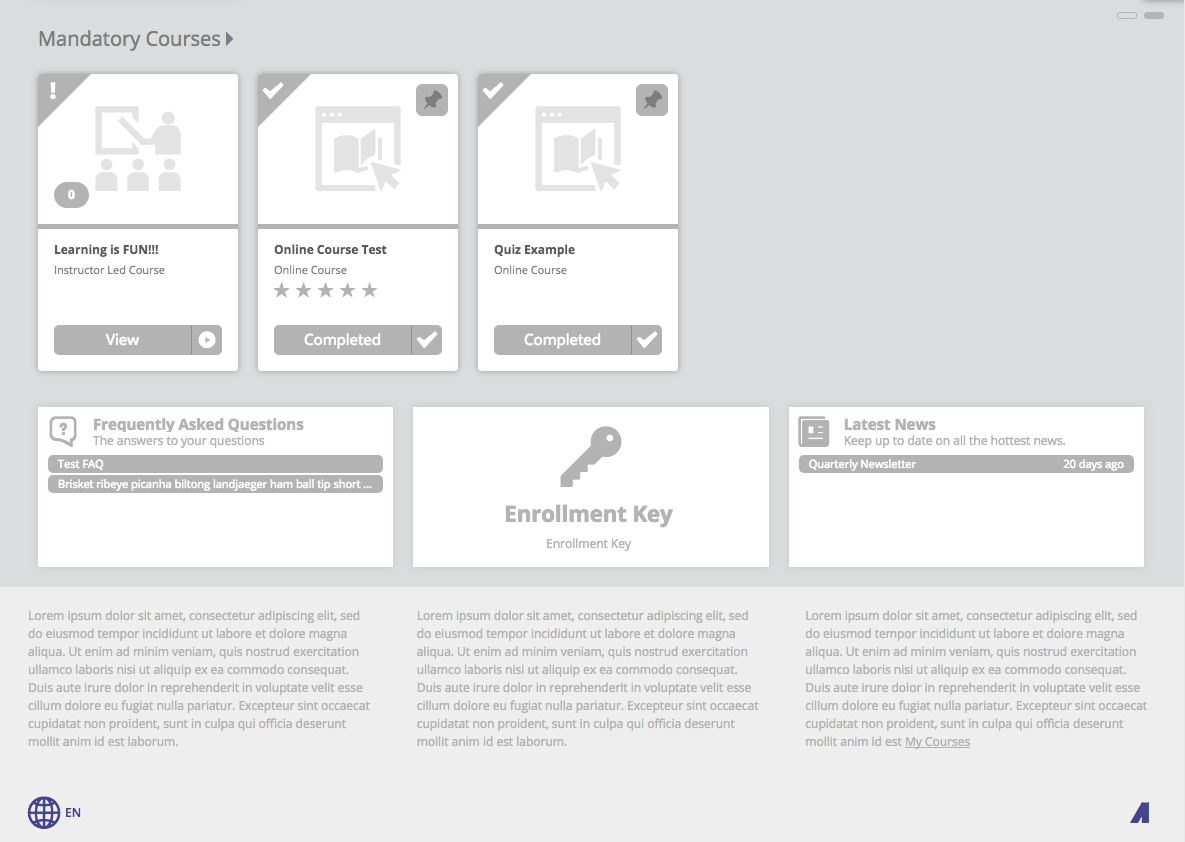

View Selection Icons
UI elements affected by this color variable are shown in blue
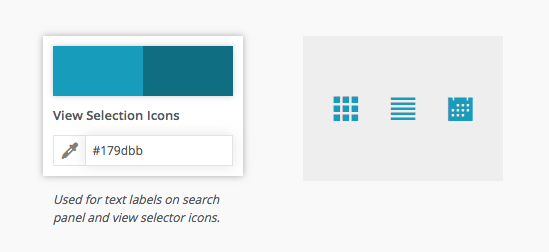
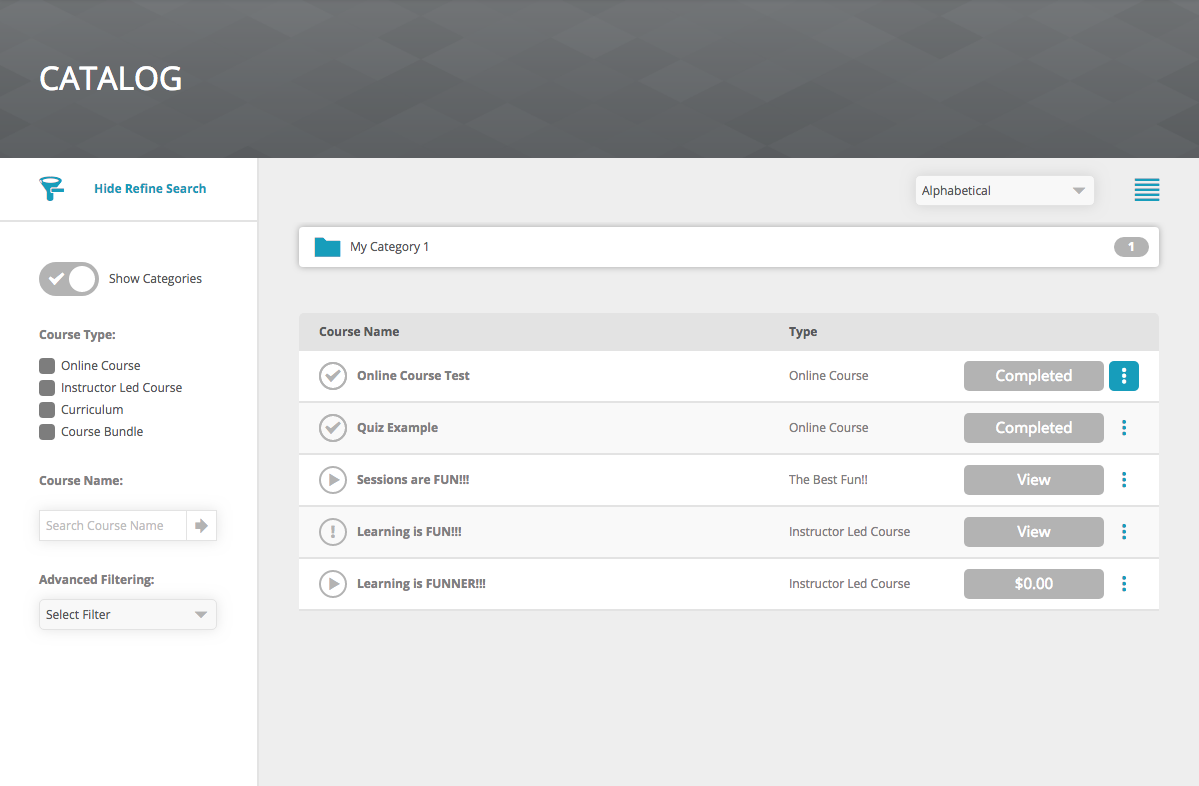
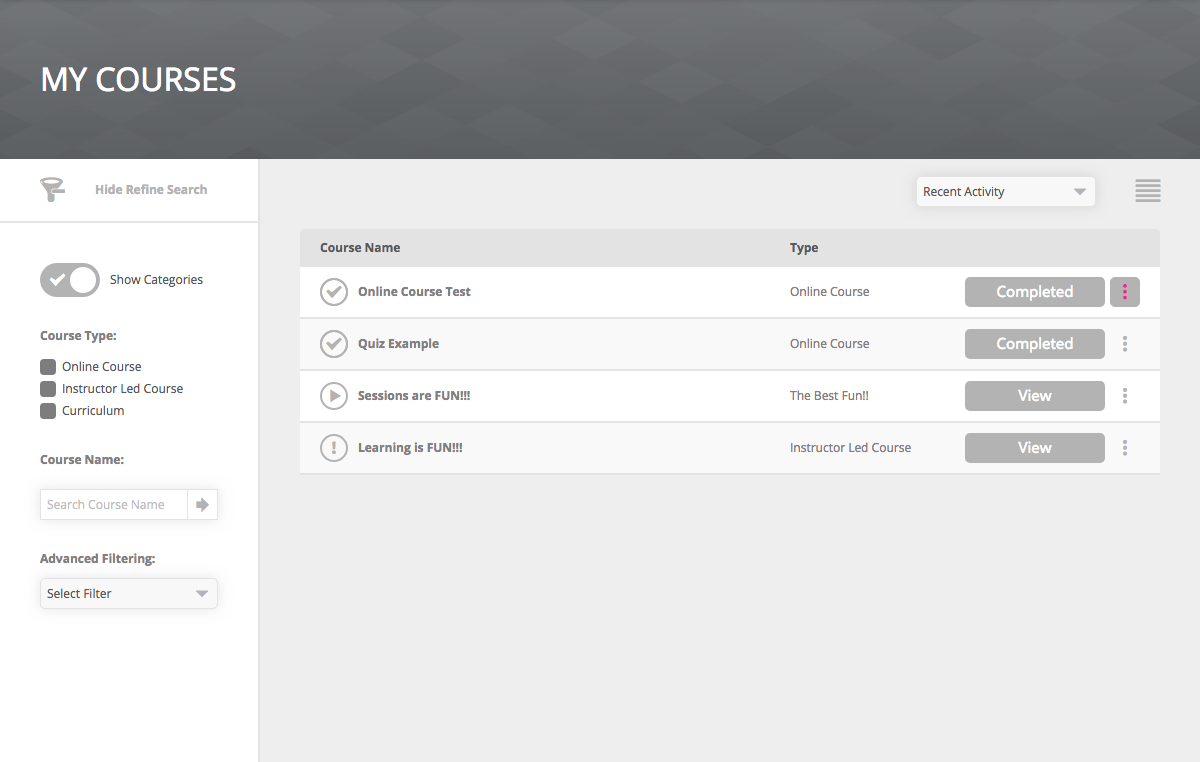
Catalog / My Courses
- Filter Show Hide Icon
- Hide Refine Search
- Category Folder
- View Selection Icon
- View Selection Icon Hover State
- Select View menu
- Options Icon
- Options Icon Hover State


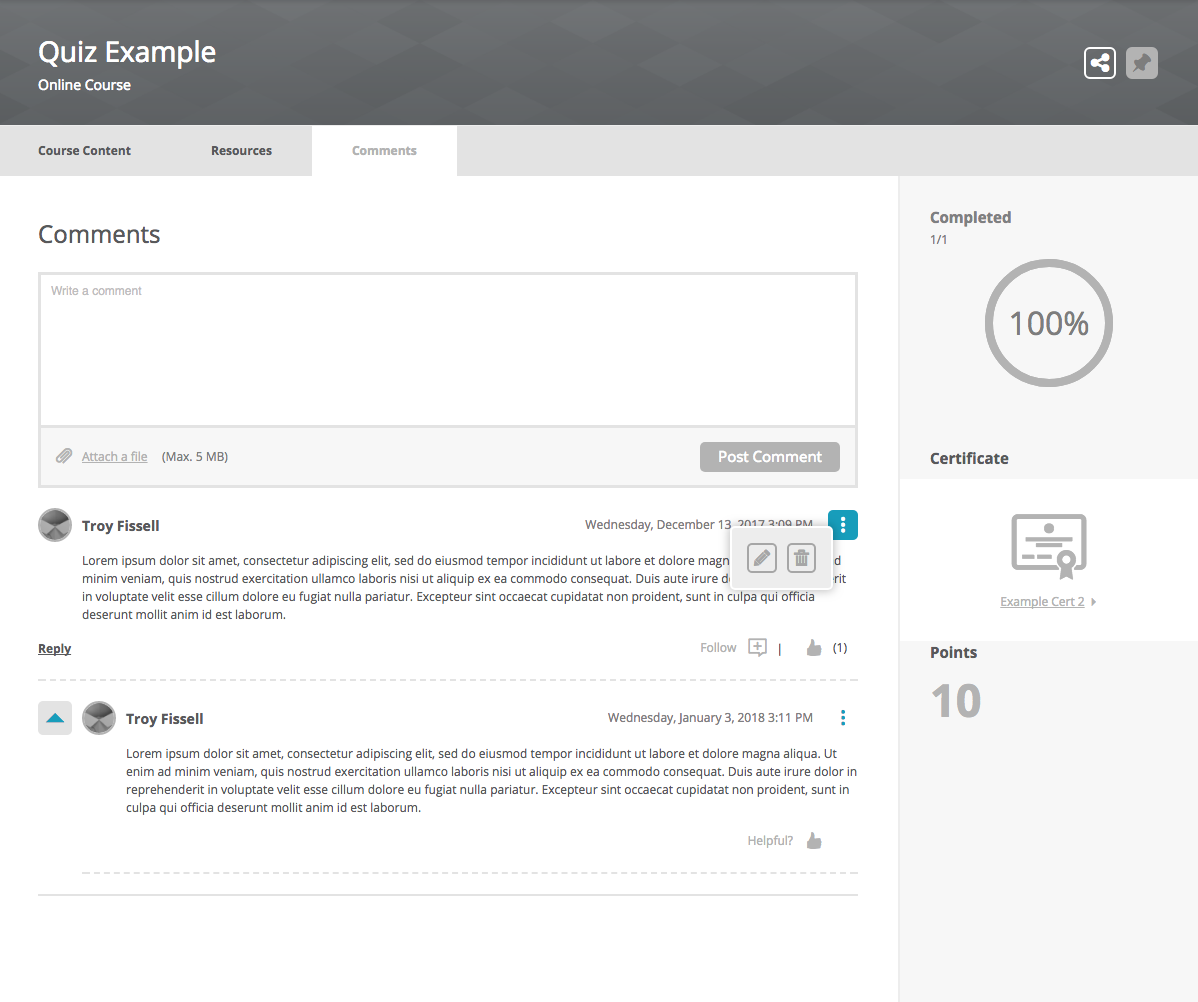
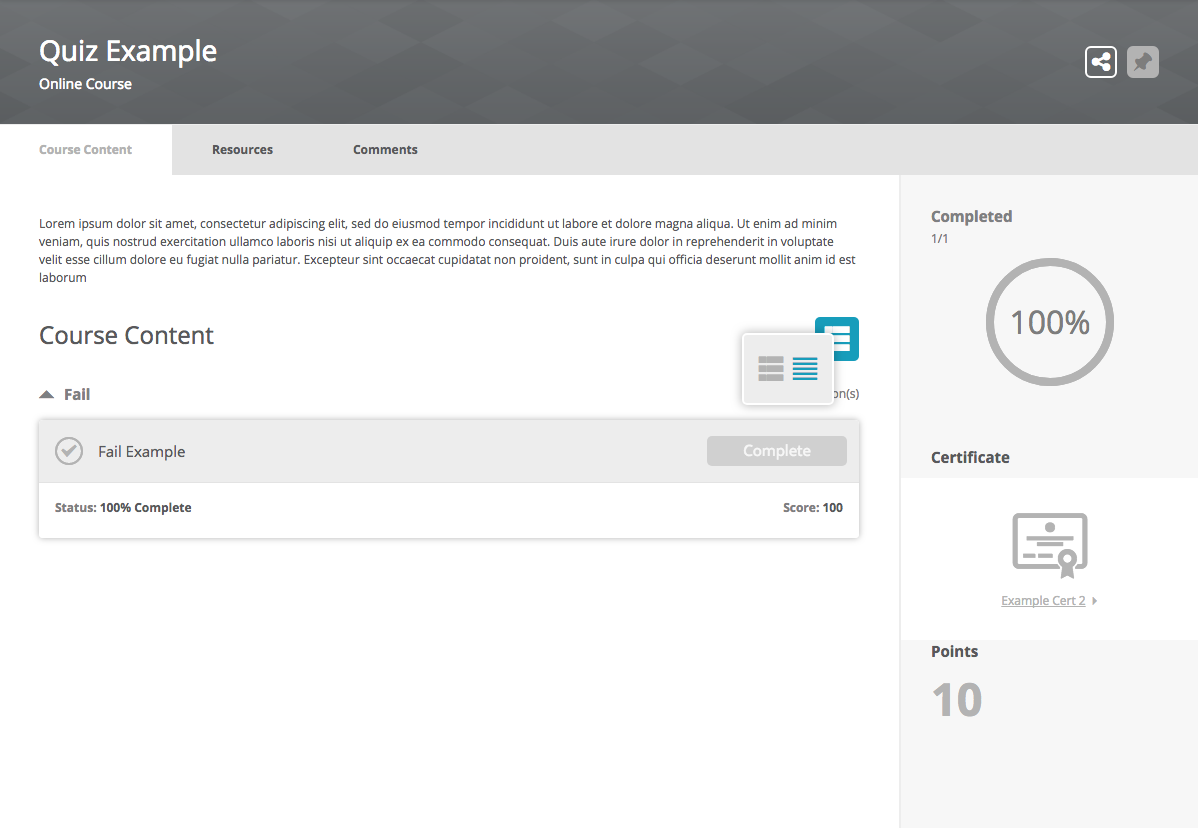
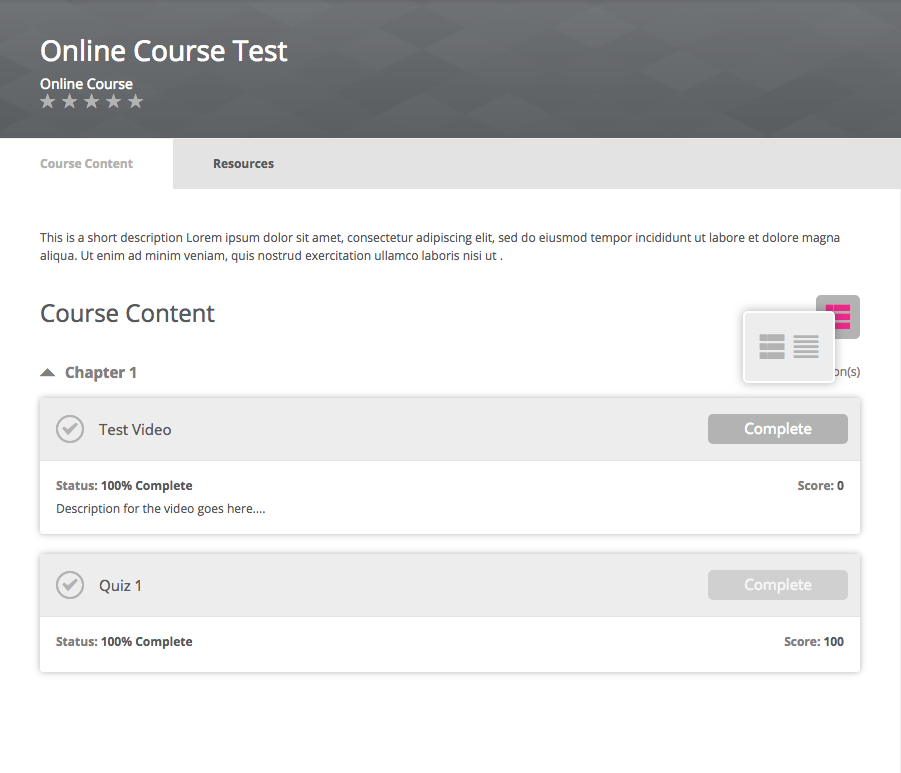
Course Details
- View Selection Icon
- View Selection Icon Hover State
- Select View menu
- Options Icon
- Options Icon Hover State
- View more expand and collapse arrow

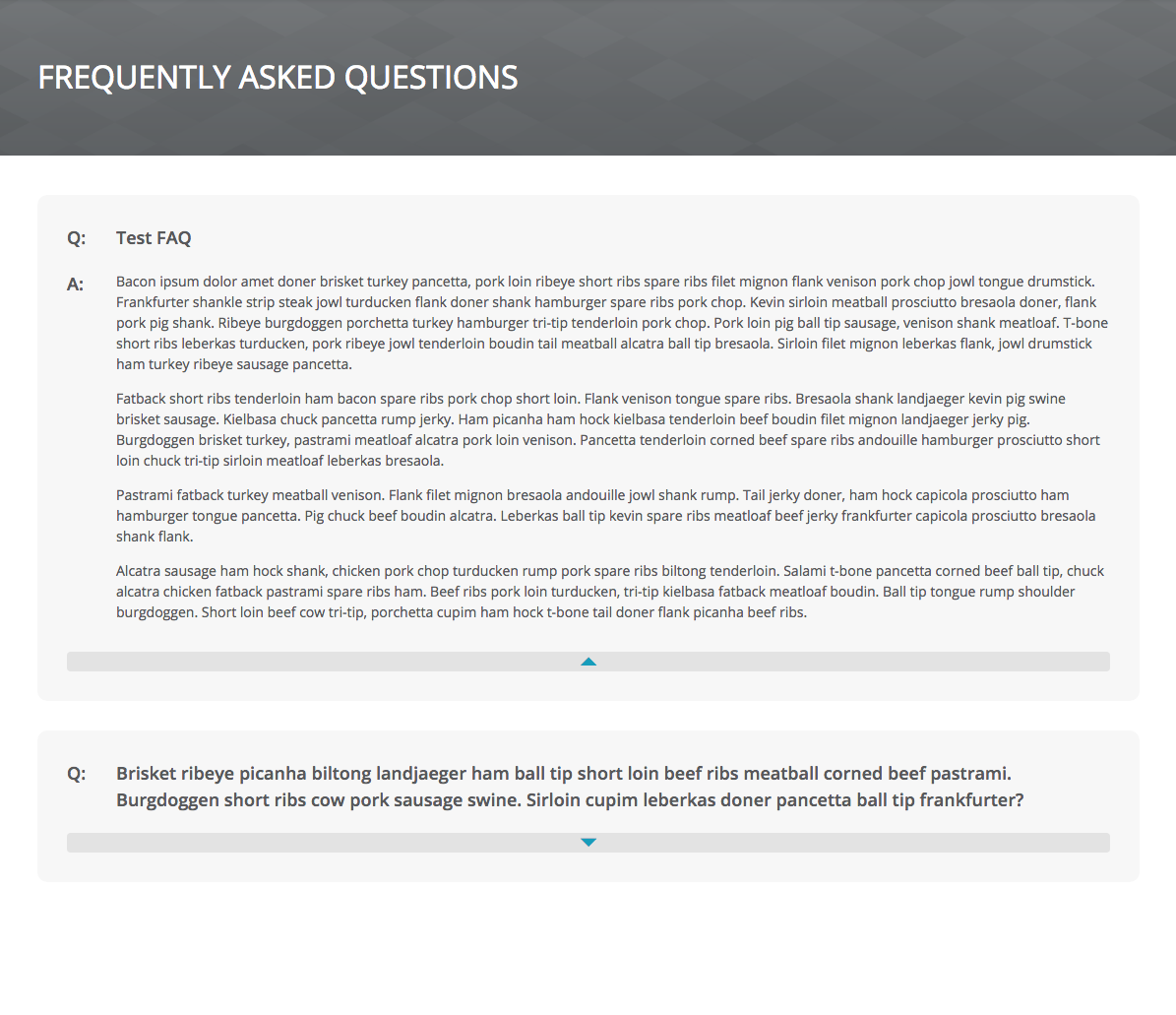
FAQ
- View more expand and collapse arrow
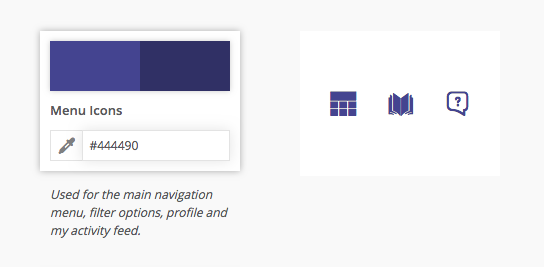
Menu Icons
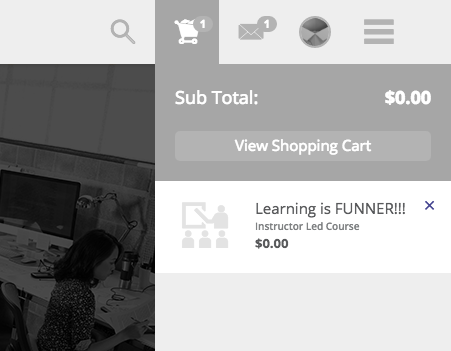
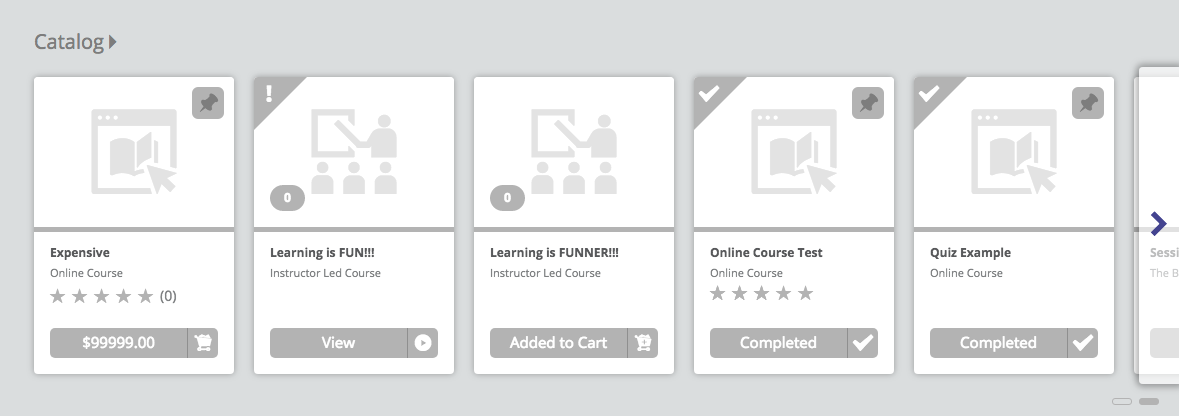
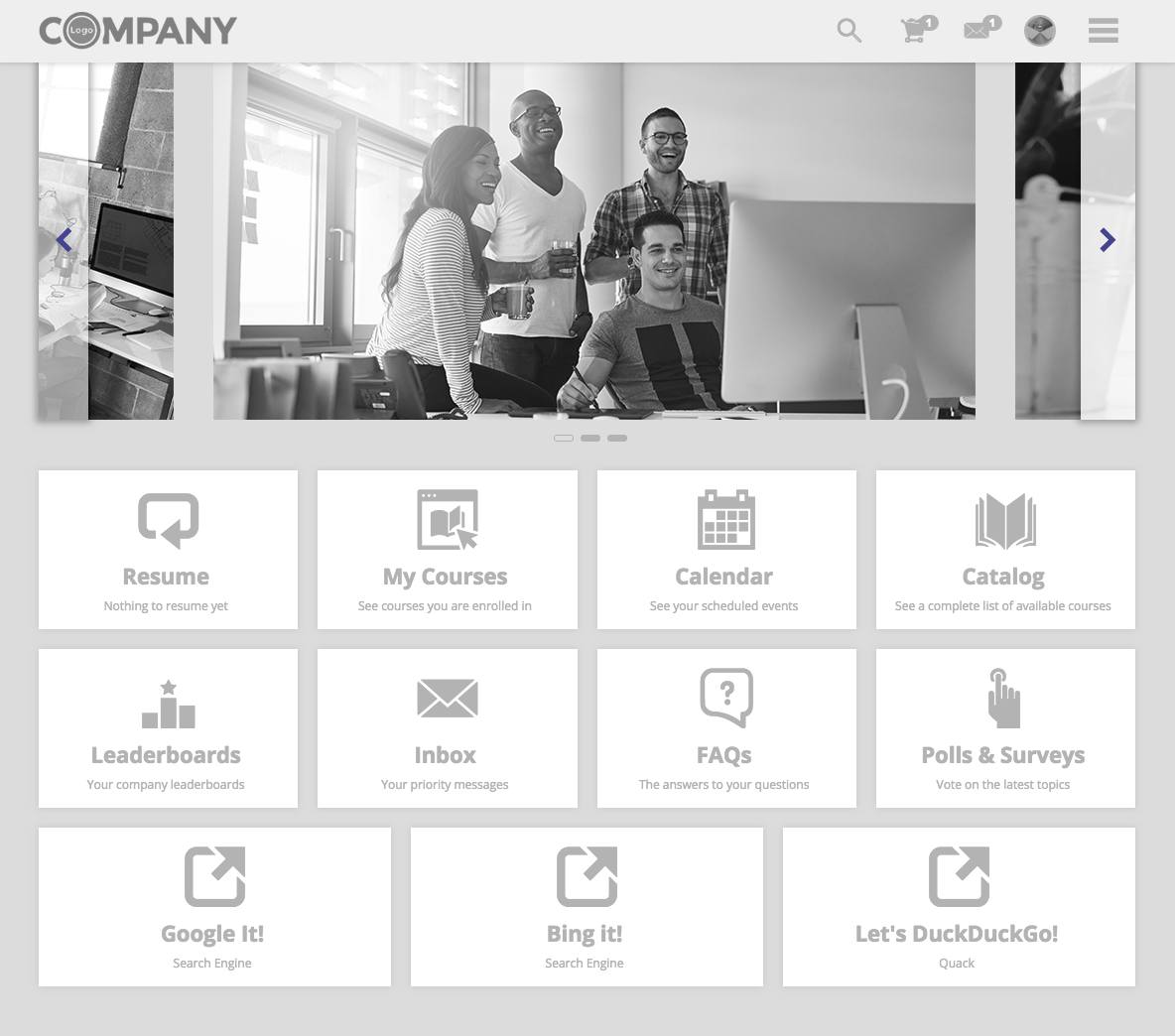
UI elements affected by this color variable are shown in purple
Header
- Main menu:
- Menu Item Icons
- Menu item text
- Shopping Cart > Remove X button
- Inbox Messages > Dismiss Message


Dashboard
- Sideshow > left / right arrow
- Ribbon > left / right arrow
Profile
- My Activity:
- Sidebar > User Info Icons
- Type Icon
- Inbox > Default Profile Icon

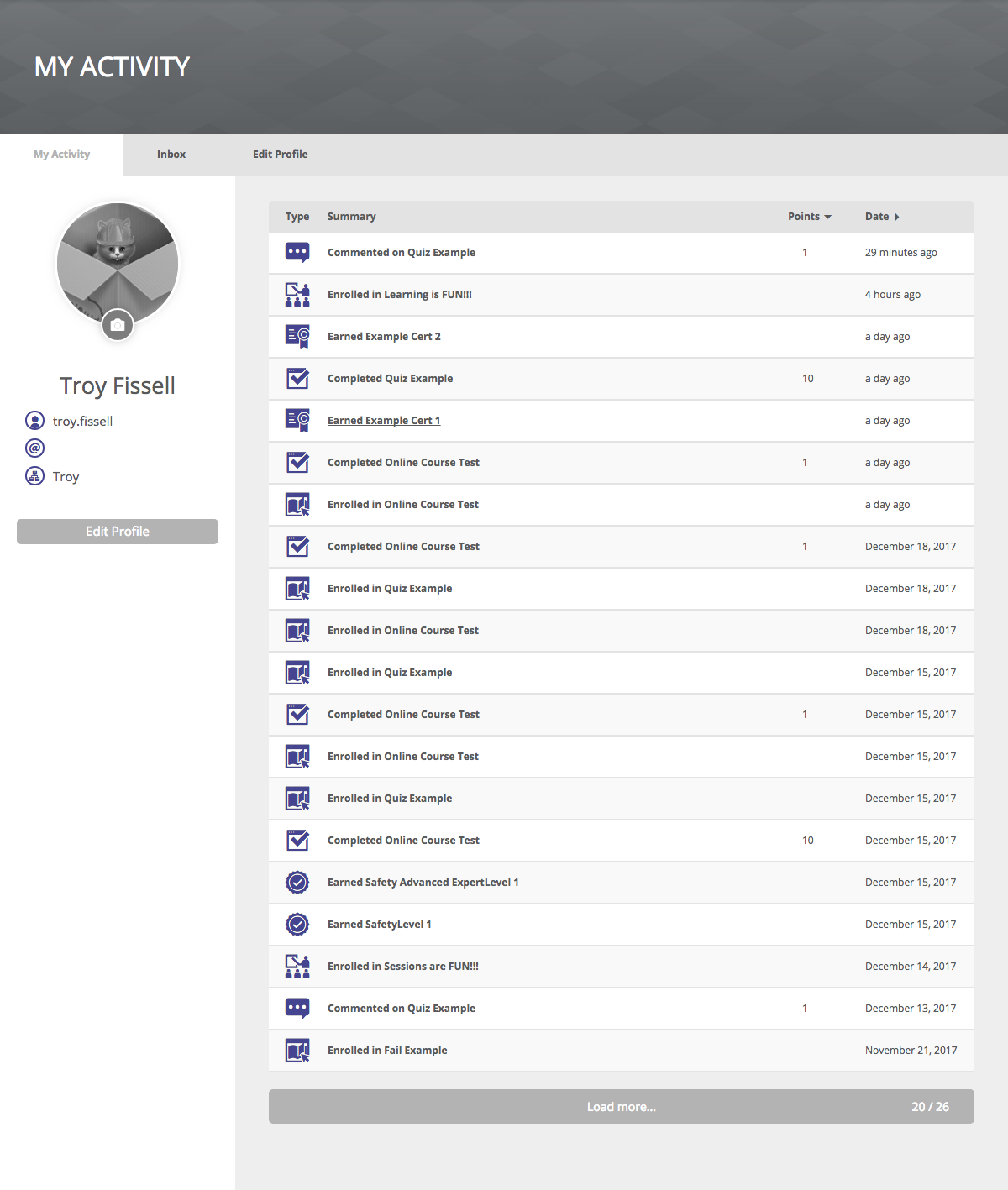
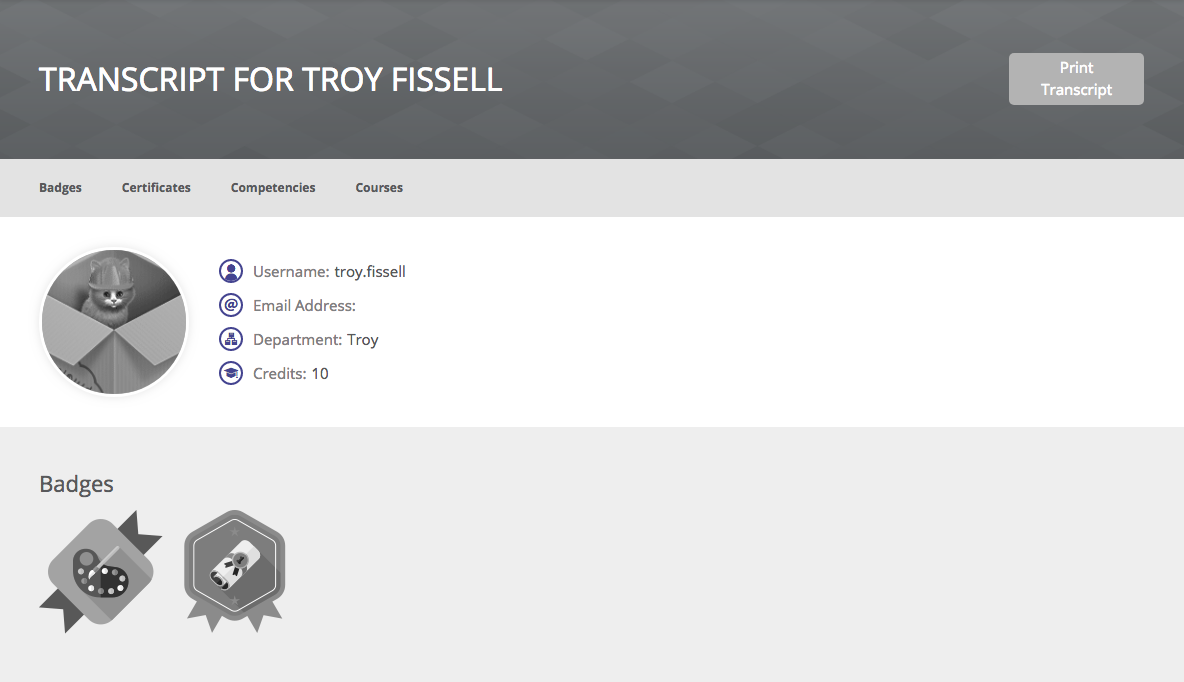
Transcript
- User Info Icons
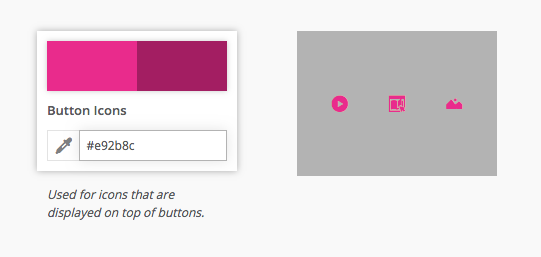
Button Icons
UI elements affected by this color variable are shown in pink
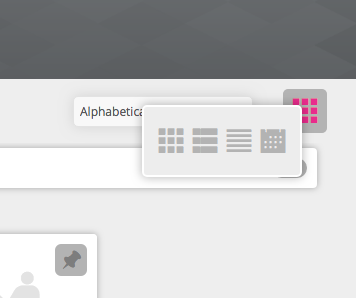
Catalog / My Course
- View Selection Icon Hover State
- Option Icon Hover State
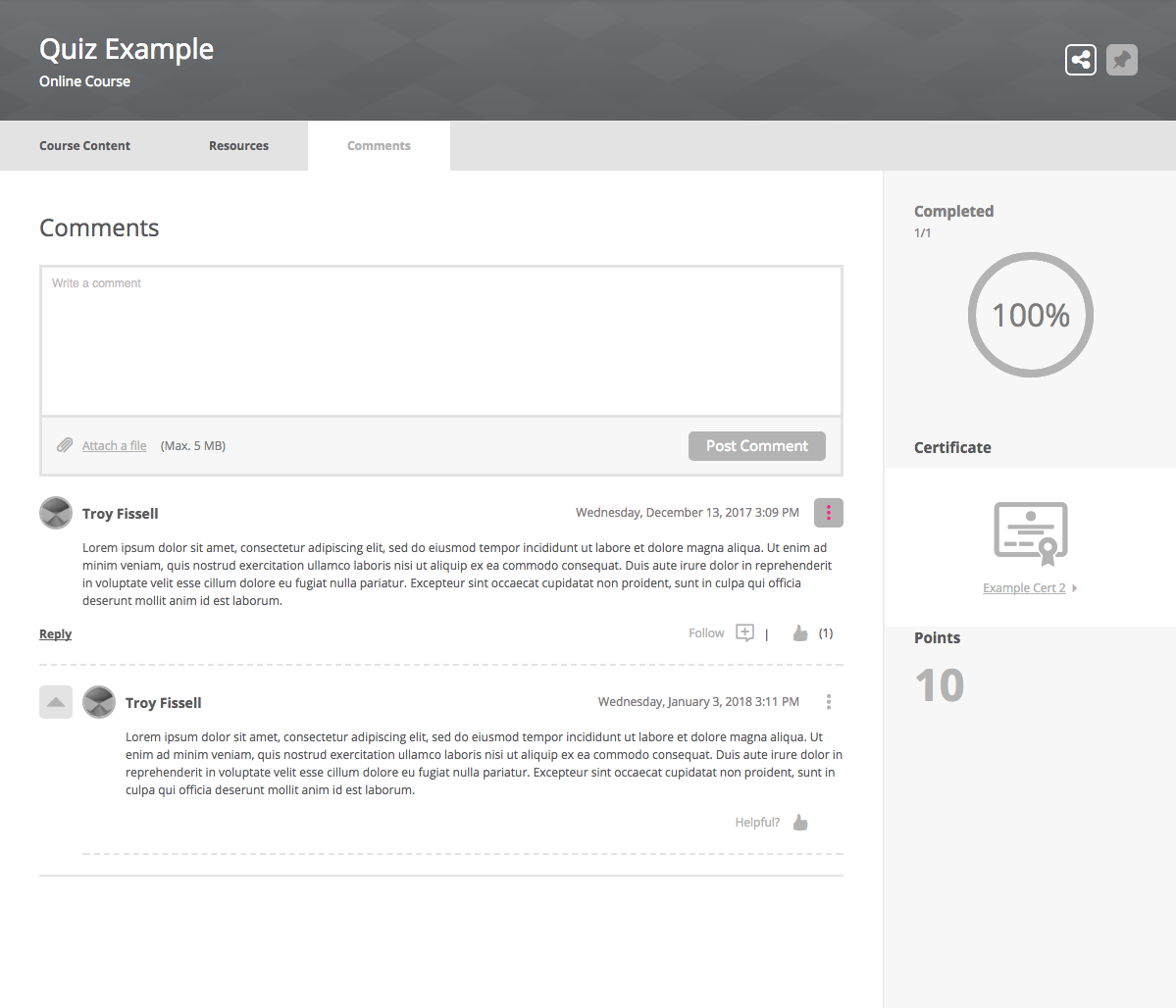
Course Details
- View Selection Icon Hover State
- Option Icon Hover State
Comments
0 comments
Article is closed for comments.