
This article is part of the Color Variable Guide. The Dashboard section of the Theme control panel contains color customization options for the tiles, ribbons, and icons on your portal's public and private dashboard.
In This Article
- Dashboard Background
- Dashboard Container Title
- Dashboard Tile Icon
- Dashboard Tile Text
- Tile Background
Dashboard Background
UI elements affected by this color variable are shown in light blue
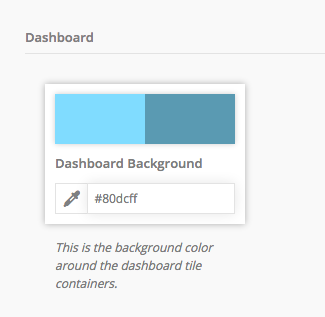
Public Dashboard
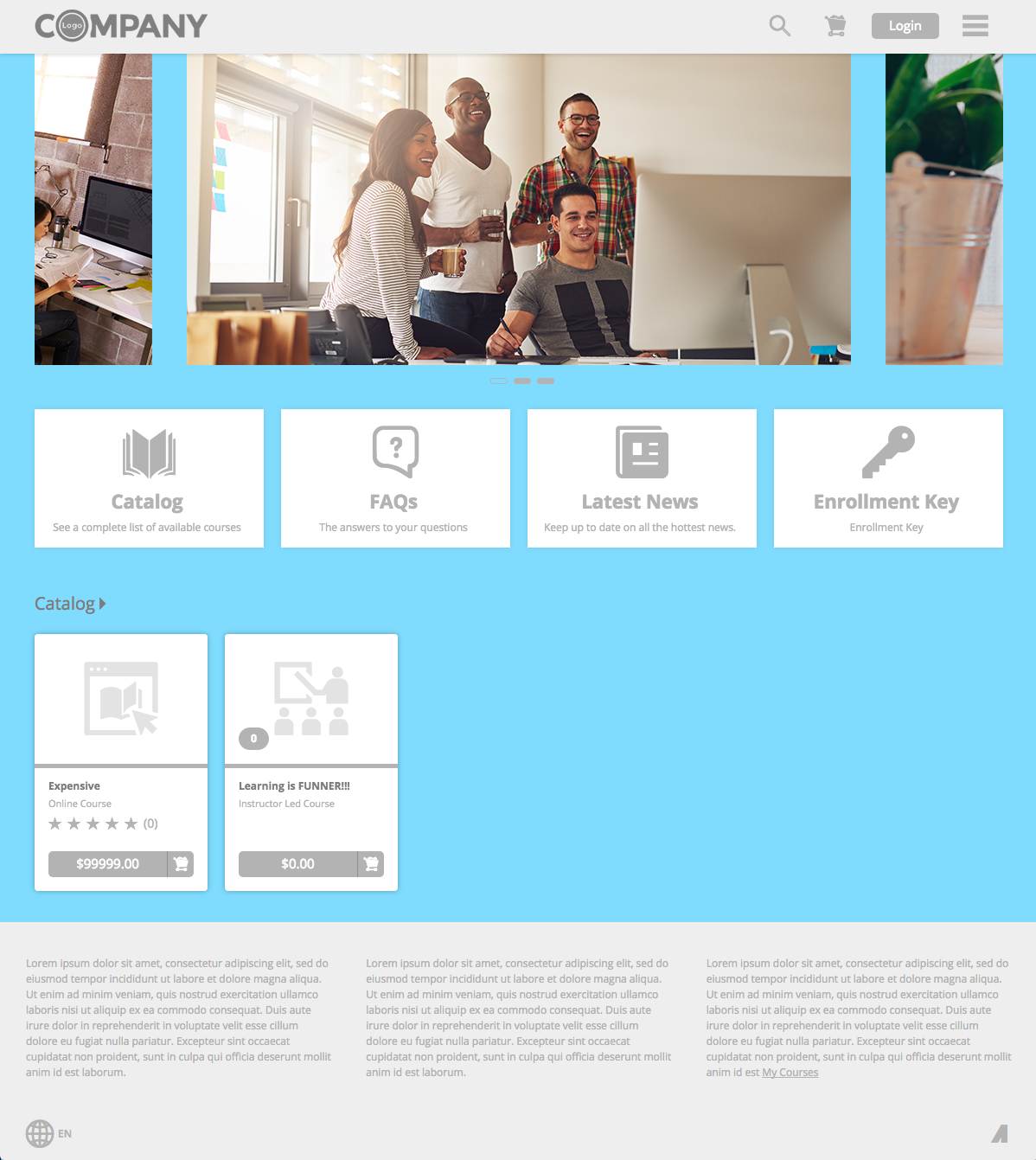
Private Dashboard
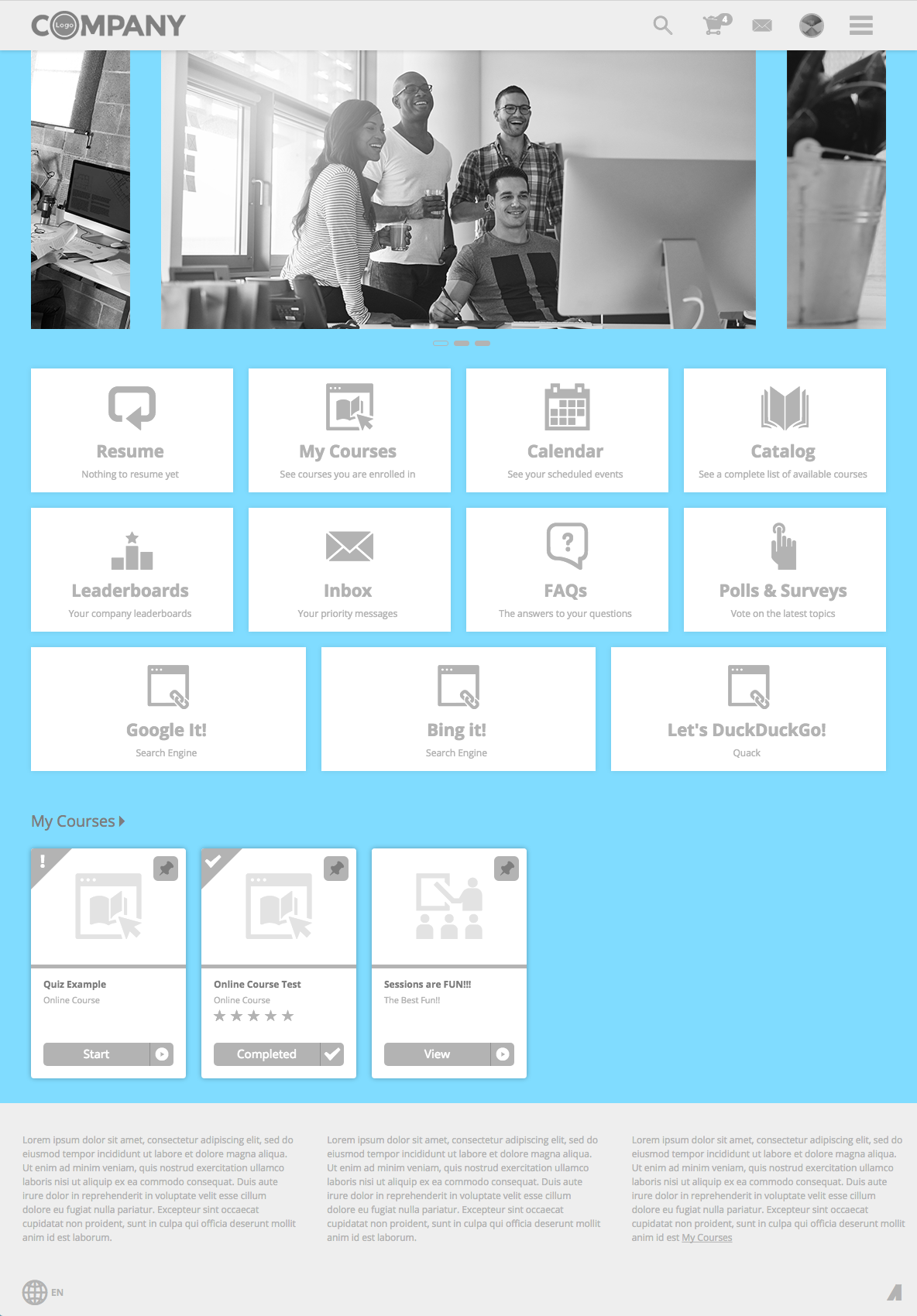
Dashboard Container Title
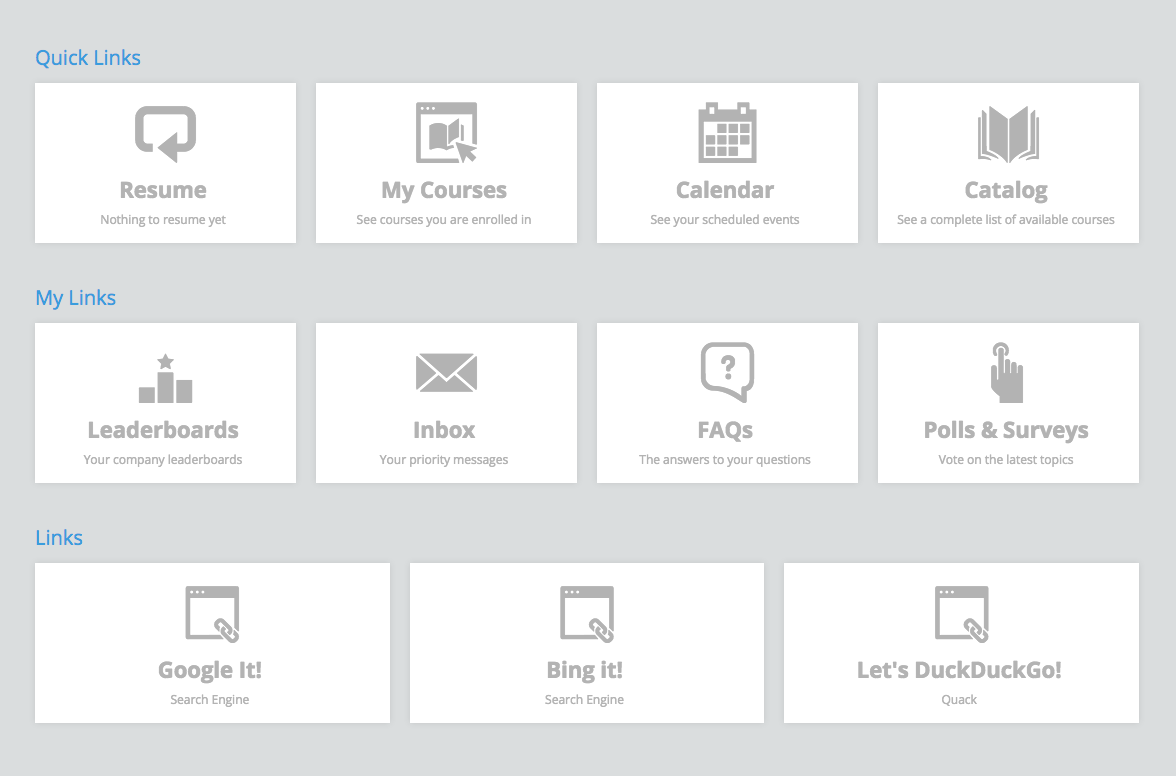
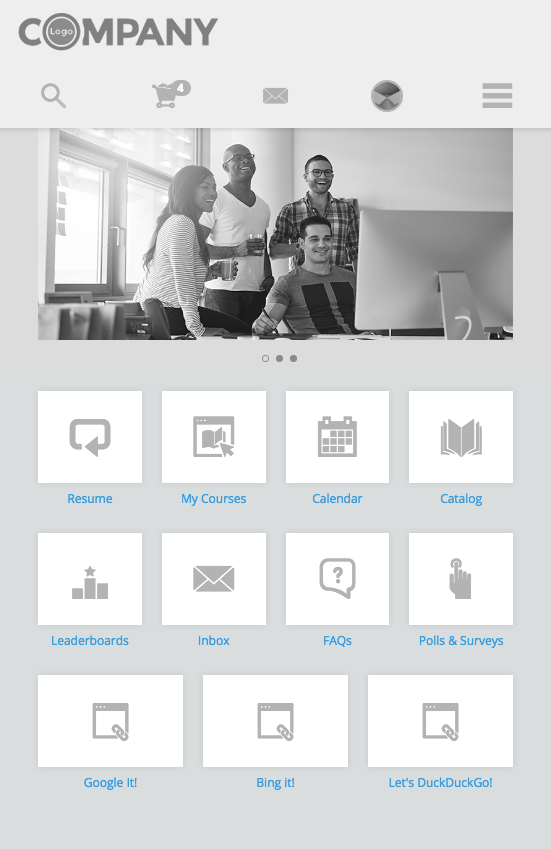
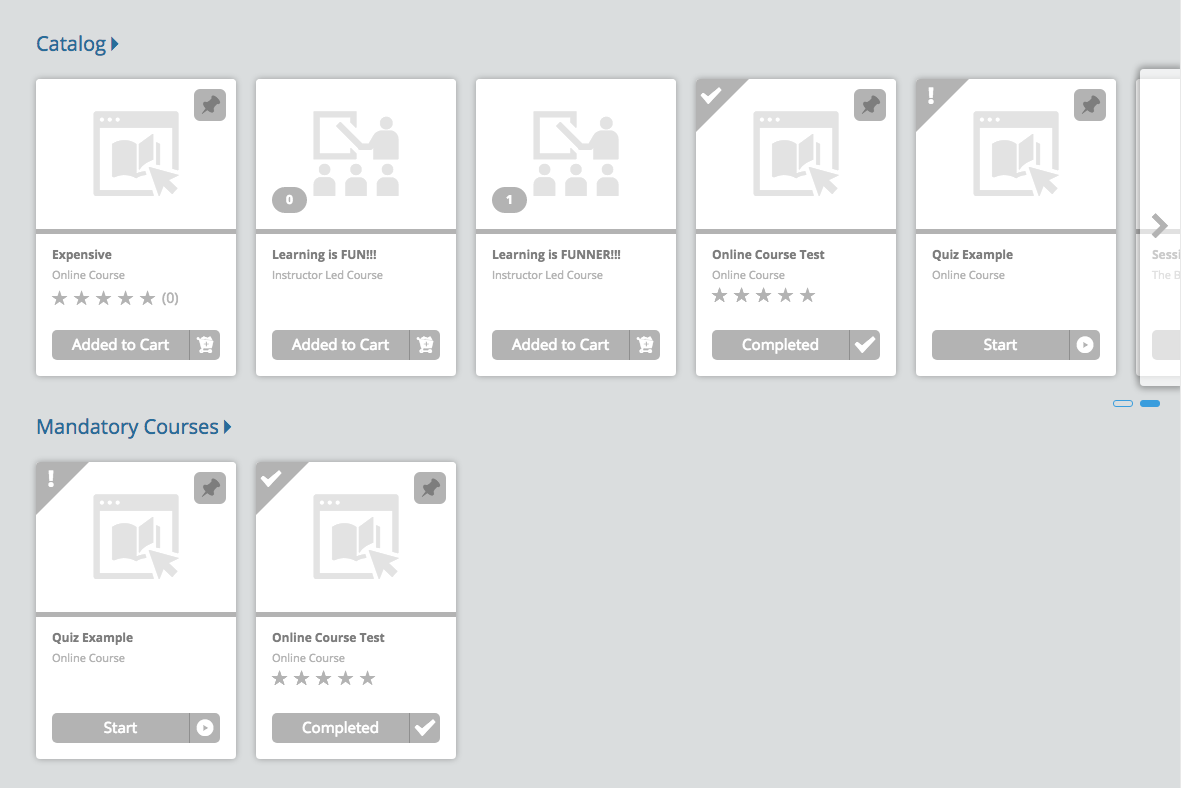
UI elements affected by this color variable are shown in blue
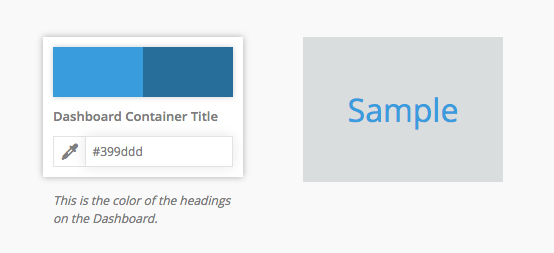
Dashboard
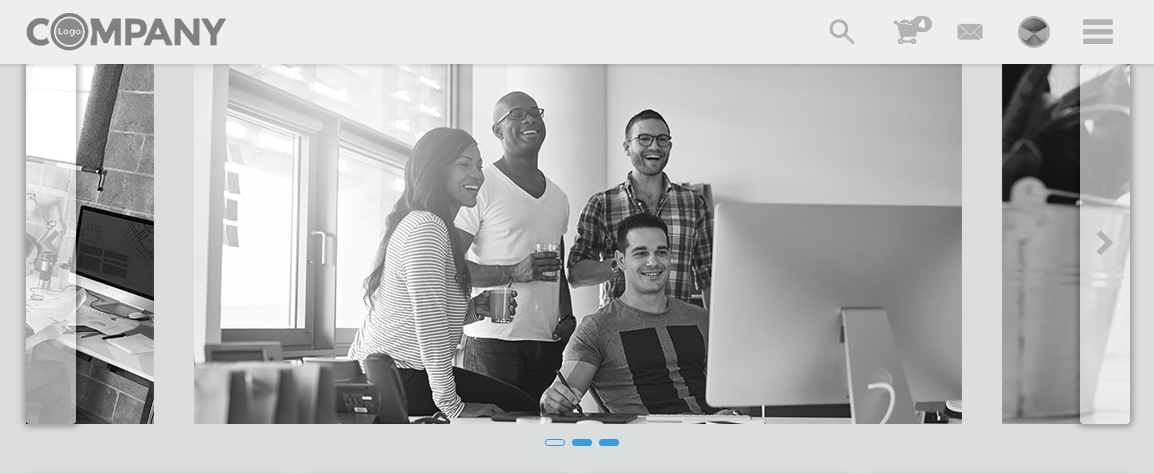
- Billboard Slide Indicator
- Tie Container Title
- Ribbon Container Title
- Small Tile (Mobile) Titles
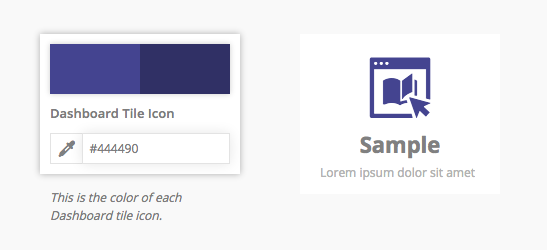
Dashboard Tile Icon
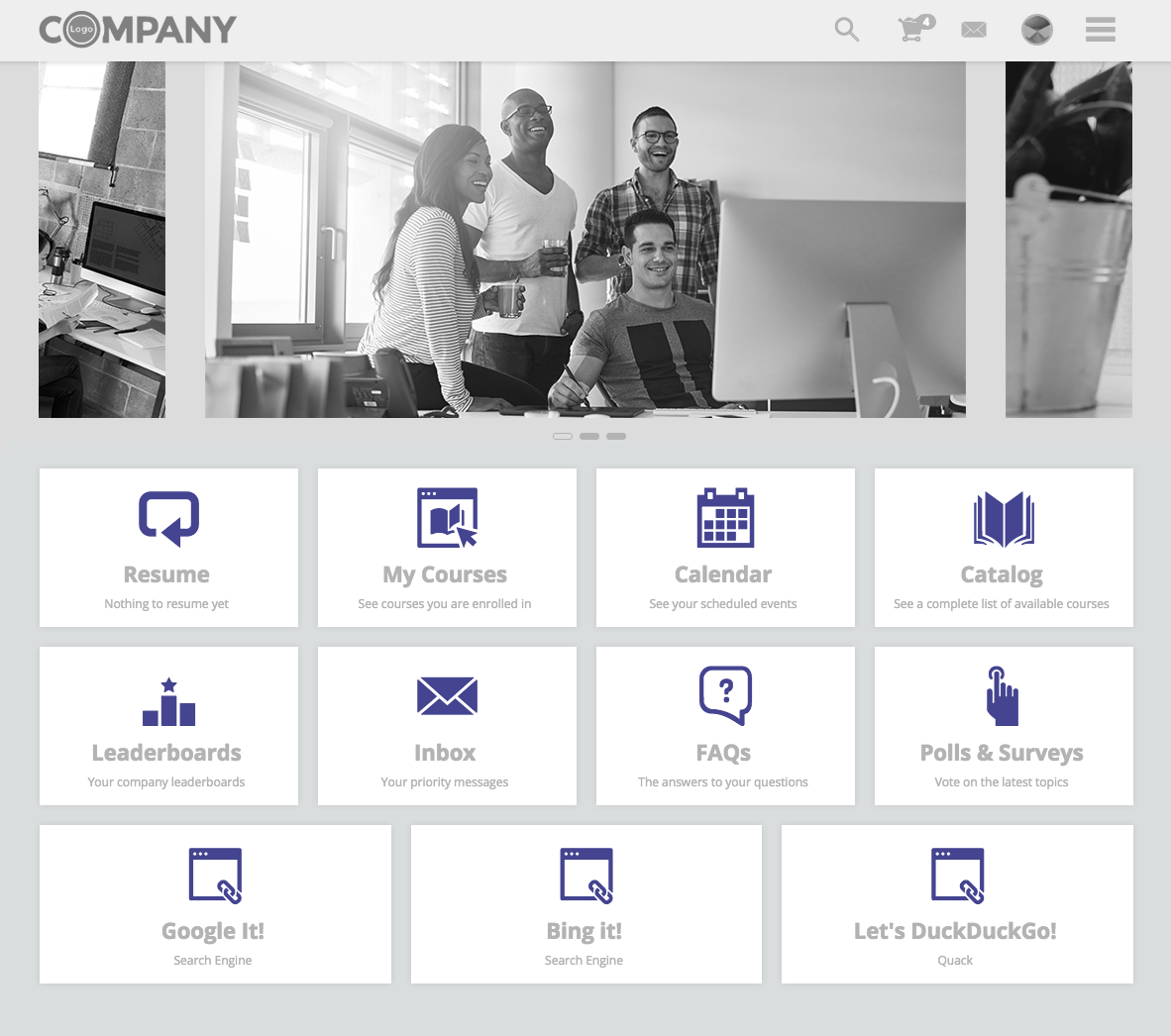
UI elements affected by this color variable are shown in purple
Dashboard
- Tiles (all sizes) > Icons
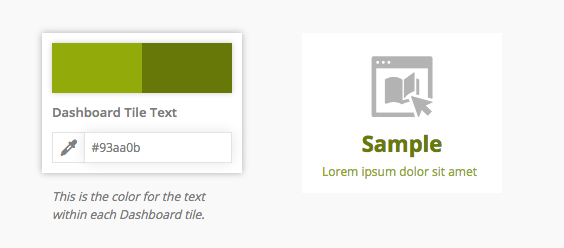
Dashboard Tile Text
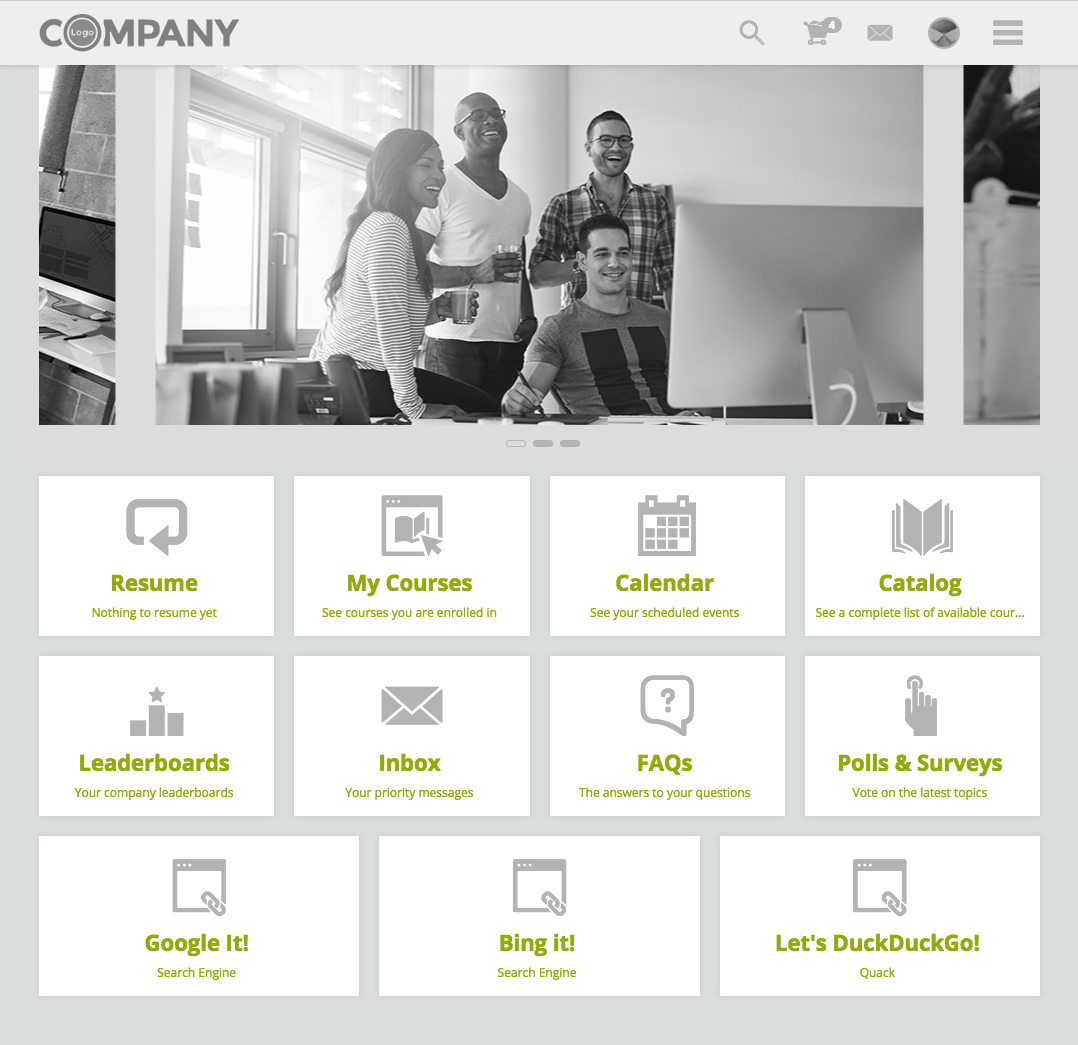
UI elements affected by this color variable are shown in green
Dashboard
- Medium Tile > Titles and Description
- Large Tile > Titles and Description
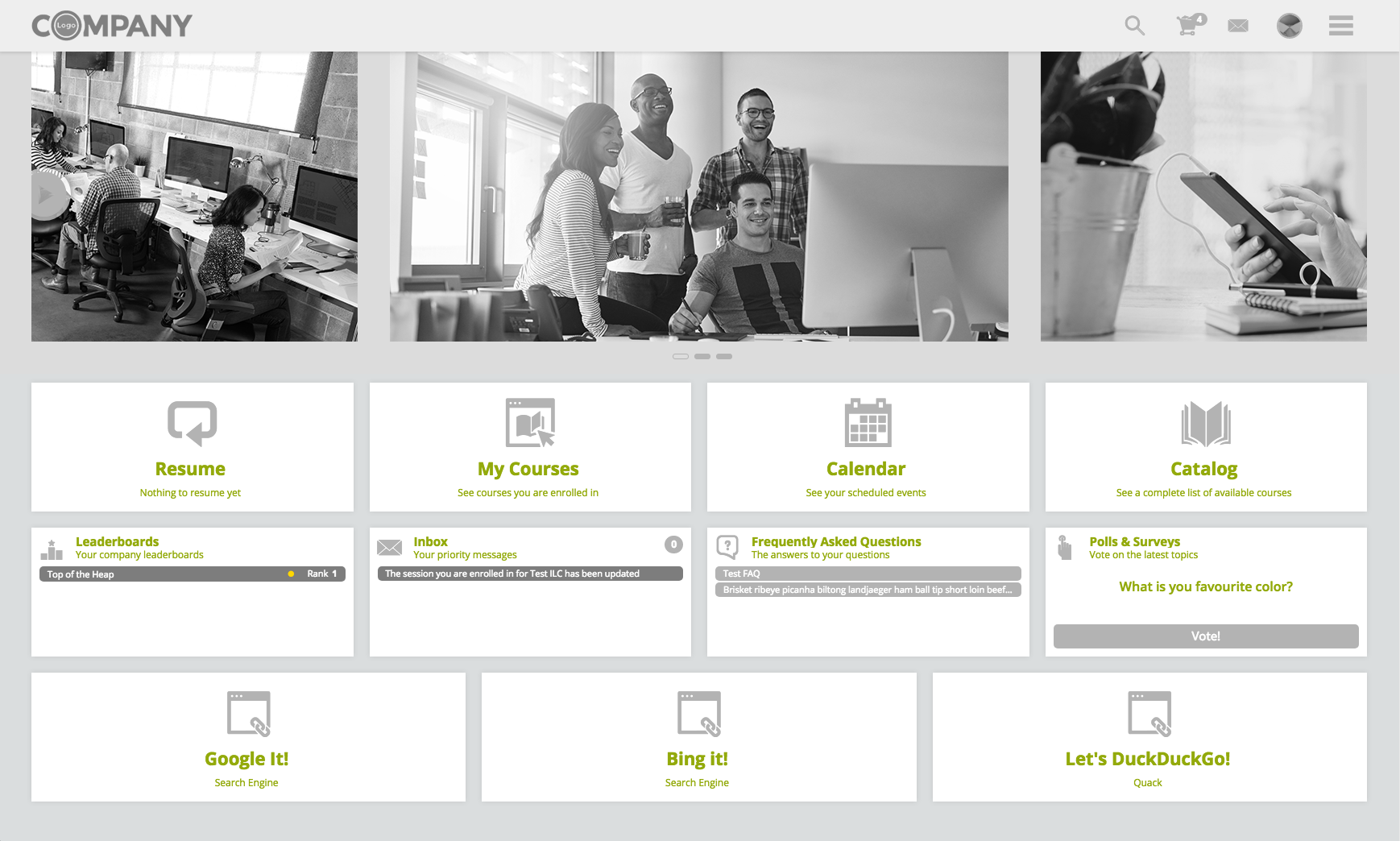
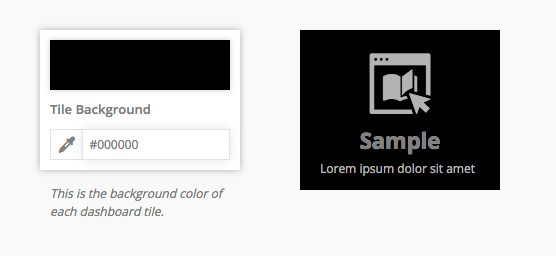
Tile Background
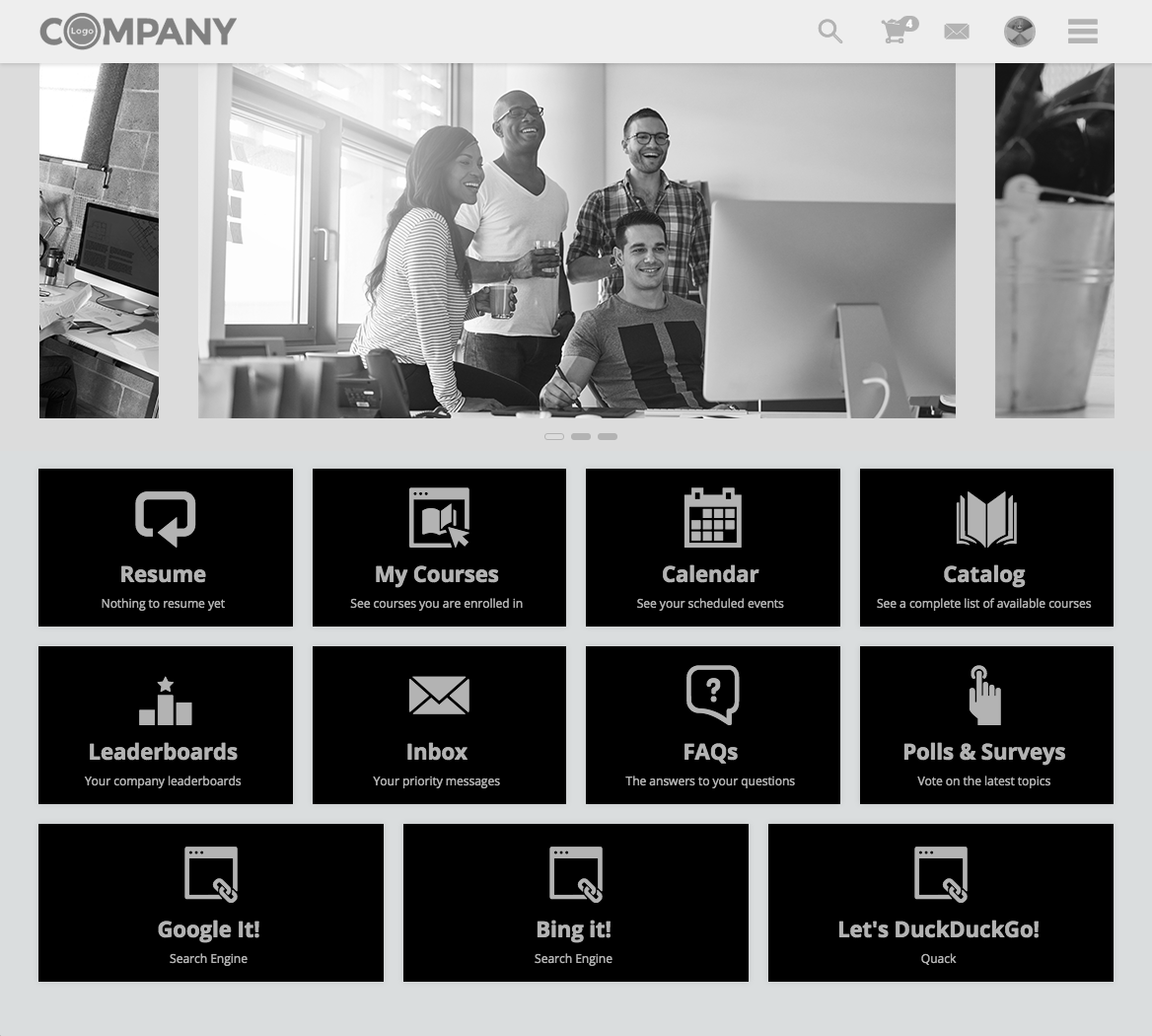
UI elements affected by this color variable are shown in black
Dashboard
- Tiles (all sizes) > Background Color
Comments
0 comments
Article is closed for comments.