
This article is part of the Color Variable Guide. The Branding section of the Theme control panel contains color customization options for the base colors for your LMS portal such as the background, header, footer, and menu top bar colors.
In This Article
Base
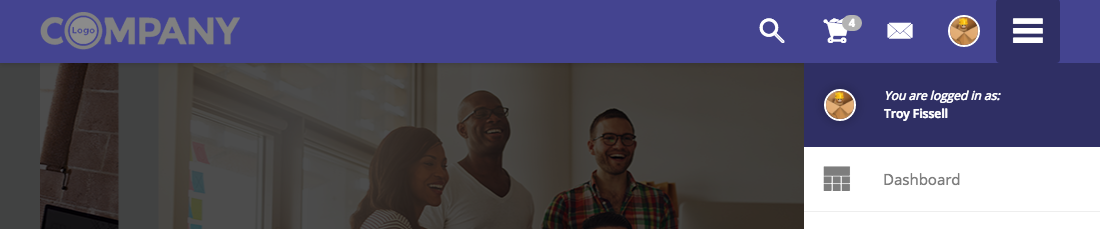
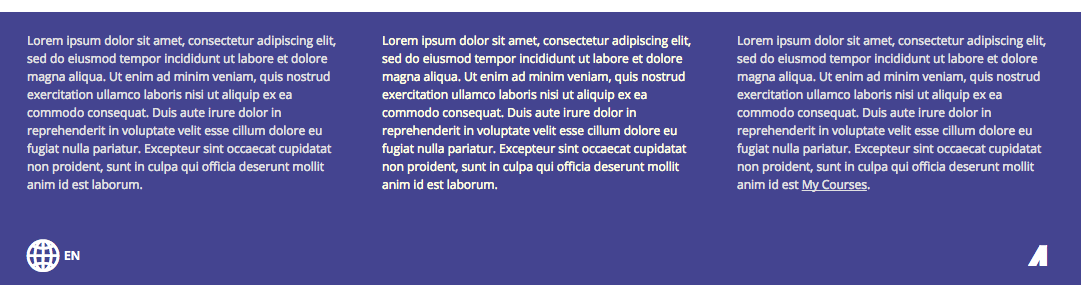
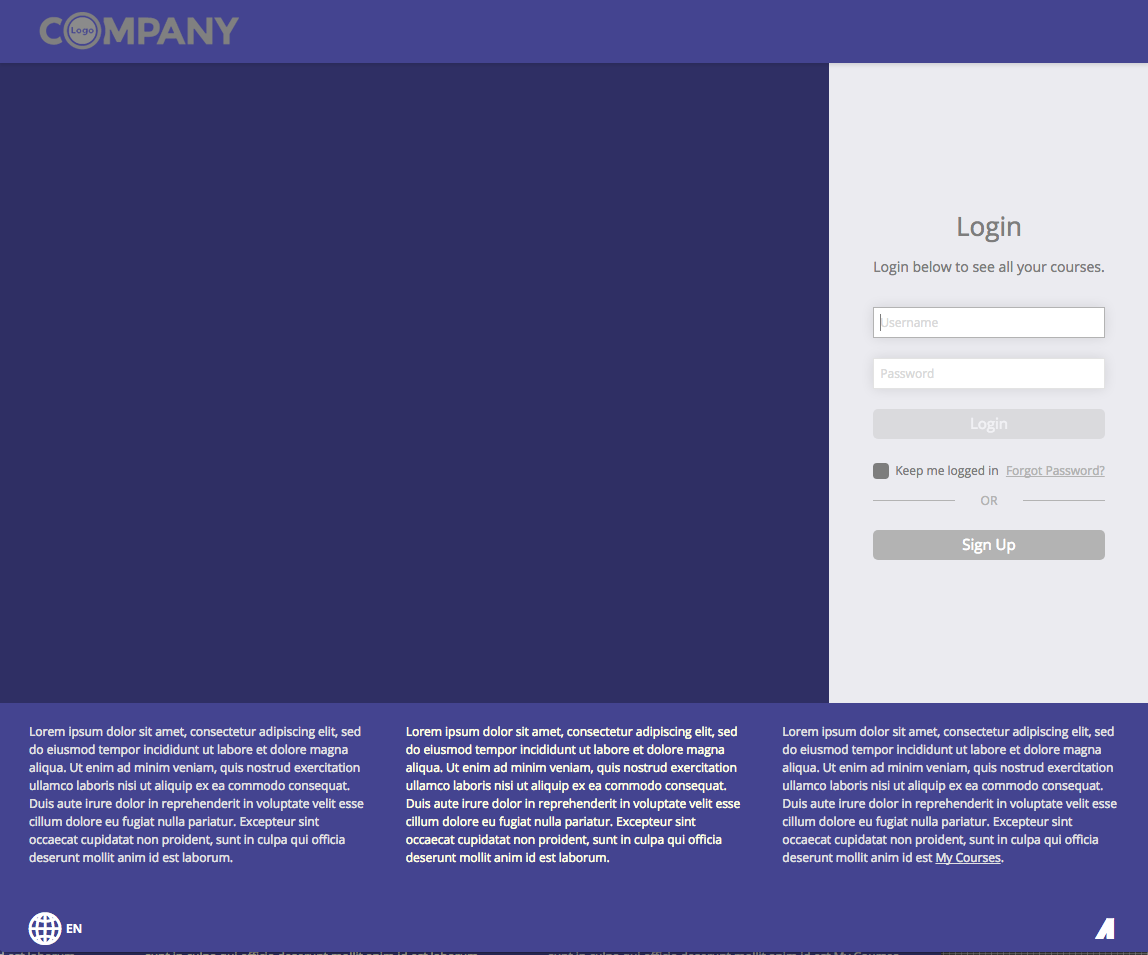
UI elements affected by this color variable are shown in purple
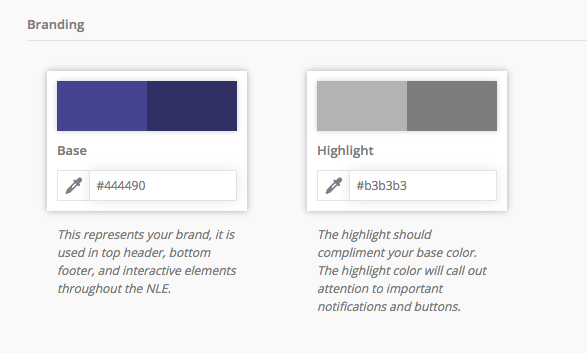
Header
- Top bar of the interface
- Top of the main navigation menu (Dark Version)
Footer
Login
- Background (Dark Version)
Preloading Splash Screen
- Before the interface loads (Dark Version)

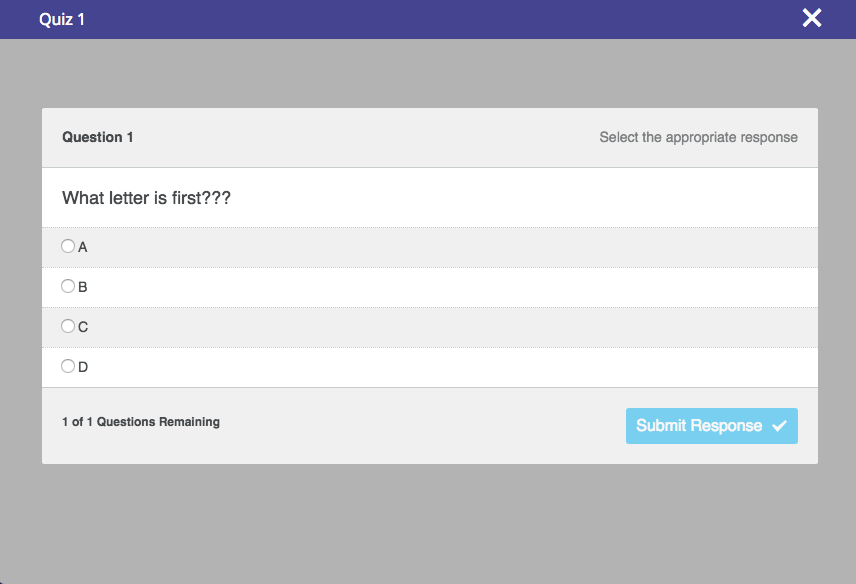
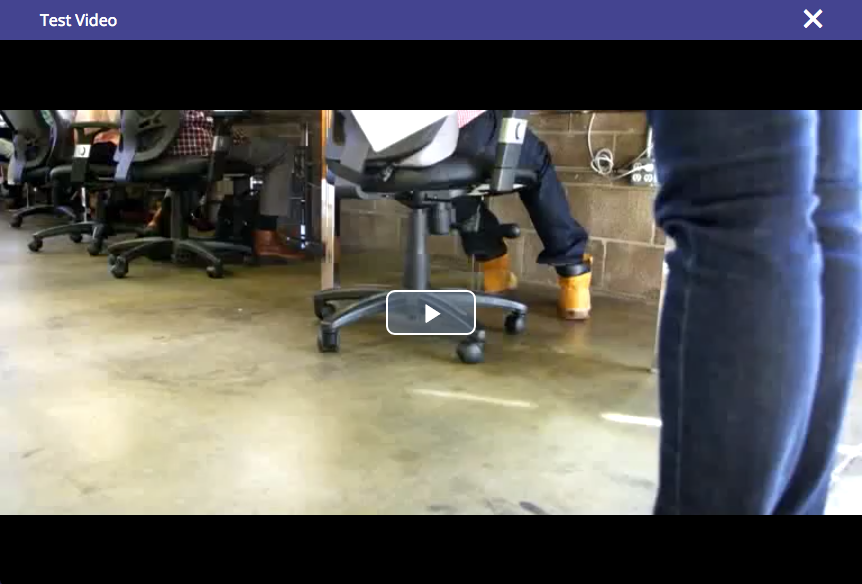
Lesson Player
- Top header bar for lessons, assessments, etc. when the full screen lesson player is launched.
Highlight
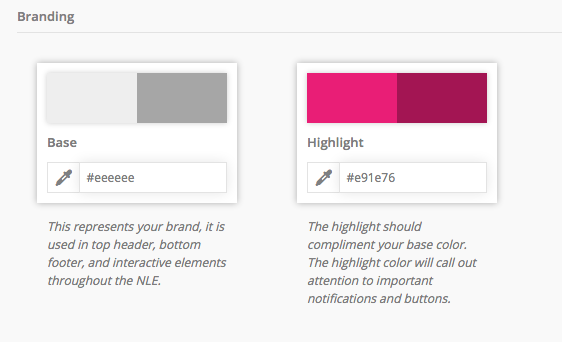
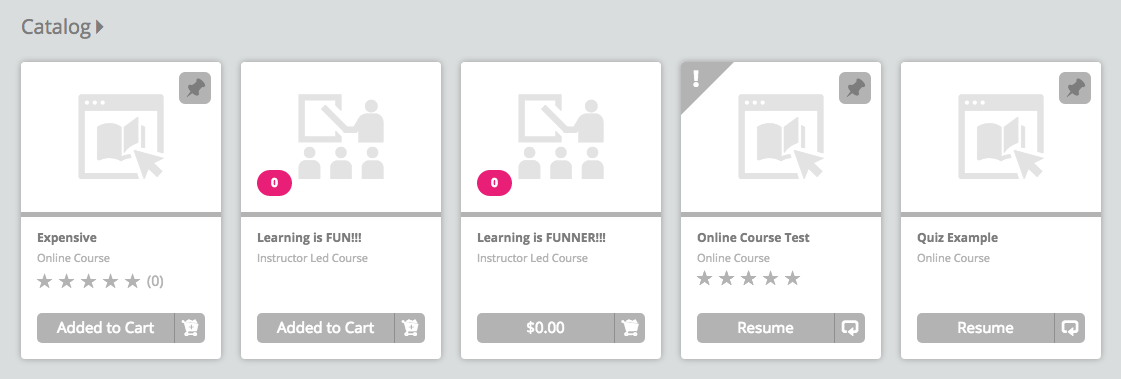
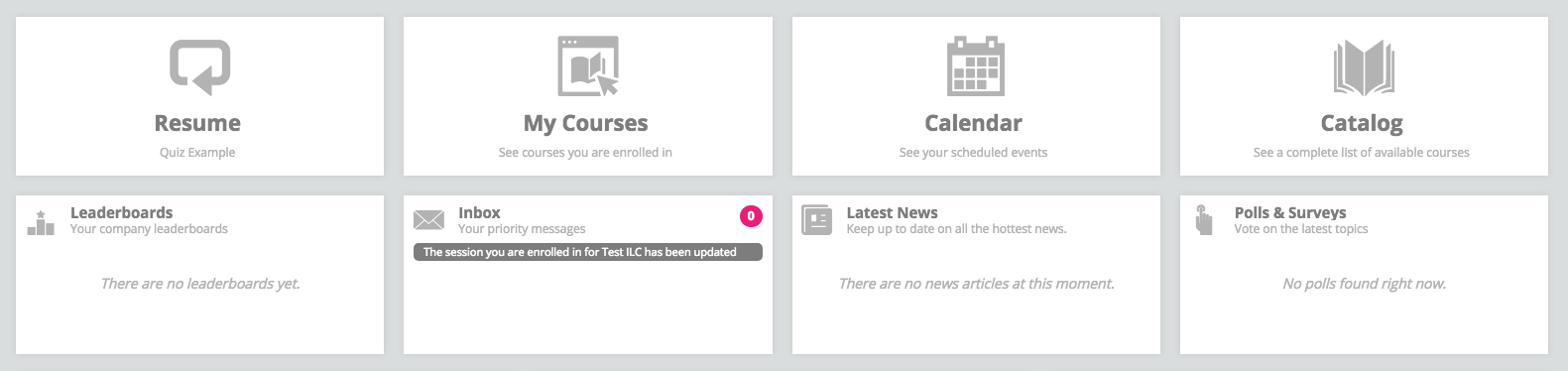
UI elements affected by this color variable are shown in pink
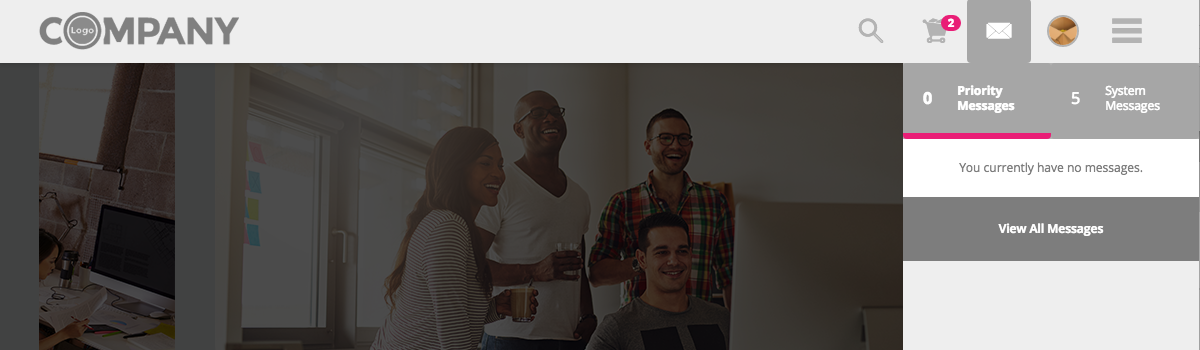
Header
- Shopping Cart item count
- Message Menu > message type active tab indicator
Dashboard
- Tiles > Inbox tile large
- Container Ribbon > Cards with Sessions or Course Bundles
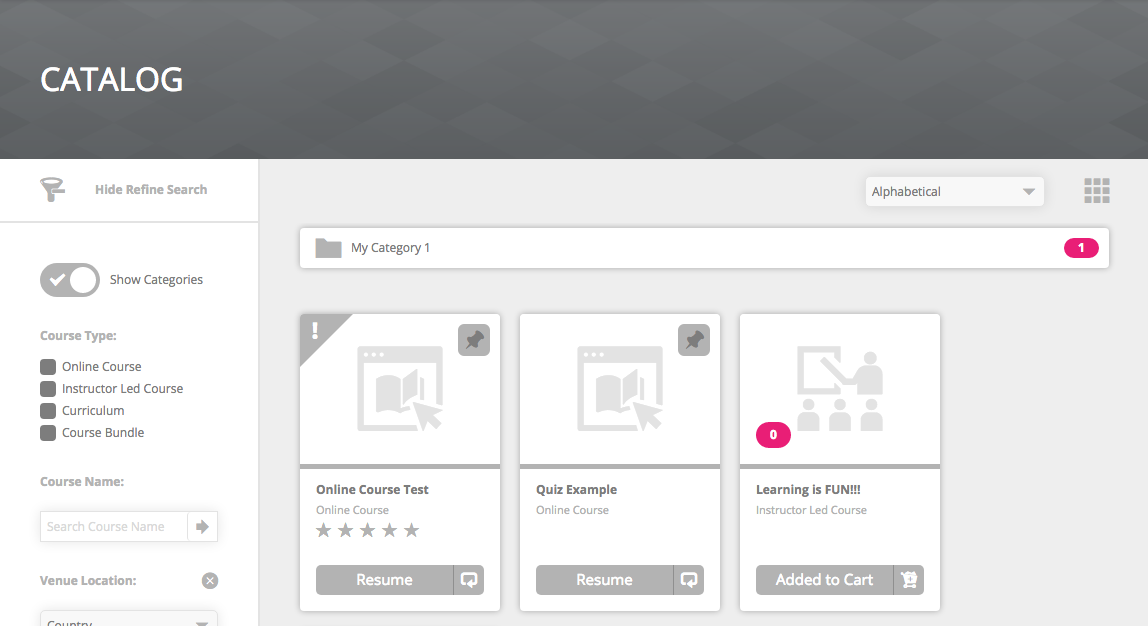
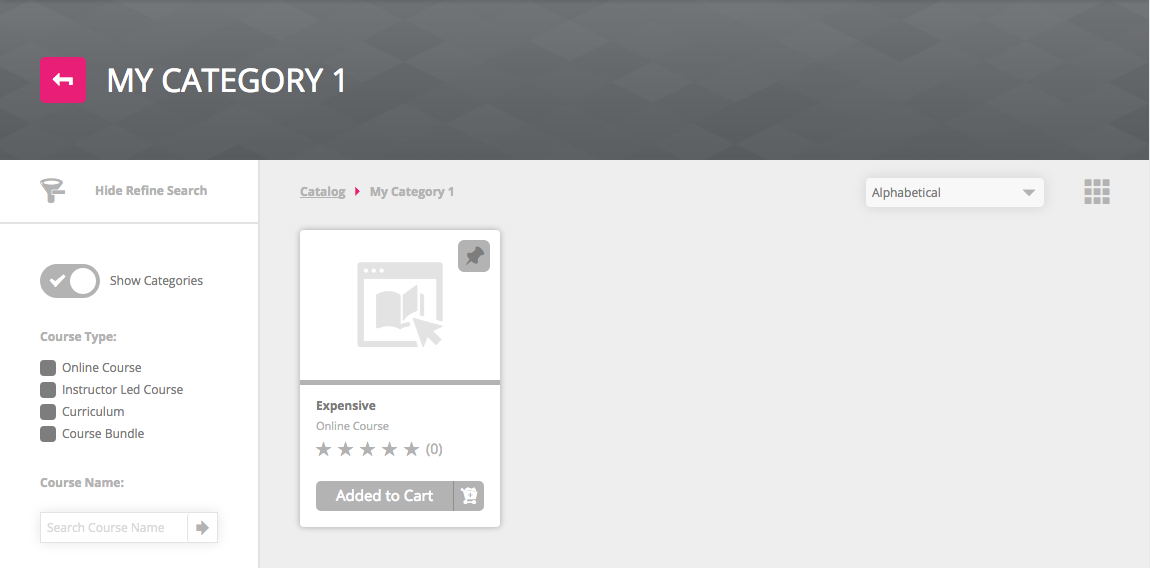
Catalog / My Courses
- Category back arrow button
- Category breadcrumb arrow
- Category folder item count
- Cards with Sessions or Course Bundles
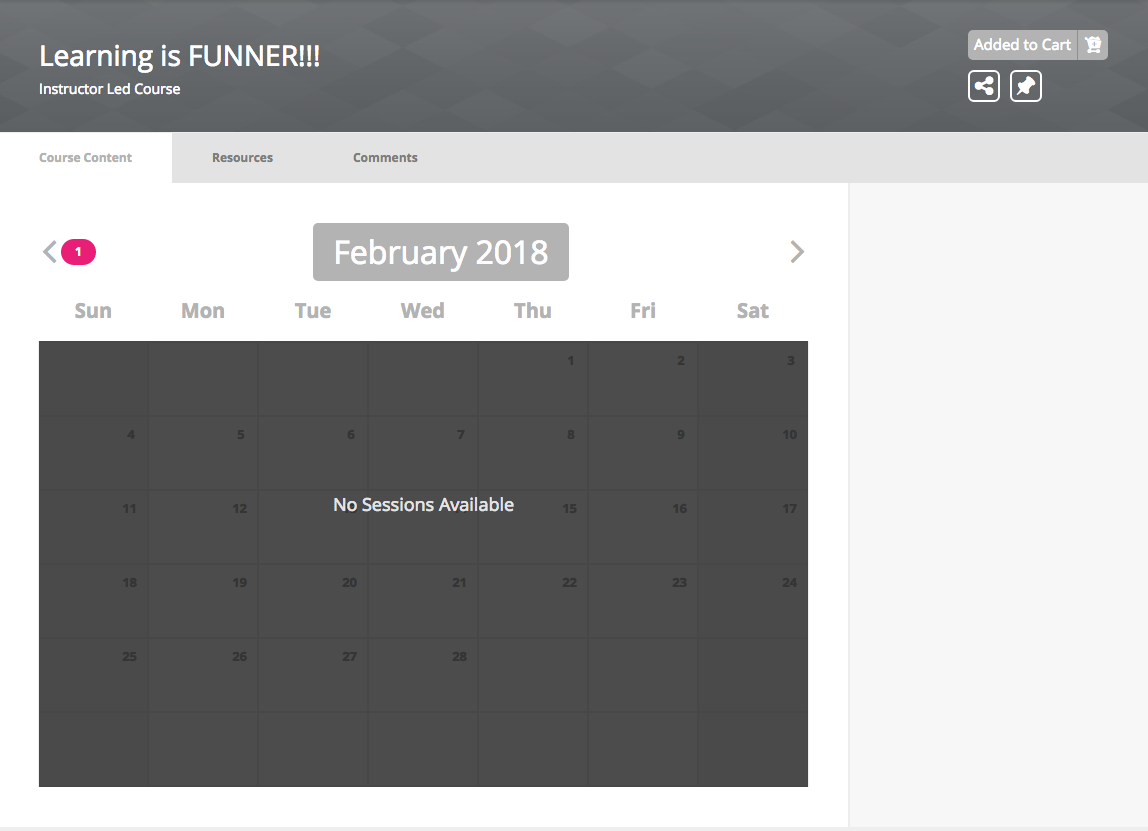
Course Details
- Session Calendar > previous/next month arrows > item count
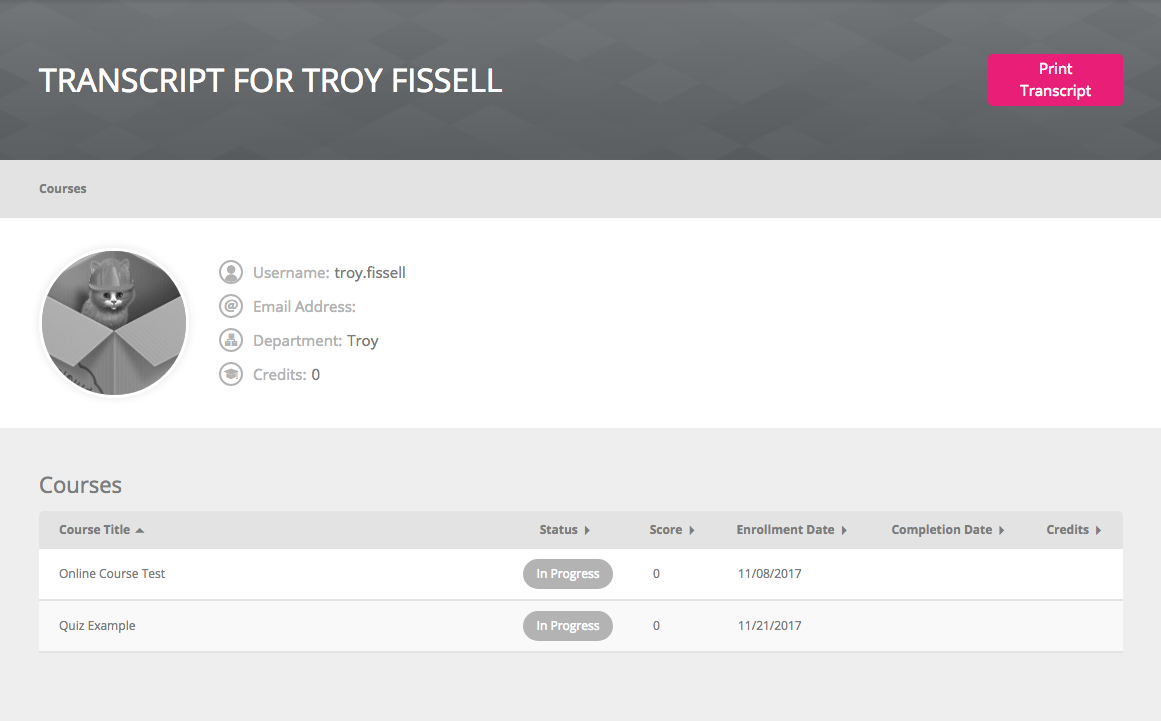
Transcript
- Print Transcript button
Profile > Inbox tab
- Priority Messages tab > List Item > Profile Picture > Priority Icon

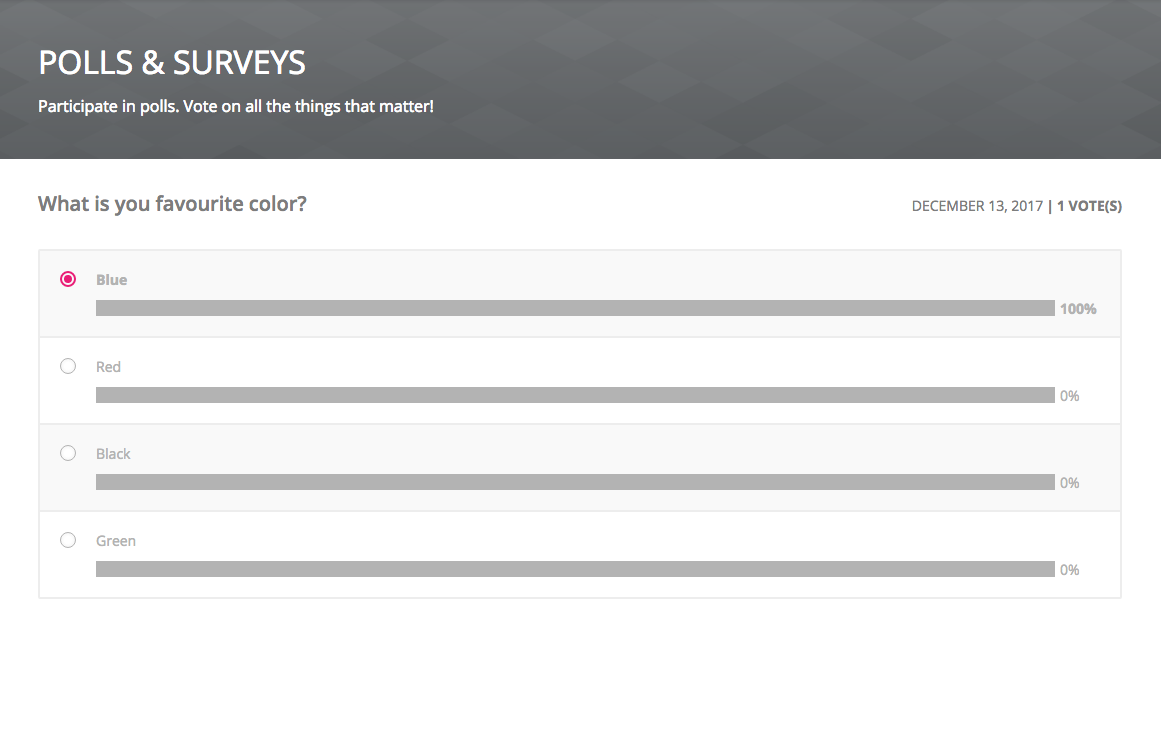
Polls & Surveys
- Poll radio button of the winner
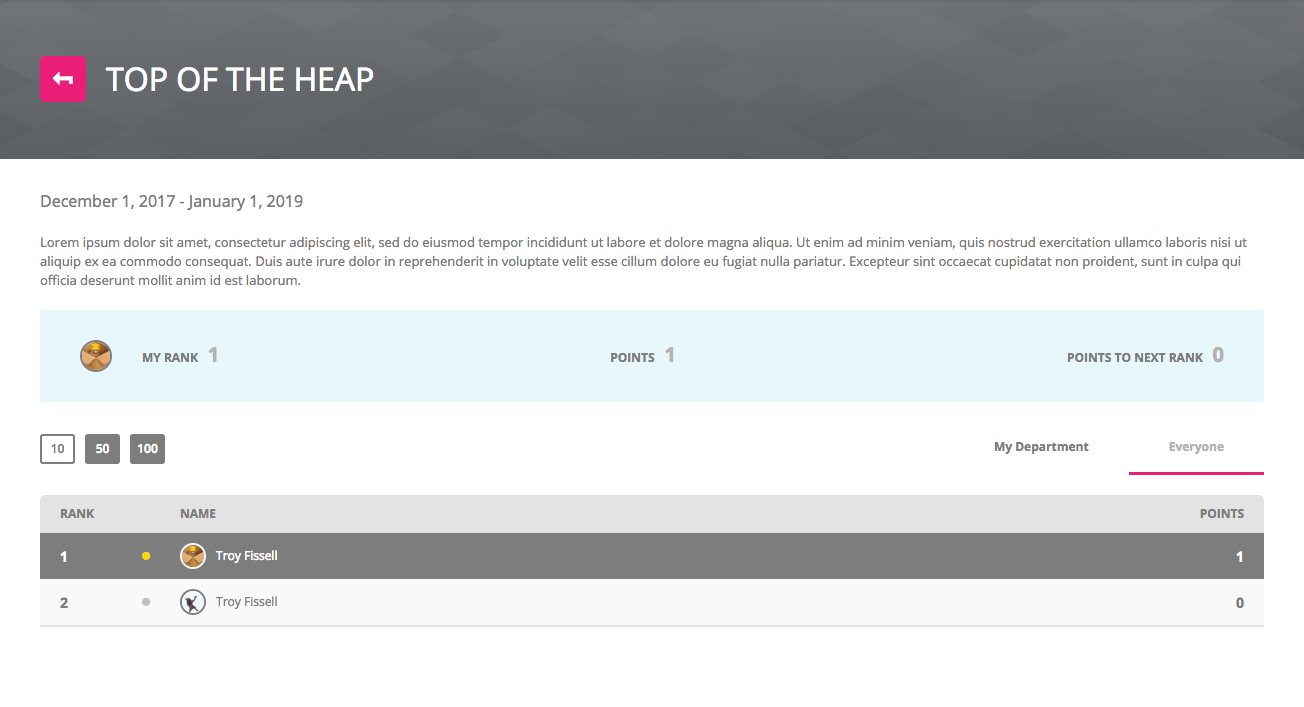
Leaderboards
- Back Arrow button
- Filter active tab indicator
Comments
0 comments
Article is closed for comments.